
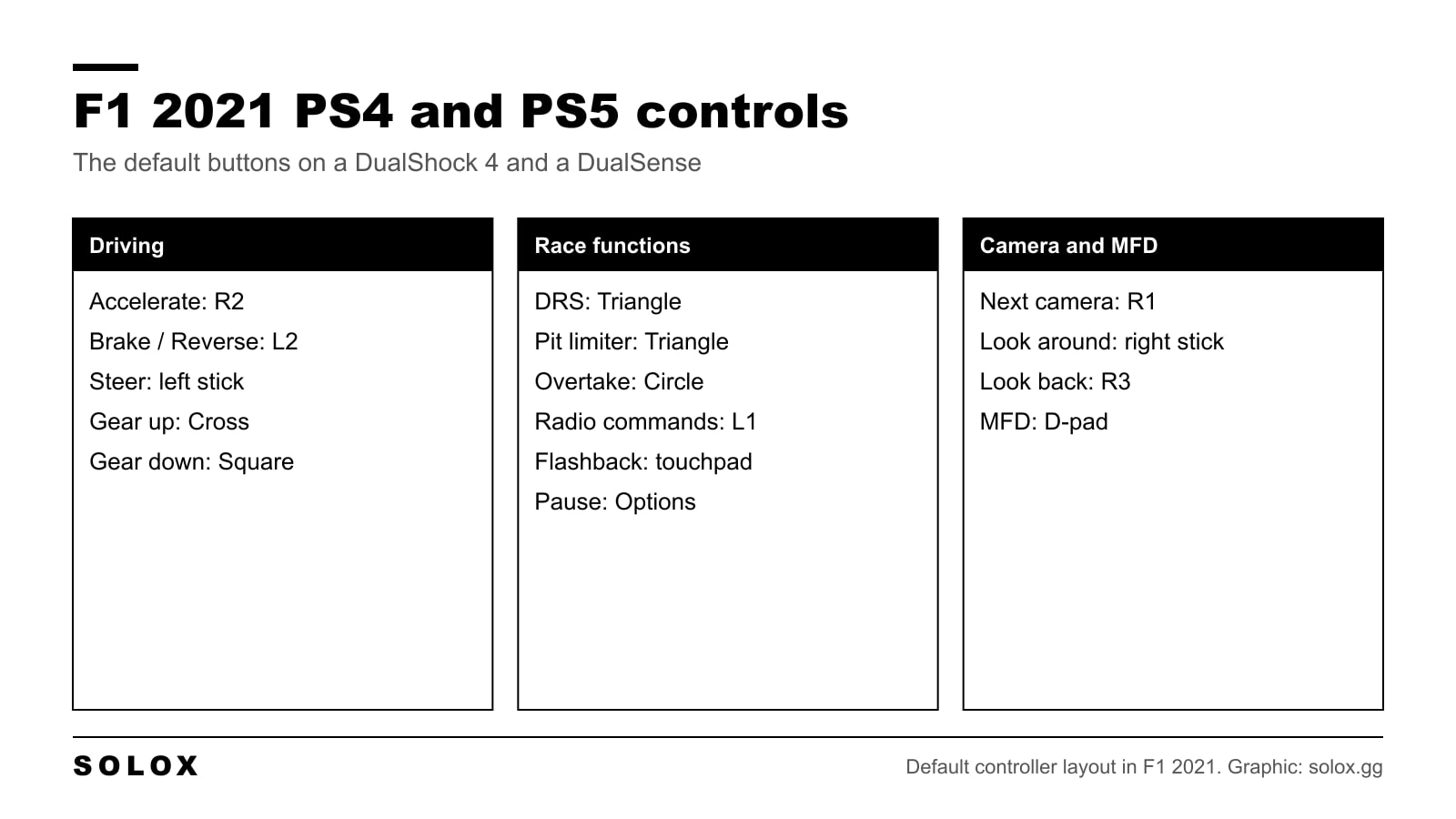
The default pad layout in F1 2021 is good. You do not need to rebuild it. You need to know where everything is before the lights go out, because lap one is a bad moment to look for the DRS button.
Here is the full list for PS4 and PS5, and the few things I would change.
F1 2021 PlayStation controls list
These are the default buttons on a DualShock 4 and a DualSense.
Driving
| Action | Button |
|---|---|
| Accelerate | R2 |
| Brake / Reverse | L2 |
| Steer left / right | Left stick |
| Gear up | Cross |
| Gear down | Square |
| Clutch | Cross |
Race functions
| Action | Button |
|---|---|
| DRS | Triangle |
| Pit limiter | Triangle |
| Overtake (ERS) | Circle |
| Radio commands | L1 |
| Flashback | Touchpad |
| Pause | Options |
Camera
| Action | Button |
|---|---|
| Next camera | R1 |
| Look around | Right stick |
| Look back | R3 (press the right stick) |
Multi function display
| Action | Button |
|---|---|
| MFD up | D-pad up |
| MFD down | D-pad down |
| MFD left | D-pad left |
| MFD right | D-pad right |
The game has two DualShock presets. If your pad does not match this list, look at which preset is selected in the controls menu.
Gear up and clutch share a button in the default list. You only notice it with manual race starts.
How the sticks and triggers react is a different topic. The calibration values are in my F1 2021 controller settings.
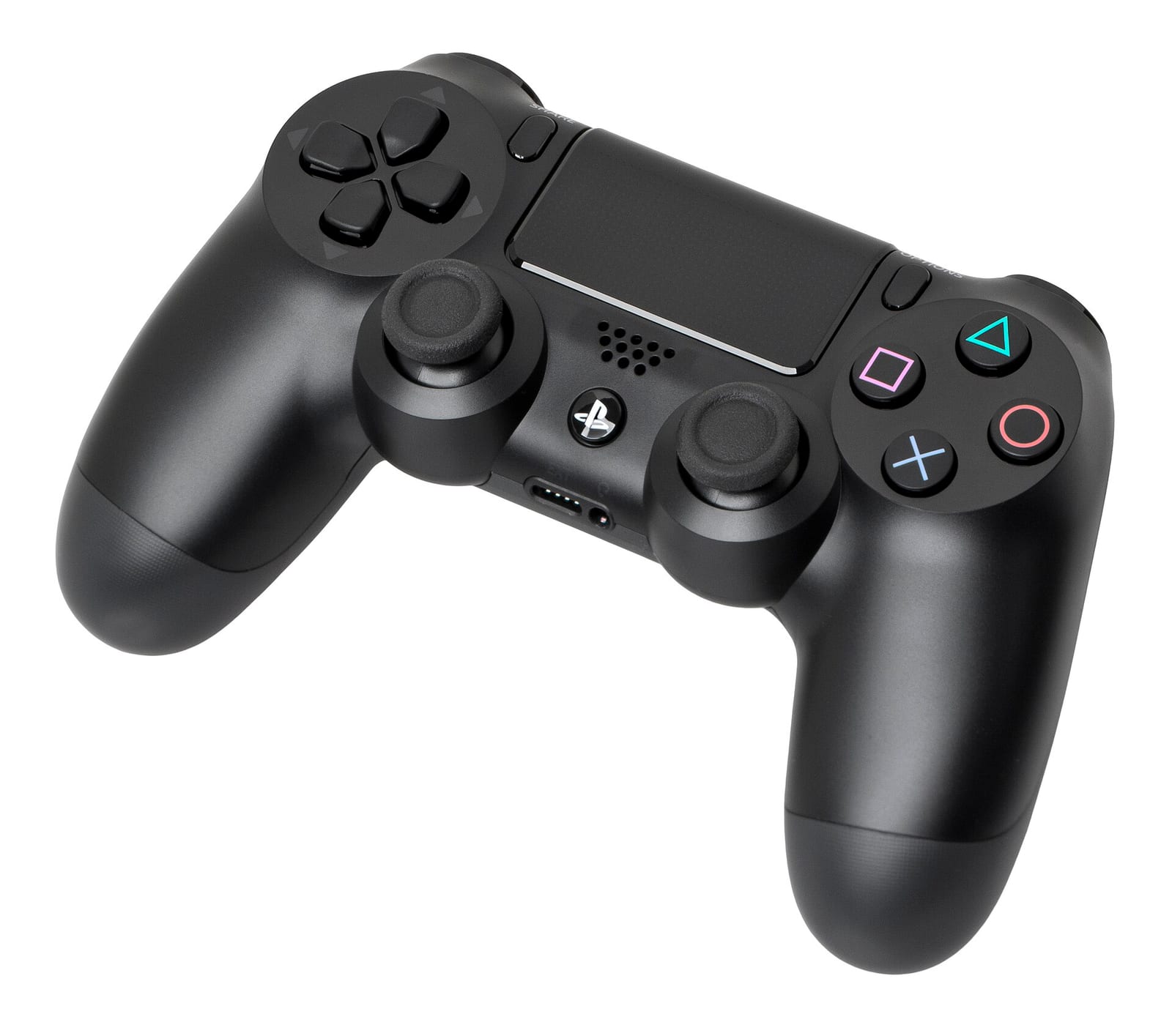
PS4 vs PS5: what is different
The button layout is the same on both consoles. The pad is not.
| DualShock 4 (PS4) | DualSense (PS5) | |
|---|---|---|
| Buttons | Same layout | Same layout |
| Vibration | Yes | Yes |
| Adaptive triggers | No | Yes: Off, Weak, Medium, Strong |
| Game default for the triggers | Not available | Medium |
With adaptive triggers, L2 and R2 push back against your fingers. Under braking you feel resistance in L2, which helps you find the same pressure every lap. I would leave it on Medium. If your fingers get tired in a long race, go to Weak before you switch it off.
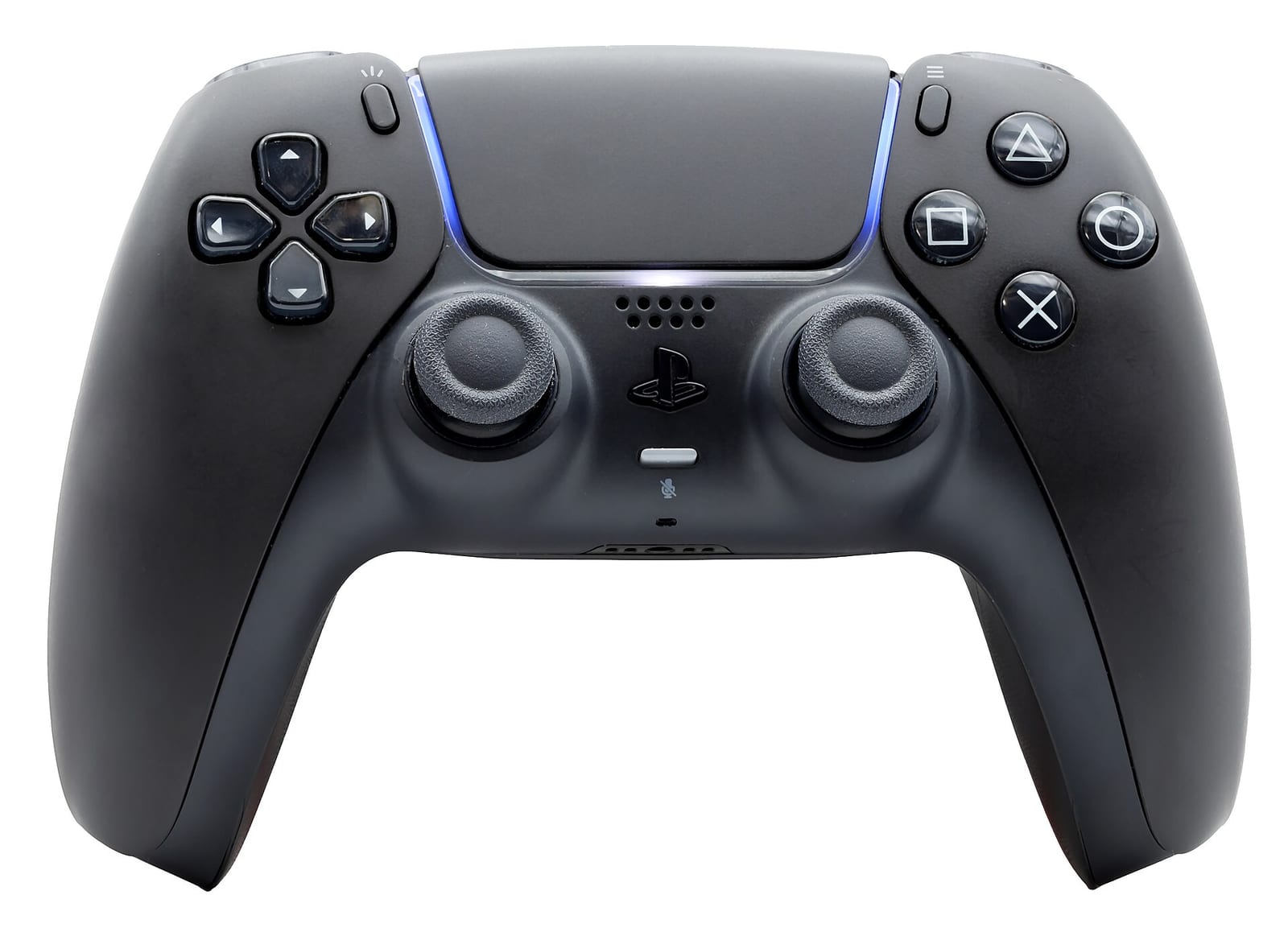
How to change the controls
- Open Settings from the main menu or the pause menu.
- Go to Controls, Vibration and Force Feedback.
- Select your controller and press Edit.
- Pick an action, press the new button and save the scheme under a name.
In the same place you find Calibration, with a test screen that shows what the game reads from your sticks and triggers. Use it if the car pulls to one side. That is stick drift, and a few points of steering deadzone hide it.
What I would change
Not much.
Overtake ERS Mode to Hold. The default is Toggle: one press on Circle and overtake stays on until you press again. It is easy to forget it and arrive at the next straight with an empty battery. On Hold, the power stops when your thumb leaves the button.
Keep the left thumb free. Your left thumb steers. The D-pad is under the same thumb, so every MFD change costs you the steering for a moment. Change the brake bias and the front wing on the straights only, never in a corner.
Learn the MFD blind. Go into time trial and practise the D-pad presses for brake bias and differential until you do not look at the screen. In a race you do it at 300 km/h.
Manual gears: keep Cross and Square. Your right thumb rests there anyway, and R2 stays under your index finger. Some drivers move the gears to L1 and R1 to feel like paddles. It works, but then you need a new home for the radio and the camera.
The buttons you use in a race, in order
A list of buttons does not tell you when you need them. This is a normal race.
| Moment | What you press |
|---|---|
| Formation lap and start | R2 to hold the revs, release the clutch if starts are manual |
| First laps | Nothing extra. Drive. |
| On a straight behind a car | Triangle for DRS when it is available, Circle for overtake |
| Tyres going off | D-pad to open the MFD and move the brake bias |
| Engineer talks to you | L1 to answer or to ask for a pit stop |
| Pit entry | Triangle for the pit limiter, if pit assist is off |
| You crash | Touchpad for the flashback |
With the DRS, ERS and pit assists on, the game presses half of these for you. That is the right way to start. Which assists to switch off first is in my F1 2021 assists and AI difficulty guide.
Next steps
- The other platforms: F1 2021 Xbox controls and F1 2021 keyboard controls.
- Thinking about a wheel? Read controller vs wheel in F1 2021 first.
- A stable car is easier on a pad. Start from my F1 2021 setups and the F1 2021 tips.
FAQ
What are the controls for F1 2021 on PS4 and PS5?
R2 accelerates, L2 brakes, the left stick steers. Cross is gear up, Square is gear down, Triangle is DRS and the pit limiter, Circle is overtake, and the D-pad runs the MFD.
How do I use DRS in F1 2021 on PlayStation?
Press Triangle in a DRS zone when the game shows DRS is available. With the DRS assist on, the flap opens by itself.
How do I use the flashback on PS4 and PS5?
Press the touchpad. The game rewinds, and you pick the moment where you want to take over again.
How do I change gear on a PlayStation controller?
Cross for gear up and Square for gear down. You need the gearbox assist on Manual, or the game changes gear for you.
Are the controls different on PS5?
No. The buttons are the same. The DualSense adds adaptive triggers, which you can set to Off, Weak, Medium or Strong.
Can I remap the buttons?
Yes. Settings, then Controls, Vibration and Force Feedback. Select the controller, press Edit and save your own scheme.