
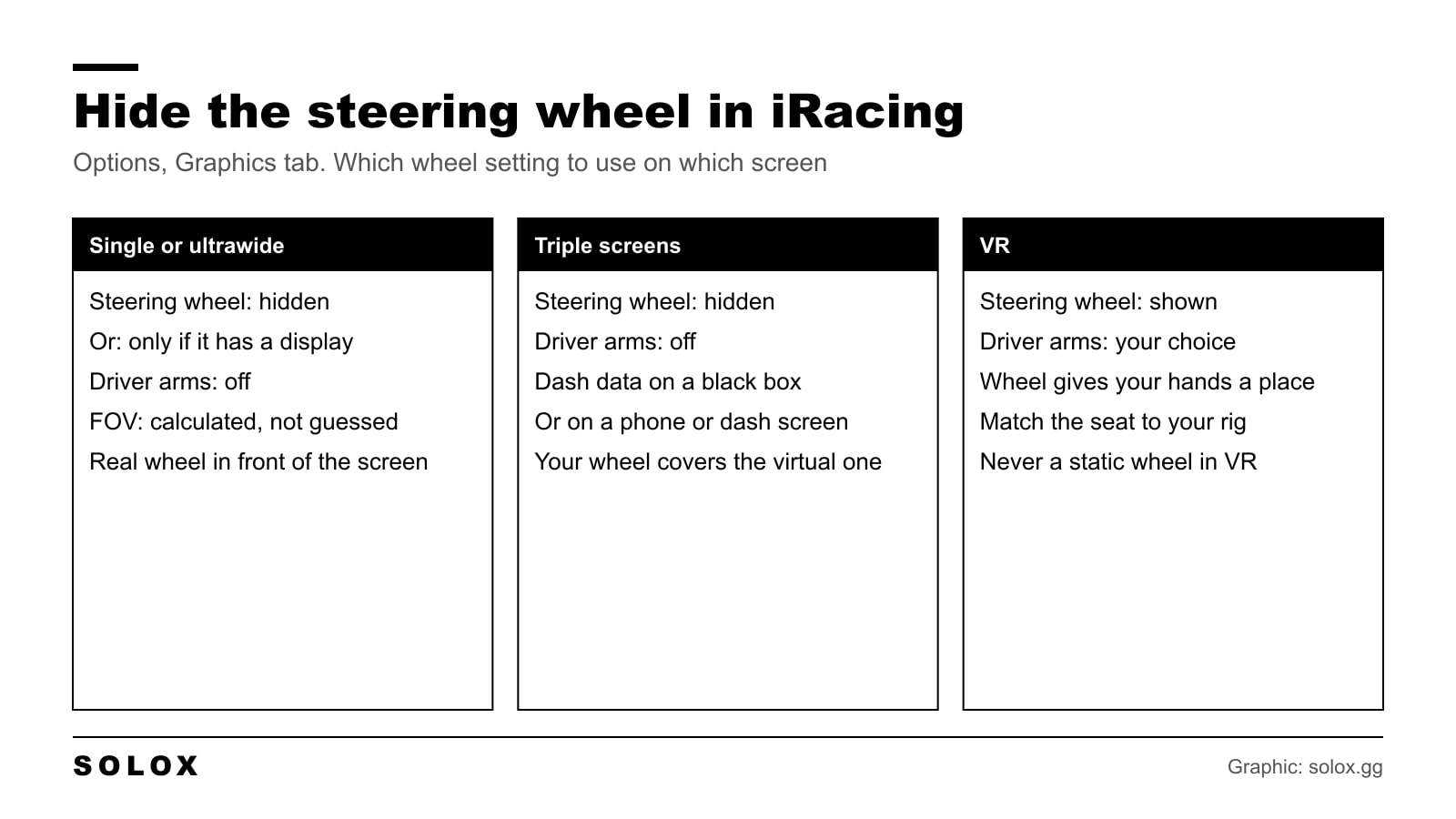
You have a real steering wheel in your hands. A second one on the screen, with a second pair of arms, tells you nothing new. It only covers the dash and takes your eyes off the track.
Hiding it takes about ten seconds. The only real question is what to do in the cars where the dash is on the wheel.
How to hide the steering wheel in iRacing
- Start any session. A test drive is fine. The option is in the sim, not in the iRacing app.
- Open Options. You can do it from the garage screen or from the car.
- Go to the Graphics tab.
- Find the steering wheel setting and choose the one that hides it.
- Untick the driver arms if you do not want them either.
- Close the screen with Done.
You see the change right away in the car. You only do this once. It is a global setting and it applies to every car you drive.
One note. iRacing updates the sim four times a year and the labels in the Options screen change a little from time to time. If the wording on your screen is not the same as mine, match it by meaning. The choices are the ones in the table below.
What each option does
| Option | What you see | Use it when |
|---|---|---|
| Hide the steering wheel | No wheel and no hands. Clean view of the dash behind it | Single, ultrawide or triple screens with a correct FOV |
| Static steering wheel | The wheel is there but it does not turn | You want the wheel display in view without a second wheel moving in front of you |
| Show the steering wheel | The wheel turns with your inputs | VR, replays and streaming |
| Show it only if it has a display | Hidden in cars with a plain wheel, shown in cars where the dash is on the wheel | You race many different cars and do not want to change the setting every time |
| Driver arms | The arms and hands of the driver on the wheel | Off on screens. In VR it is personal taste |
The driver arms and the steering wheel are two separate things. You can hide the arms and keep the wheel, which is what a lot of people run when they want to see the display.
What I would use on each setup
| Your setup | Steering wheel | Driver arms |
|---|---|---|
| Single monitor | Hidden, or only if it has a display | Off |
| Ultrawide | Hidden, or only if it has a display | Off |
| Triple screens | Hidden | Off |
| VR headset | Shown | On or off, try both |
| Screen far away, high FOV | Shown or static | Off |
| Recording or streaming | Shown | On |
Single monitor and ultrawide
Hide it. On a single screen with a correct field of view, the virtual wheel sits about where your real wheel is. So your real wheel covers part of it and the rest is noise in the bottom of the picture. Get rid of it.
This only works well if the FOV is right. If you have never calculated it, do that first: how to measure the field of view in iRacing.
Triple screens
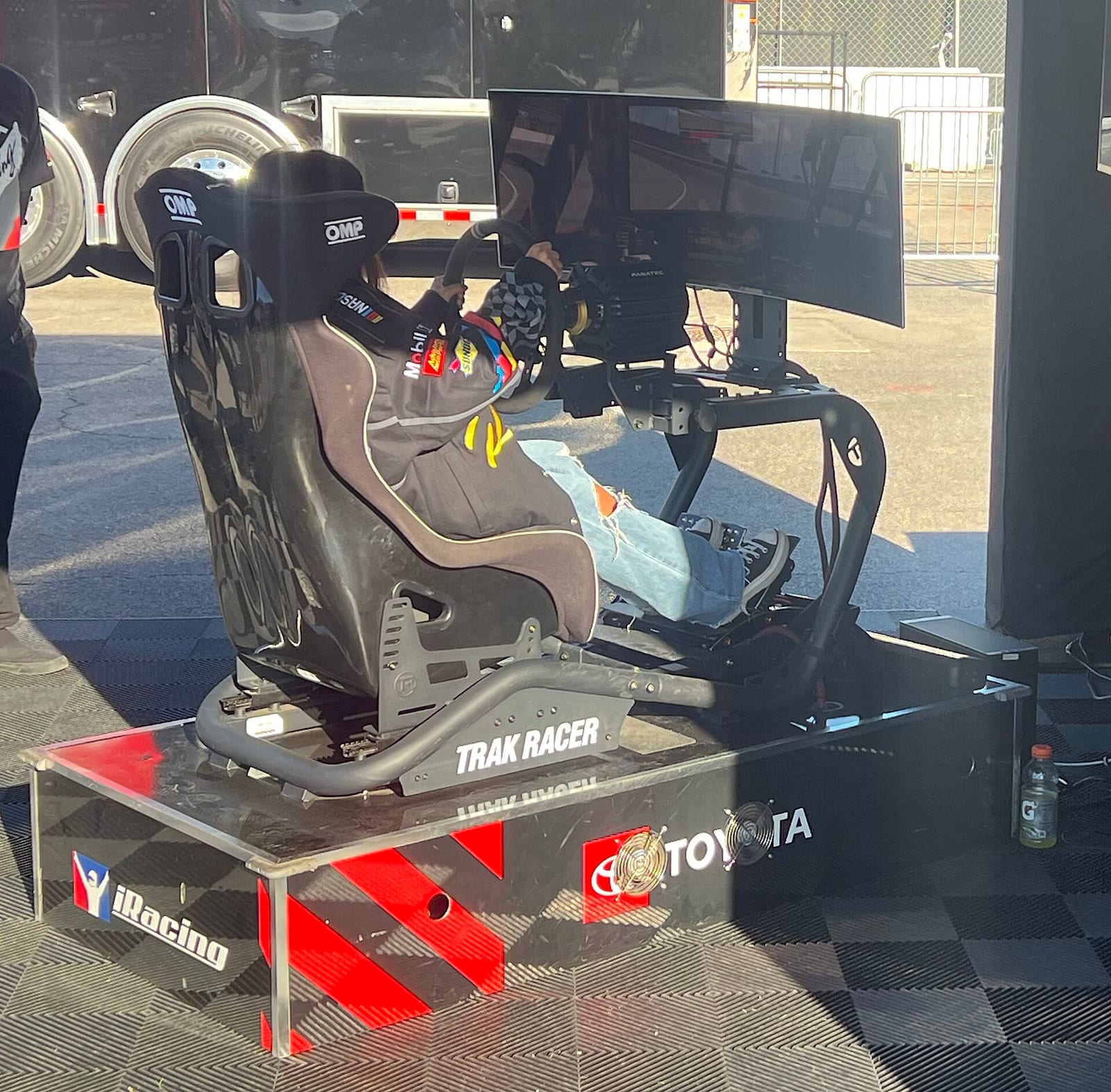
Hide it, arms off. On triples the picture is close to one to one with the real car. Your wheel is the wheel. The setup is in my guide on how to set up triple monitors in iRacing.
VR
Keep it. In the headset you do not see your real wheel, so the virtual one is the only thing that tells your brain where your hands are. A cockpit with a steering column and no wheel feels wrong within a lap.
The arms are personal. Some people like them, some find that arms which are not exactly where their own arms are feel strange. Try both. And do not use the static wheel in VR. A wheel that stays still while your hands turn is the worst of the three. More in my iRacing VR settings.
The cars with the dash on the wheel
This is the one thing to think about. In a road car or an old stock car, the gauges are on the dashboard. Hide the wheel and you see them better than before.
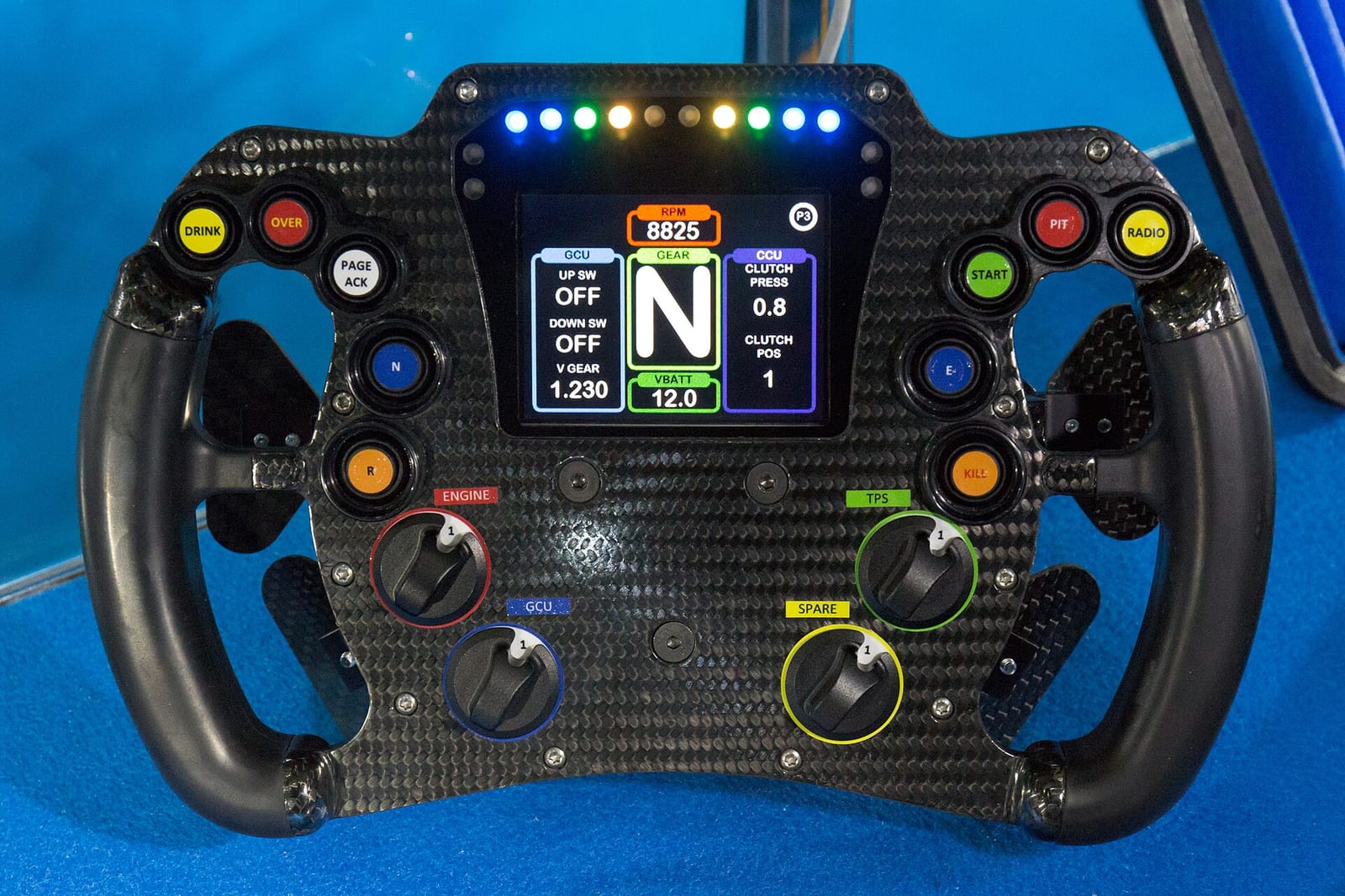
In most GT3 cars, prototypes and formula cars, the display is on the wheel. Gear, shift lights, delta, brake bias, fuel. Hide the wheel and all of that is gone.
You have three ways to solve it:
- Show the wheel only when it has a display. The simple one. Plain wheels are hidden, wheels with a screen stay.
- Use the black boxes. The sim can show gear, speed, fuel, delta and the pedal inputs as overlays. You place them where you want: how to move the black boxes in iRacing.
- Use a dash app. A phone, a tablet or a small screen on the rig with a dash from SimHub or a similar tool. It reads the telemetry and shows the same data. If your real wheel has its own display, iRacing can drive it for supported wheels.
In a real race car you do not read the dash in the corner. You look at it on the straight, and for the gear change you use the lights and the sound. So what you need in view is small: shift lights, gear, delta. Put those three somewhere you can see without moving your head and the rest can go.
Problems and fixes
| Problem | What I would check |
|---|---|
| I hid the wheel and now I can not see the gear or the shift lights | Use the option that shows only wheels with a display, or put the data on a black box or a dash app |
| The wheel is hidden but the arms float in the air | Turn the driver arms off as well. They are two separate options |
| The virtual wheel does not turn as much as my real wheel | With the arms on, the animation is limited by the arms. Arms off and the wheel follows to full lock |
| The setting did not stay after a restart | Leave the Options screen with Done so it is saved, and check the game folder in Documents is not read only |
| The wheel is still there in the replay | Replays and other cameras have their own logic. The option is for the cockpit view when you drive |
| The virtual wheel and my real wheel do not line up | That is the FOV and the seat position, not this option. Fix those first |
Does hiding the wheel give more FPS?
A little, in theory. The wheel and the arms are a few objects less to draw. You will not see it on the frame counter. If you need frames, the options that matter are in my iRacing graphics settings.
Hide the wheel because the view is cleaner, not for the frame rate.
Other things to clean up in the cockpit view
- Move the seat so the mirrors and the dash are where you want them: how to adjust the cockpit camera in iRacing.
- Put the HUD elements out of the line of sight: how to move the HUD in iRacing.
- New to the sim? Start with my iRacing beginner guide.
FAQ
How do I hide the steering wheel in iRacing?
Start a session, open Options, go to the Graphics tab and set the steering wheel option to hidden. Close with Done. It applies to every car.
How do I hide the driver arms in iRacing?
Same screen. The driver arms have their own tick box on the Graphics tab. Untick it and the arms are gone, with or without the wheel.
Should I hide the steering wheel in iRacing?
On a monitor, yes. You have a real wheel in front of the screen and the virtual one only covers the dash. In VR, keep it.
What does the static steering wheel do?
The wheel stays in the cockpit but does not turn. You keep the display on the wheel in view without a moving wheel in front of you.
How do I see my gear if the steering wheel is hidden?
Show the wheel only in cars where it has a display, or use the black boxes and the shift light overlay, or a dash app on a phone or a small screen.
Is the steering wheel setting per car?
No. It is one global setting. The choice that shows only wheels with a display is the way to get a different result from car to car.
Why does the virtual wheel turn less than my real wheel?
With the driver arms on, the animation is limited by what the arms can do. Turn the arms off and the wheel follows your input to full lock.