
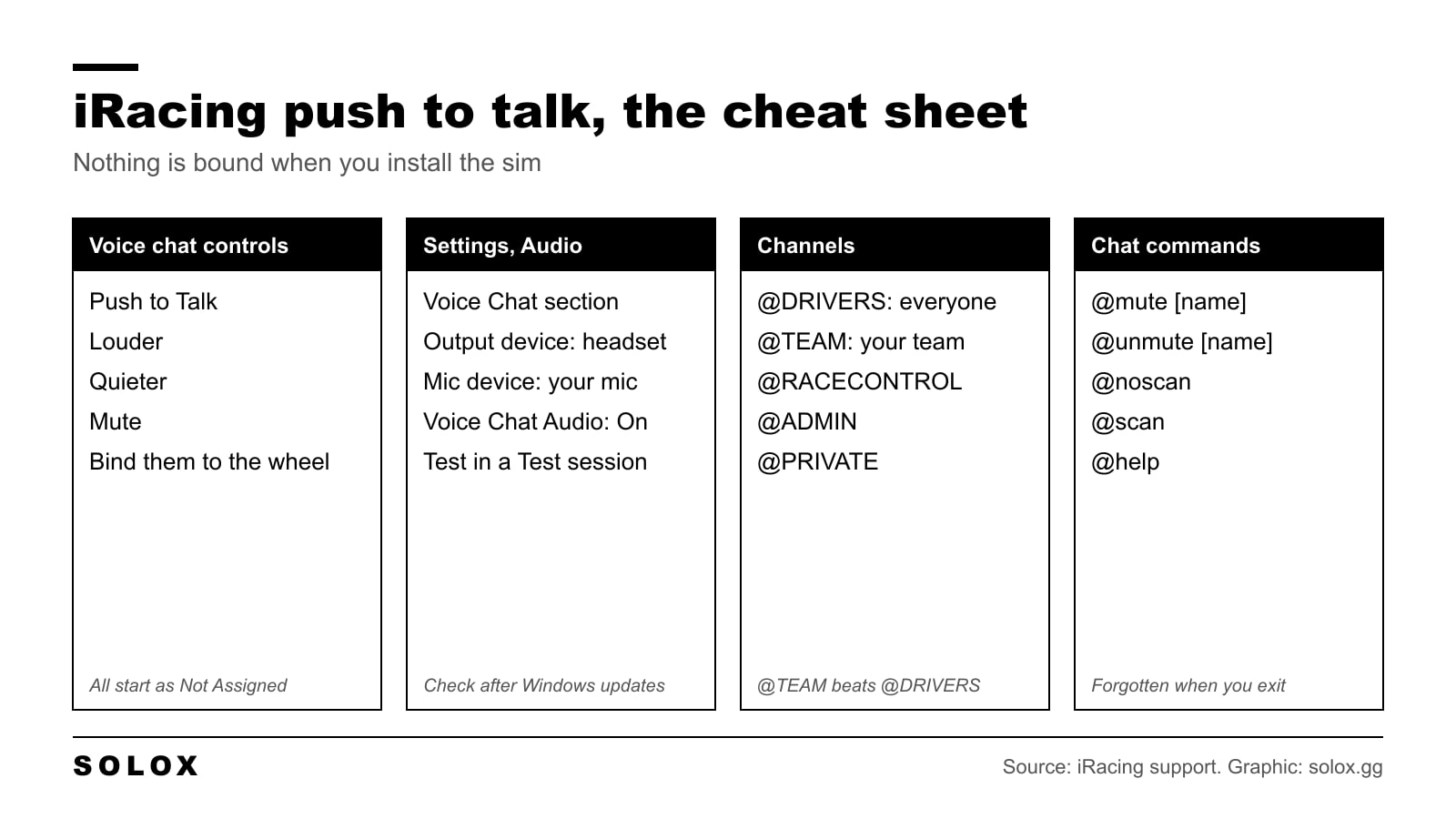
To use push to talk in iRacing you have to bind it yourself. iRacing ships the Push to Talk control as Not Assigned, so on a fresh install you can press every key on the keyboard and nobody will hear you. Bind it to a button on the wheel, check the mic in the Audio settings, then hold the button while you speak.
That is the short version. Below is each step, the radio channels, and how to mute the one driver who will not stop talking. I checked all of it against iRacing's own support pages on 8 October 2026.
The setup in five steps
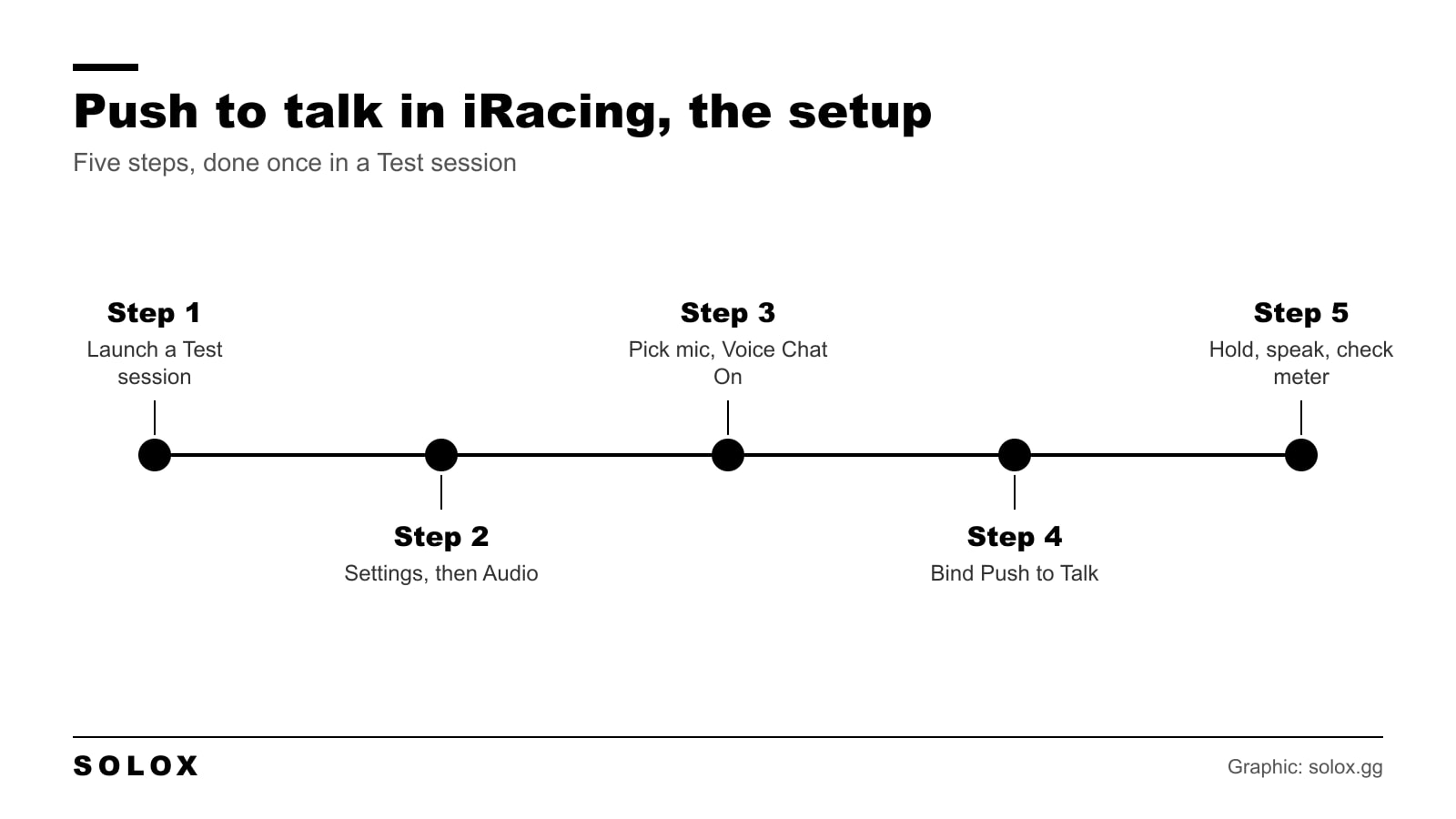
- Launch a Test session. You do not want to do this on the grid.
- Click Settings at the upper right of the screen, then Audio at the top.
- In the Voice Chat section pick your Voice Chat Output Device and your Voice Chat Mic Device, and set Voice Chat Audio to On.
- Find the Voice Chat controls and bind Push to Talk to a button.
- Hold the button, say something, and watch the voice meter move.
Steps 2 and 3 are word for word what iRacing tells you to check in its support article In SIM Chat not working, so if nobody can hear you, start there.
The four voice chat controls
iRacing lists these in the Voice Chat group on its keyboard shortcuts page.
| Control | Default | What it does |
|---|---|---|
| Push to Talk | Not Assigned | Opens your mic while you hold it |
| Louder | Not Assigned | Turns voice chat up |
| Quieter | Not Assigned | Turns voice chat down |
| Mute | Not Assigned | Silences voice chat |
Four controls, zero defaults. That is why this catches every new member.
iRacing has moved its settings screens around more than once, so I will not send you to a tab that may have a new name next season. Look for the group called Voice Chat in the controls settings. The four names in the table are the ones you will see.
If you only bind two, bind Push to Talk and Mute. Louder and Quieter are nice to have. My full list of what is bound by default is on the iRacing keyboard shortcuts page.
Which button to use
Put it on the wheel. Not on the keyboard.
You talk on the straight, with both hands on the wheel at 250 km/h. If push to talk is on the keyboard you either take a hand off or you stay silent. Most people stay silent, and then they wonder why the car in front did not know they were there.
Use a button your thumb reaches without moving your hand. And keep it away from the pit limiter and the starter. You will press it in a hurry one day.
If your wheel has no spare buttons, a button box or a macro key does the job. I explain those in how to set iRacing keyboard macros.
The mic and the Audio settings
| Setting | What to set |
|---|---|
| Voice Chat Output Device | The headset or speakers you want voices to come from |
| Voice Chat Mic Device | The mic you speak into |
| Voice Chat Audio | On |
Check these before you blame the button. A webcam mic or a VR headset mic gets picked more often than you think.
iRacing also says mic problems often show up after a Windows update. So if it worked last week and not today, look at the Windows microphone settings before you touch anything in the sim.
Radio channels
Push to talk sends your voice to one channel. It helps to know which one. This comes from iRacing's support page on spotter functionality and radio.
| Channel | Who is on it |
|---|---|
| @DRIVERS | Every driver in the session. All of them hear it and all of them can talk. |
| @TEAM | Your team only. Each team has its own. |
| @RACECONTROL | Admins talk, everybody listens. |
| @ADMIN | The session admins. |
| @PRIVATE | A private channel. |
| @CLUB | Your club. |
| @SPECTATORS | The spectators. |
When two channels speak at once, iRacing plays the one with the higher priority. The order is @ADMIN, @RACECONTROL, @PRIVATE, @TEAM, channels you created, @CLUB, @DRIVERS, @SPECTATORS. So your team mate always beats the chatter on @DRIVERS.
The channel you are transmitting on is shown above the L, Q, S and P meters. iRacing also has Next Channel and Previous Channel controls you can bind. In a team race I would bind both, because you switch between @TEAM and @DRIVERS all the time.
The radio black box is on F10, and O shows or hides the radio display.
How to mute a driver
You do this in text chat. Press T to open it, type the command, press Enter.
| Command | What it does |
|---|---|
| @mute [name] | Mutes one driver |
| @unmute [name] | Brings them back |
| @noscan | Stops scanning the channel |
| @scan | Starts scanning it again |
| @transmit [name] | Sets the channel you talk on |
| @add [name] | Adds a channel |
| @remove [name] | Removes a channel |
| @list | Lists the channels |
| @help | Shows the commands |
One thing to know. Changes you make with chat commands are forgotten when you exit the sim. So the driver you muted on Monday is back on Tuesday.
What to say and when
Push to talk means you choose the moment. So choose well.
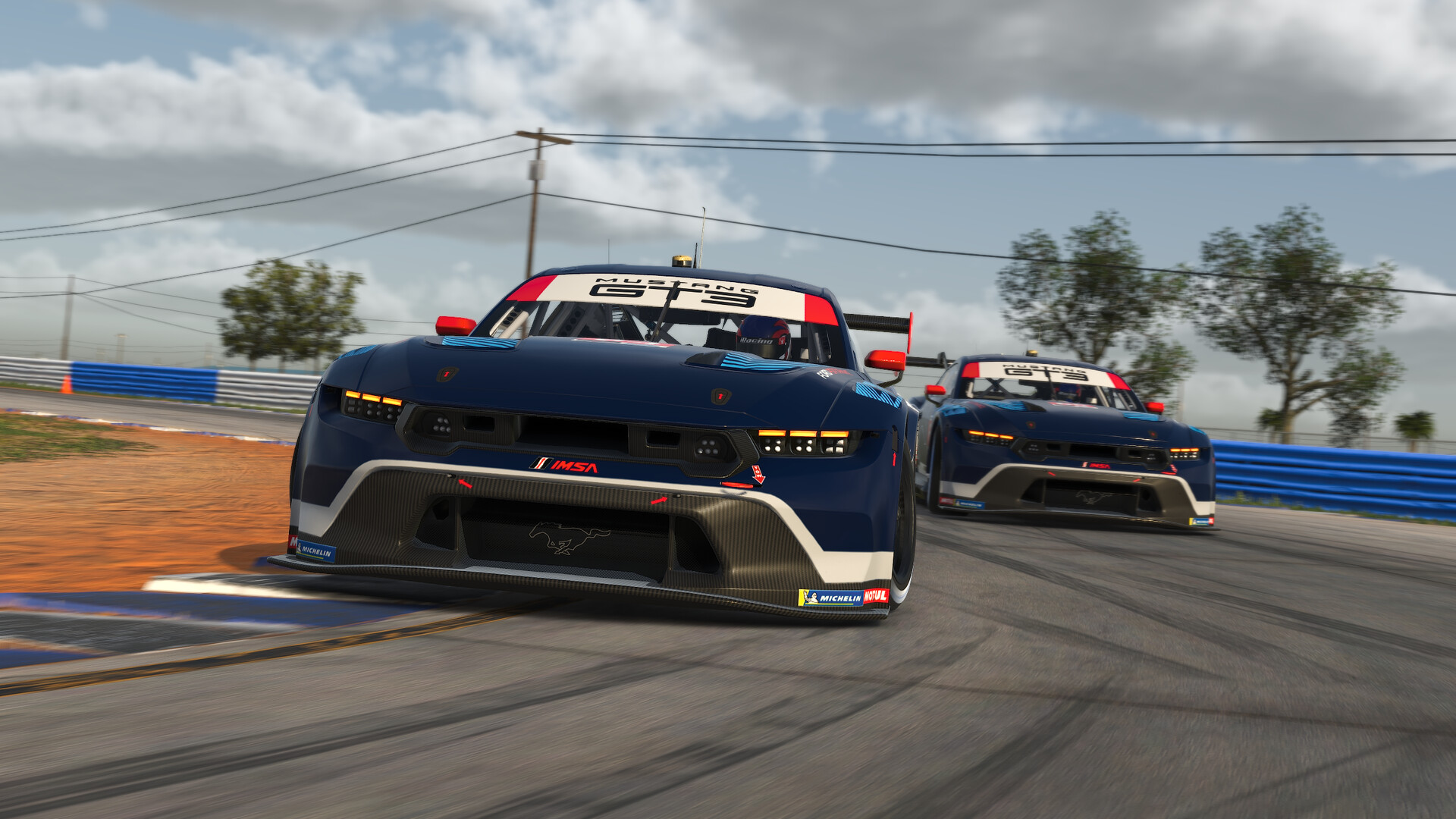
- Say it on the straight. Never in a braking zone, yours or theirs.
- Keep it to a few words. "Pitting this lap." "Car slow on the left." "Sorry, my fault."
- If you are angry, do not press the button. Nothing you say at 180 heartbeats helps your race.
A spotter does most of the talking you need to hear anyway. If you have not set one up, read iRacing spotter vs CrewChief.
If nobody can hear you
Go through this in order.
- Is Push to Talk bound? It is Not Assigned by default.
- Are you holding the button the whole time you speak?
- Settings, Audio, Voice Chat: is the right mic selected, and is Voice Chat Audio On?
- Are you transmitting on the channel you think you are? Check the name above the meters.
- Did Windows update? Check the mic in the Windows settings.
If the bindings are a mess after all that, it can be faster to start again. I cover that in how to reset iRacing controls.
FAQ
What is the default push to talk key in iRacing?
There is none. iRacing lists Push to Talk as Not Assigned, so you have to bind it yourself.
Where are the voice chat settings in iRacing?
Inside a session, click Settings at the upper right, then Audio at the top. The Voice Chat section has the output device, the mic device and the Voice Chat Audio switch.
Do I have to hold the push to talk button?
Yes. The mic is open while you hold it and closes when you let go.
How do I mute someone in iRacing?
Open text chat with T and type @mute followed by the driver's name. @unmute brings them back. The mute is forgotten when you exit the sim.
How do I talk only to my team in iRacing?
Transmit on the @TEAM channel. Each team has its own, and it has priority over @DRIVERS. You can bind Next Channel and Previous Channel to switch quickly.
Why can nobody hear me in iRacing?
Most of the time Push to Talk is not bound, or the wrong mic is selected in the Voice Chat section of the Audio settings. A Windows update can also reset the microphone.
Can I turn voice chat off in iRacing?
Yes. Set Voice Chat Audio to off in the Audio settings, or bind the Mute control and use it when you want quiet.