
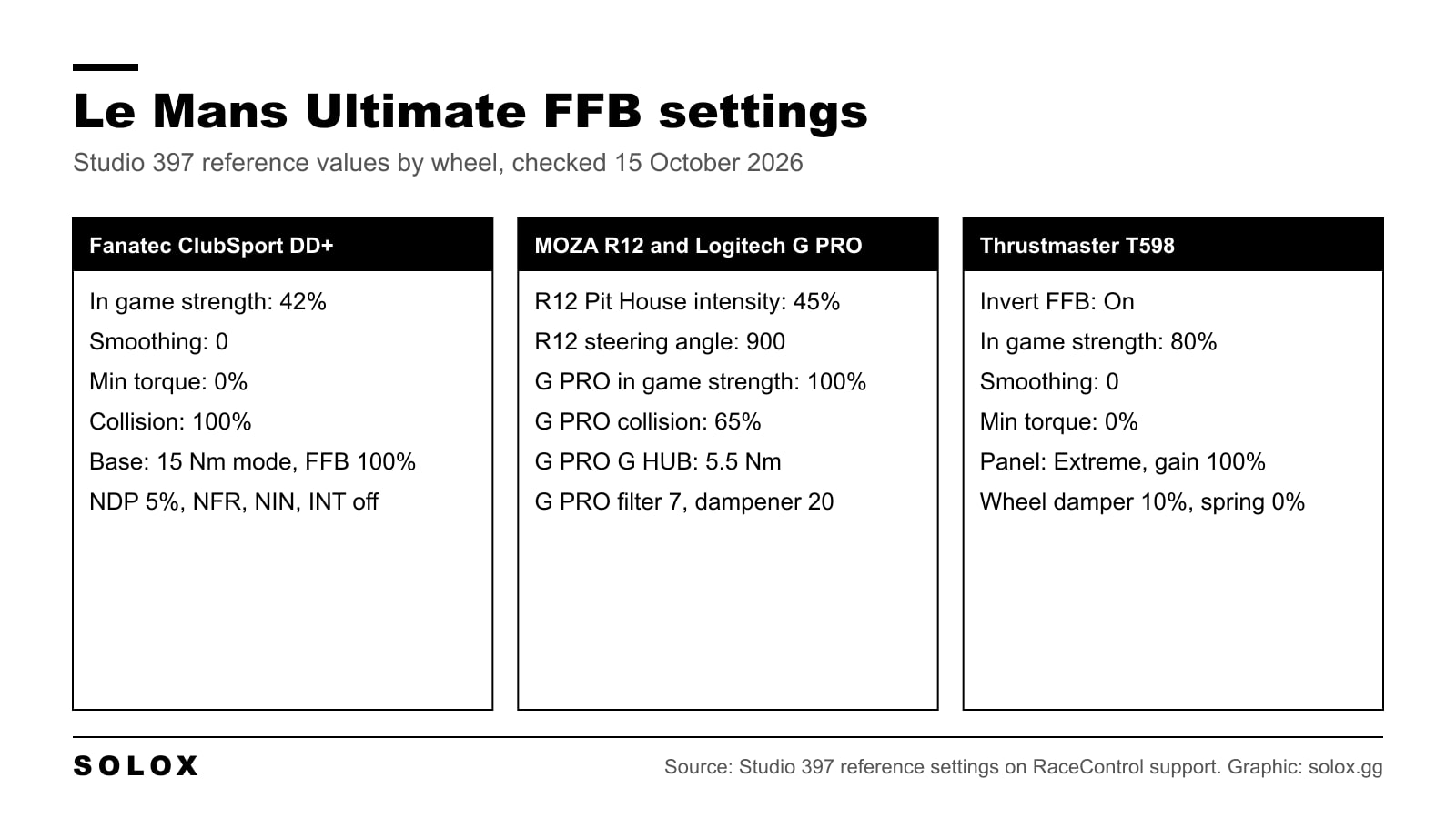
Le Mans Ultimate force feedback starts in Settings, Controls, Wheel & Pedals, Force Feedback. The best starting values depend on your wheel, and the most useful numbers come from Studio 397 itself: its support team publishes reference settings for the Fanatec ClubSport DD+, MOZA R12, Logitech G PRO and Thrustmaster T598.
Below is the menu, those reference values brand by brand, what changed in the updates, the official fixes when the wheel goes light or starts shaking, and how I would get from a reference to a wheel that feels right.
Checked on 15 October 2026 against Studio 397's reference settings pages and force feedback troubleshooting page on RaceControl support, and the Le Mans Ultimate update notes on Steam up to version 1.4.2. Where something is not published, I say so instead of filling the gap.
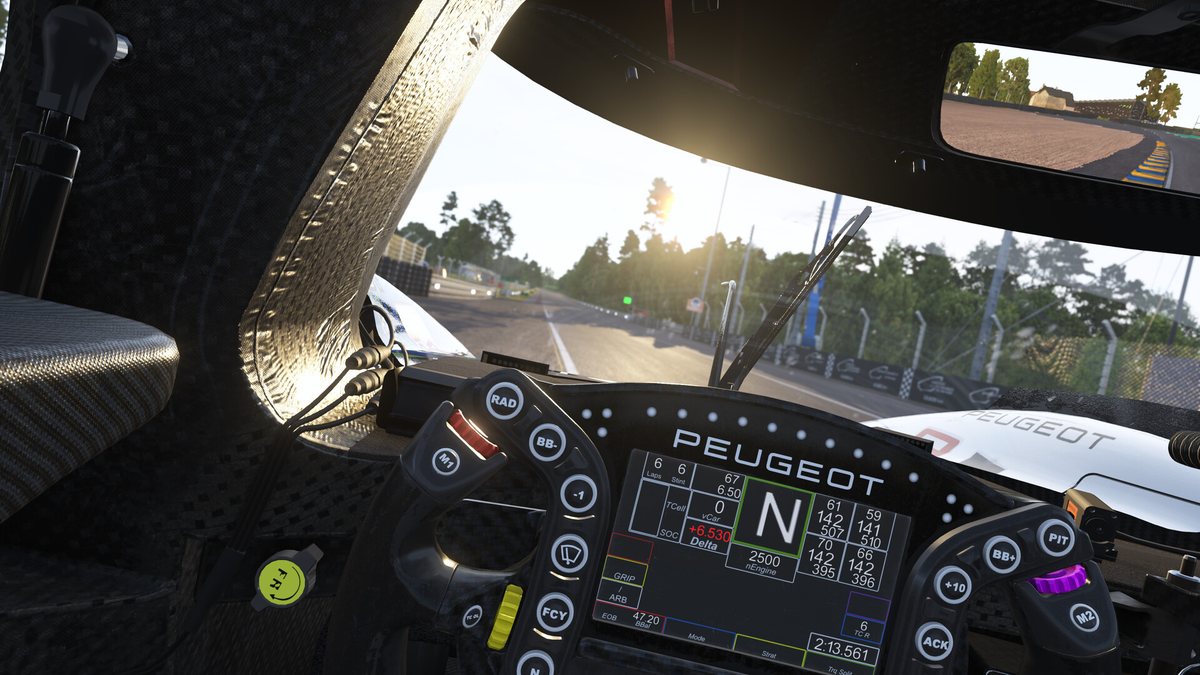
Where the settings are
From the main menu go to Settings, Controls, Wheel & Pedals and open the Force Feedback tab. The other tabs on that page are Primary Controls, Car Controls, Gameplay, Camera, Interaction and Calibrate.
| Setting | Group | What it does |
|---|---|---|
| Force Feedback Effects | Feedback Settings | Turns force feedback on or off |
| Invert Force Feedback | Feedback Settings | Flips the direction of the force. Some wheels need it |
| Force Feedback Strength | Feedback Settings | Overall strength from the game |
| Force Feedback Smoothing | Feedback Settings | Filters the signal. Higher is softer and slower |
| Minimum Steering Torque | Feedback Settings | Adds force near the centre to beat friction in gear and belt wheels |
| Collision Strength | Advanced | How hard impacts hit the wheel |
| Steering Torque Sensitivity | Advanced | How the game scales the steering torque it sends |
| Use Constant Steering Force Effect | Tweaks | A different way of sending the force. Studio 397 points Logitech users with a pull to one side here |
There is a Reset to Defaults button on the same page. Studio 397 does not publish the ranges and defaults of these sliders, so I do not list them. The only one I can see is on Studio 397's own screenshots: Steering Torque Sensitivity sits at 100% there.
The in-game tooltip for Minimum Steering Torque is clear: it compensates for the static friction of gear and belt wheels, and it should not be used on direct drive. On a direct drive base, leave it at 0%.
There is also no per-car force feedback slider in the garage that Studio 397 documents. It evens out the force between cars on its side instead. Patch 3 in April 2024 standardised the forces across all cars, and version 1.2.3 in February 2026 did another equalisation pass on the Hypercars. So one strength value should work across the classes.
The reference settings Studio 397 publishes
Studio 397 keeps a page of staff reference settings for each wheel on its RaceControl support site. Read them for what they are: the settings its support team runs, published as a baseline to compare against. The pages say this in so many words, and they do not call them recommended. They are still the only Le Mans Ultimate numbers I found that come from the people who make the game.
| Setting in game | Fanatec ClubSport DD+ | Logitech G PRO | Thrustmaster T598 |
|---|---|---|---|
| Force Feedback Effects | On | On | On |
| Invert Force Feedback | Off | Off | On |
| Force Feedback Strength | 42% | 100% | 80% |
| Force Feedback Smoothing | 0 | 0 | 0 |
| Minimum Steering Torque | 0.0% | 0.0% | 0.0% |
| Collision Strength | 100% | 65% | 100% |
| Steering Torque Sensitivity | 100% | 100% | 100% |
| Constant Steering Force | Off | Off | Not shown |
The MOZA R12 page shows only the Pit House side, so it is not in this table. It has its own section below.
The pattern is simple. The strongest base runs the lowest in-game strength, and every reference keeps smoothing and minimum torque at zero. If your wheel is not listed, that pattern is the best clue you have.
Fanatec
The reference is a ClubSport DD+ in its 15 Nm high torque mode, on a page updated on 20 September 2026. The game runs at 42%. The base runs at full output, so the base gives the headroom and the game scales it down.
| Fanatec App (Advanced mode) | Value |
|---|---|
| SEN | Auto |
| FFB | 100% |
| FUL | 100% |
| NDP | 5% |
| NFR | Off |
| NIN | Off |
| INT | Off |
| FEI | 100 |
| FOR | 100% |
| SPR | 100% |
| DPR | 100% |
FUL is Fanatec's FullForce strength. I found no FullForce support for Le Mans Ultimate in the official update notes, so do not expect the same haptic effects you get in iRacing. If the terms are new, Wheel LFE, TrueForce and FullForce explained covers them.
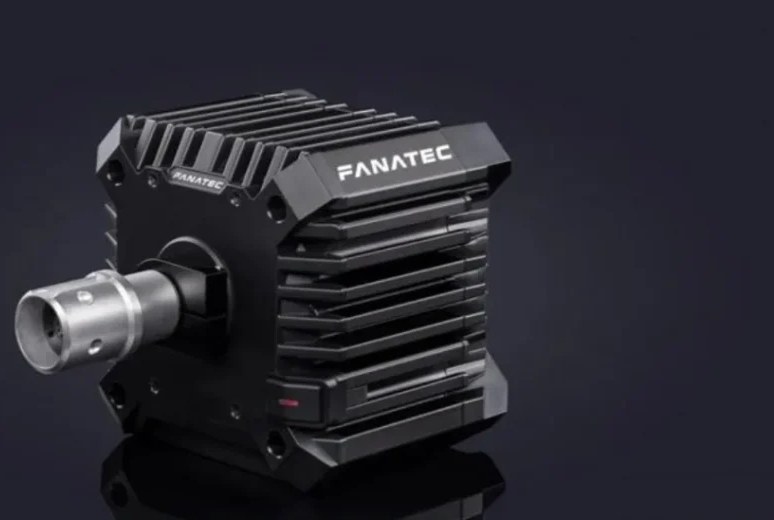
On a CSL DD or a GT DD Pro there is far less torque than on a ClubSport DD+ in 15 Nm mode. So the 42% will feel light. Keep the same Fanatec App values and raise the in-game strength, watching for clipping as you go (more on that below). My Fanatec CSL DD review covers what that base can and cannot do.
MOZA
The reference is a MOZA R12 in Pit House 1.3.5.36, updated on 15 August 2026. It gives two values only:
| Pit House | Value |
|---|---|
| Game Force Feedback Intensity | 45% |
| Maximum Steering Angle | 900° |
The page has no other Pit House values and no in-game screenshot, so I will not pretend to know what the rest of that wheel was set to. Version 1.2.2 in January 2026 also updated the game's built-in MOZA presets for the R3, R5, R9 and R12, and added one for the R16.
Coach Dave Academy published its own MOZA guide for Le Mans Ultimate in August 2025, with 85 to 90% strength in game, smoothing at 0 and Steering Torque Sensitivity between 100 and 150%. Note that this is the in-game slider, a different knob from the 45% in Pit House, and that guide is older than the 1.3 force feedback changes.
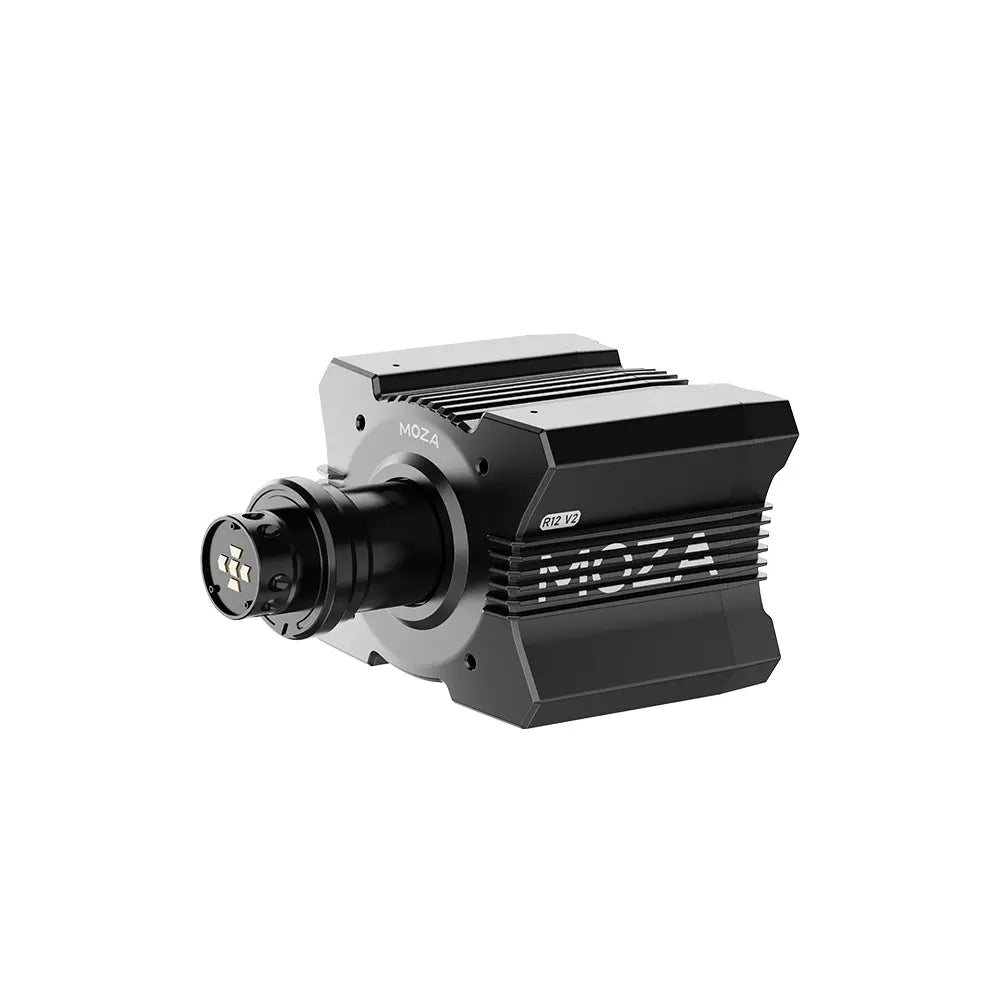
If you have not set up Pit House before, my MOZA Pit House settings guide walks through every tab.
Logitech
The reference is the Logitech G PRO, updated on 2 June 2026. It runs the game at full strength and does the limiting in G HUB.
| G HUB | Value |
|---|---|
| Operating Range | 900 |
| Dampener | 20 |
| Strength | 5.5 Nm |
| Force Feedback Filter | 7 |
| Auto FFB Filter | Unticked |
| TRUEFORCE Audio Effects | 10 |
Version 1.3 in March 2026 added native TrueForce and default profiles for the Logitech RS50 and PRO.
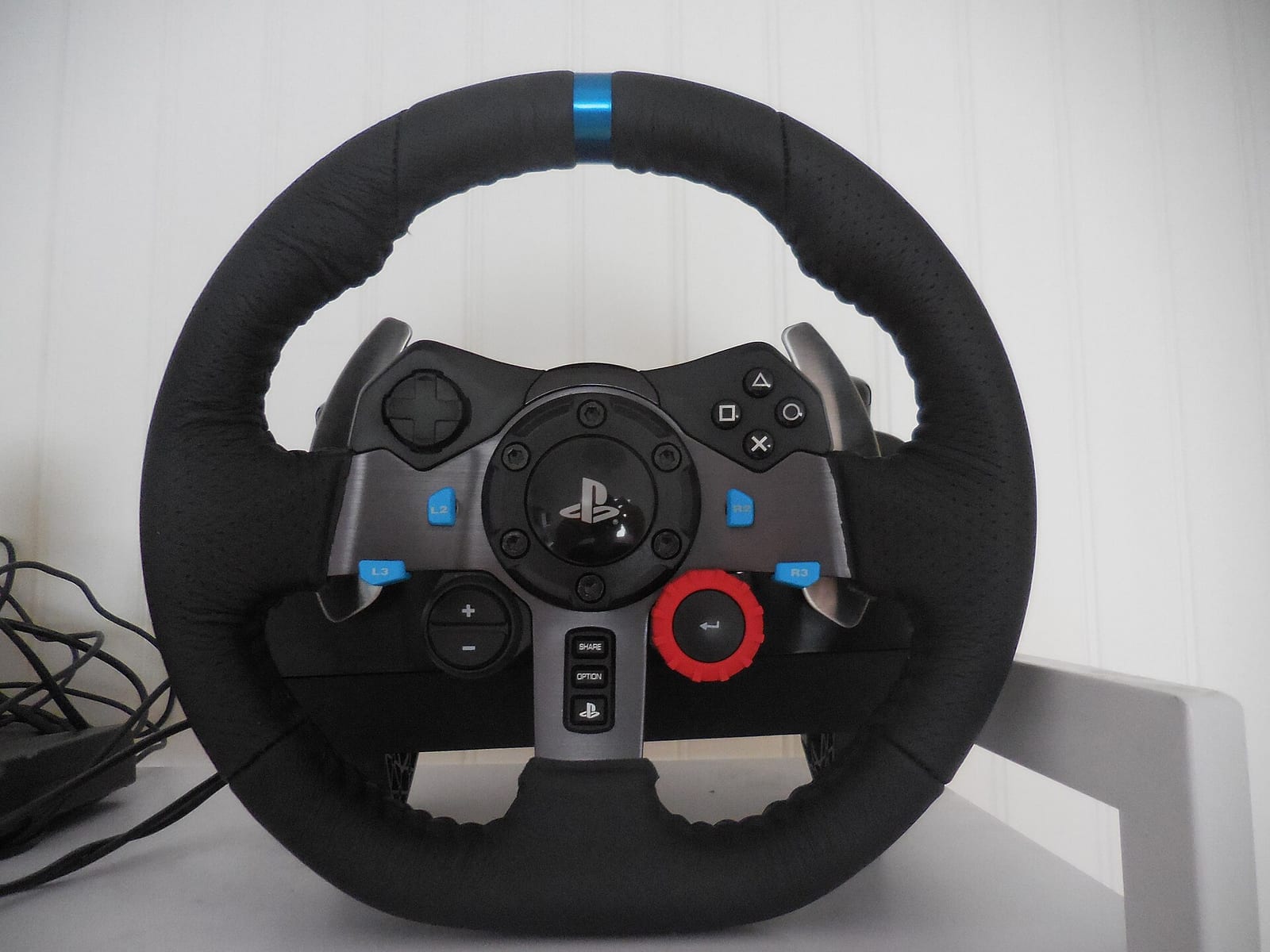
For the G29 and G923 there is nothing official, from Studio 397 or from Logitech. Here is what the official material does tell you. Both are gear driven, so Minimum Steering Torque is the slider made for them. Studio 397 also says that if a Logitech wheel pulls to one side, turn on Use Constant Steering Force Effect. Because a G29 has a fraction of the G PRO's torque, start at 100% in game like the G PRO and add minimum torque in small steps until the dead spot in the centre goes away. If you are still choosing between the two, read G29 vs G923.
Thrustmaster
The reference is the Thrustmaster T598, updated on 11 October 2026, so it is the freshest of the four. The detail that catches people out is Invert Force Feedback: On. Every other reference has it off.
| Thrustmaster Panel | Value |
|---|---|
| Master Gain | 100% |
| Mode | Extreme |
| Inertia | High |
| Gear Jolt | Off |
| Friction | Off |
| Boost Low | +1 |
| Boost High | 0 |
| Speed | EXT |
| Wheel Damper | 10% |
| Game Damper | Low |
| Spring | 0% |
| End Stop | High |
| Rotation | 540° |
In game it runs 80% strength, smoothing 0 and minimum torque 0.0%. The 540° rotation is the reference's choice, not a rule. My Thrustmaster T598 review has the base itself.
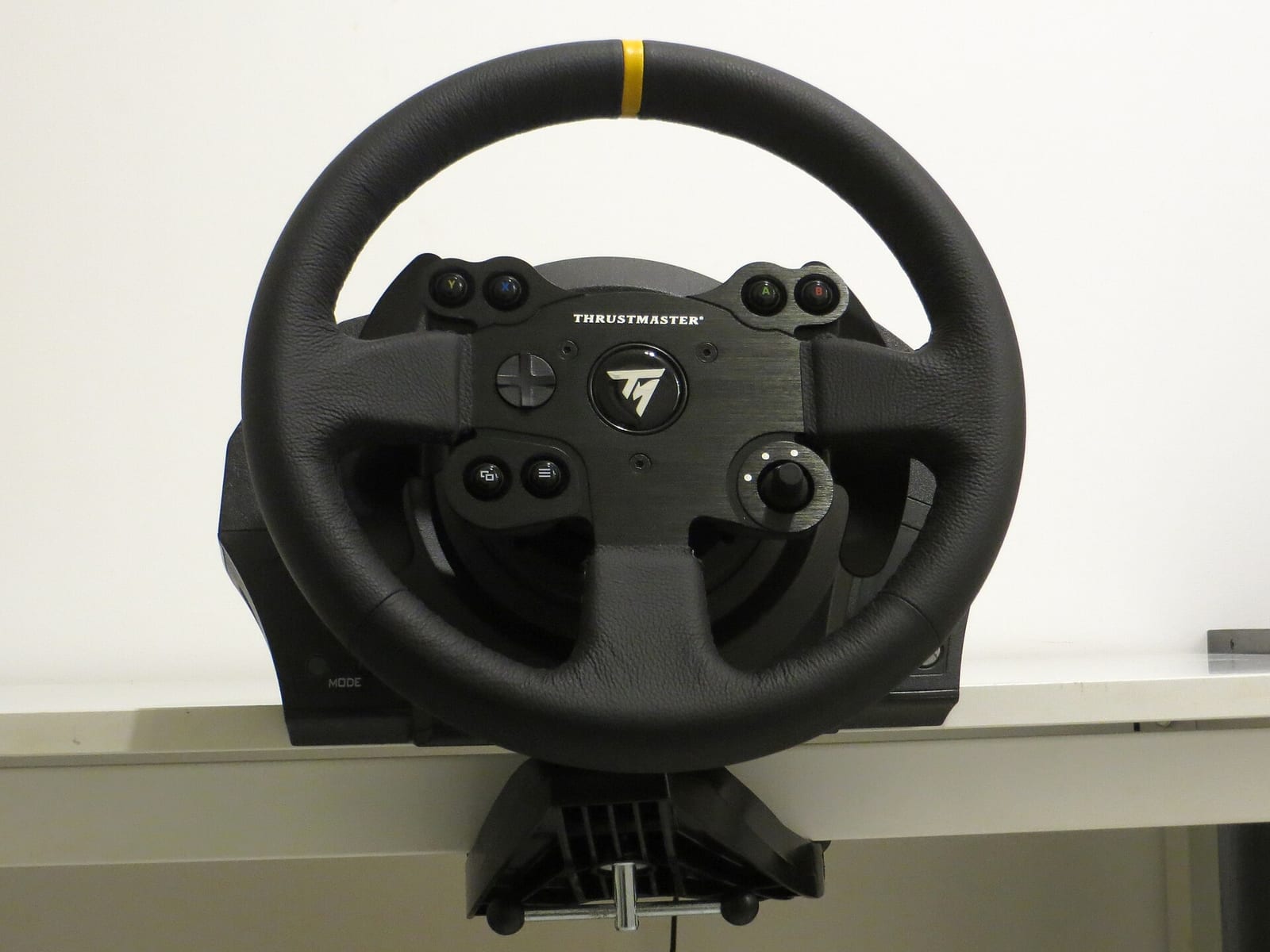
On a belt wheel like the T300 or TX there is no reference at all. Studio 397's official fix for Thrustmaster force feedback that drops out is a full reinstall of the drivers and firmware.
Haptics and TrueForce
Version 1.3, released on 31 March 2026, added haptic feedback for TrueForce, for general force feedback and for other devices like bass shakers. Two things to know:
- Bass shakers and other haptic devices are picked in a drop-down in the Sound settings, not in the force feedback tab.
- There is a separate Haptics page. Version 1.3.3 in June 2026 added engine effects to it. You can set how much of the vibration effects gets mixed into the normal force feedback.
Version 1.3.2 moved those vibration effects into the main force feedback stream, so a wheel that buzzed through separate DirectInput effects before may feel different now.
What changed in the updates
| Version | Date | Change |
|---|---|---|
| Update #4 | Feb 2025 | Fixed force feedback dropping online while the game synchronises |
| Update #5 Hotfix 4 | 1 Jul 2025 | Logitech G HUB SDK turned off after it crashed the game |
| 1.2.2 | 20 Jan 2026 | New MOZA presets for R3, R5, R9 and R12, new R16 preset |
| 1.2.3 | 10 Feb 2026 | Force feedback equalisation pass on the Hypercars |
| 1.3 | 31 Mar 2026 | Haptics, native TrueForce, Logitech RS50 and PRO profiles, lower input latency |
| 1.3.2 | 28 Apr 2026 | Vibration effects mixed into the main force feedback stream |
| 1.3.3 | 4 Jun 2026 | Better input filtering to cut force feedback vibrations, engine effects on the Haptics page |
| 1.4 | 28 Jul 2026 | Fixed devices not working with DirectInput Fallback at its default |
| 1.4.2 | 22 Sep 2026 | New Hypercar tyres against oscillation at Daytona (a tyre fix, not a force feedback fix) |
If you copied numbers from a guide written before 1.3, check them again. The force feedback changed more in 2026 than in the whole of 2025.
Fixing common force feedback problems
These are the fixes on Studio 397's troubleshooting page, updated on 25 September 2026.
The force feedback stops completely. Bind Reset FFB in the controls and press it in the session. If that does not bring it back, exit to the desktop and restart the game, check the strength is not at zero, reinstall the wheel software and firmware, and verify the game files on Steam.
It drops for a moment when someone joins a practice server. A known issue. It comes back on its own.
Spikes and jolts. Lower Smoothing or Minimum Steering Torque. On a strong direct drive base, Studio 397 says to set the game between 50 and 70% and raise the force in the wheel software instead. Update the firmware too.
The wheel oscillates on some cars since 1.3. Studio 397 calls it a known filtering issue and has a test build on the Steam beta branch pub-share, with the access code rNZ553qE8gWd. It says to opt in only if you have the oscillation, and that the Duqueine is still the main problem car on that build.
A Fanatec GT DD Pro behaves erratically. Clear the bindings for Brake Migration Forward and Brake Bias Forward.
A Logitech wheel pulls to one side. Turn on Use Constant Steering Force Effect.
How I would set it up
This is my method, not a published value.
- Load the reference for your brand, or the closest one by torque.
- Smoothing at 0 and minimum torque at 0 on any direct drive base. Raise smoothing only if the wheel is grainy, one step at a time.
- Take a Hypercar to a track with a big compression, like Eau Rouge at Spa. That is where the force peaks and where it clips first. If the wheel goes solid and stops talking to you through the compression, you are clipping. Lower the in-game strength until the detail comes back.
- Then drive five laps before you touch anything else. The first laps always feel wrong because your hands are used to the last game.
The thing you want from the wheel in this game is the front tyres going light. In a Hypercar on cold tyres that is the warning before a lock up or a push. If you cannot feel it, the strength is too high or the smoothing is hiding it. A strong wheel that tells you nothing is slower than a lighter one that tells you everything.
Once the wheel is right, the free Le Mans Ultimate setups are the next thing to sort, and the track list tells you where to try them. If you are deciding between this game and iRacing, I compared them in Le Mans Ultimate vs iRacing.
FAQ
What are the best Le Mans Ultimate FFB settings?
Start from Studio 397's reference for your wheel: 42% in game on a Fanatec ClubSport DD+, 45% in Pit House on a MOZA R12, 100% in game on a Logitech G PRO, 80% on a Thrustmaster T598. Keep smoothing and minimum torque at 0 on direct drive, then lower the strength until it stops clipping in the heaviest corner.
Where are the force feedback settings in Le Mans Ultimate?
Settings, Controls, Wheel & Pedals, then the Force Feedback tab. Haptics and bass shakers are set in the Sound settings and on the Haptics page.
Why is my force feedback not working in Le Mans Ultimate?
Bind Reset FFB and press it in the session. If it stays dead, restart the game, check the strength is not at zero, reinstall the wheel drivers and firmware, and verify the game files.
Why does my wheel turn the wrong way in Le Mans Ultimate?
Turn on Invert Force Feedback. Studio 397's own Thrustmaster T598 reference runs with it on.
Does Le Mans Ultimate support Logitech TrueForce?
Yes. Native TrueForce arrived with version 1.3 on 31 March 2026. Studio 397's G PRO reference sets TRUEFORCE Audio Effects to 10 in G HUB.
What are the best Le Mans Ultimate settings for a Logitech G29?
There is no official G29 profile. Start at 100% strength in game, turn on Use Constant Steering Force Effect if the wheel pulls to one side, and add Minimum Steering Torque in small steps until the dead spot in the centre goes away.
Should I use Minimum Steering Torque?
Only on gear or belt wheels like the Logitech G29 or Thrustmaster T300. Studio 397 says not to use it on direct drive.