
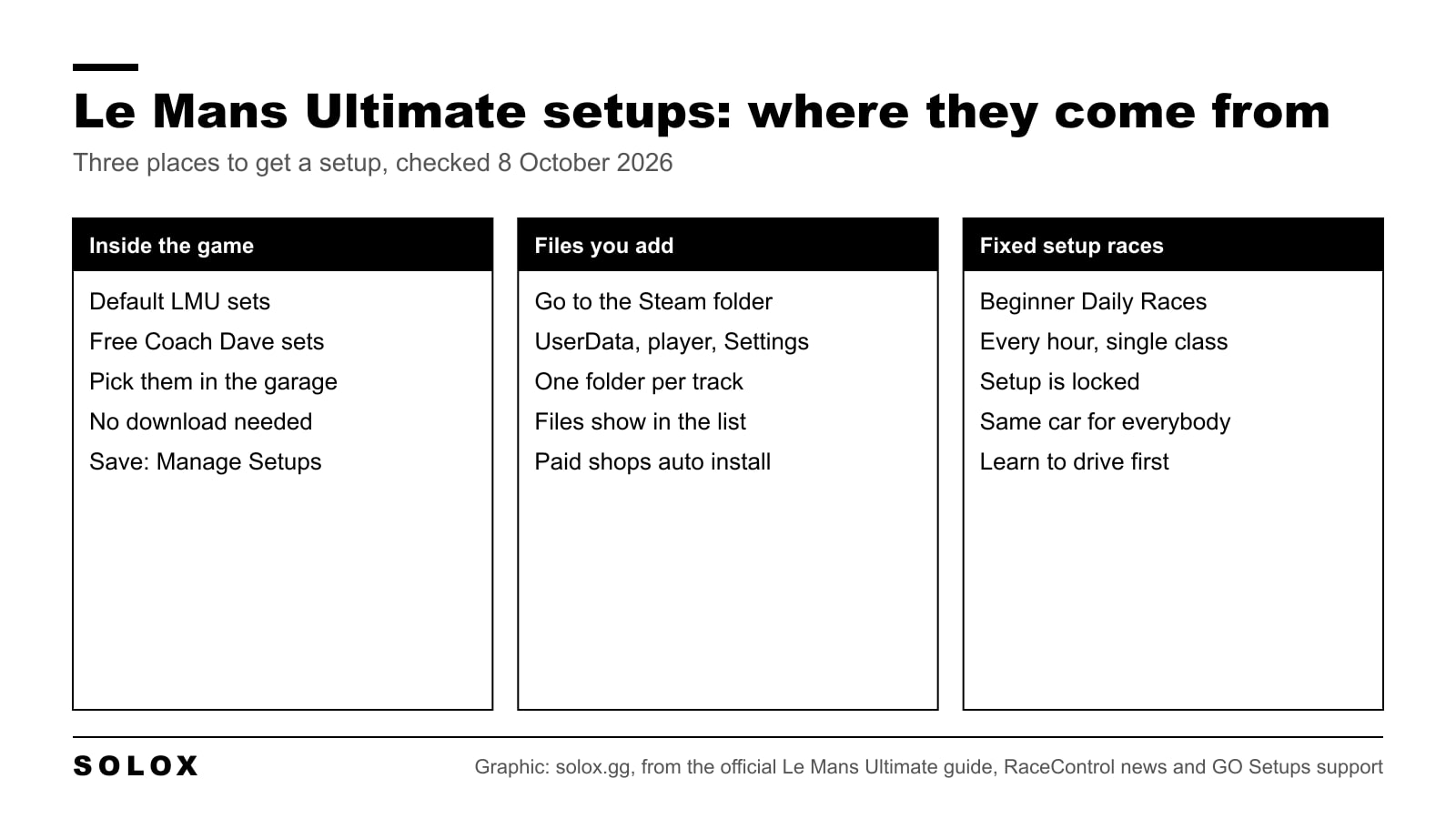
You do not need to pay for a Le Mans Ultimate setup to start. The game already has free ones in the garage, made by Coach Dave Academy, next to the default sets from Studio 397. This page shows where they are, where downloaded setup files go, when a setup does not matter at all, and what I change first.
I checked every fact here on 8 October 2026, on the official Le Mans Ultimate guide when it has the answer. The parts that are my own advice as a driver are marked as mine.
The free setups already in the game
Start here, because it costs nothing and takes ten seconds.
RaceControl, the official news and online platform of the game, announced on 14 November 2024 that Coach Dave setups are in Le Mans Ultimate. They are free for every player. You choose them in the garage, in the same place as the default LMU sets.
At launch they covered the eight Hypercars the game had then, the Ferrari 499P and the Porsche 963 among them. Later RaceControl posts added the LMP2 and the GTE cars. The setups were made by Yuri Kasdorp and Alen Terzic, two rFactor 2 professionals.
The same announcement says what to expect: a car that turns better in slow and medium corners and is more stable than on the base set. Coach Dave Academy calls these "safe" setups on its own site. That is the right word. They are made to be easy to drive for a whole stint, and that is what you want when you are new.
I have not checked every car at every track, so open the garage and look at the list for your car.
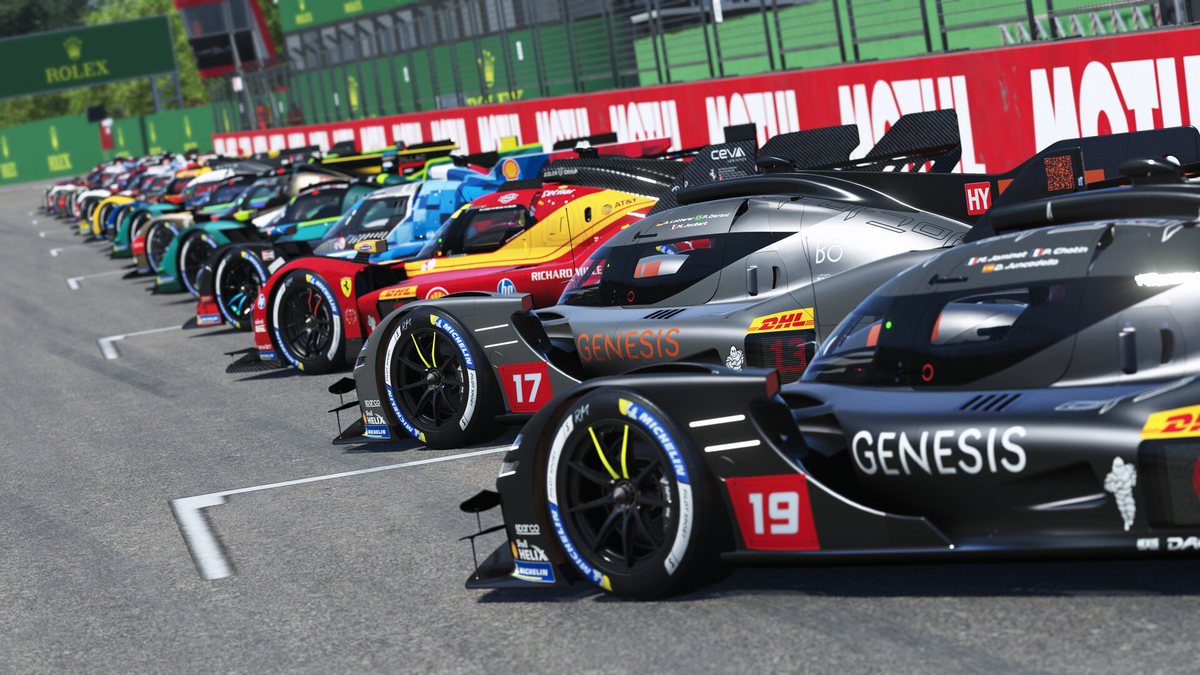
Image: Studio 397, Steam
Where setup files go on your PC
If you download a setup from a shop or a friend sends you one, it is a file. It has to be in the right folder or the game does not show it.
The path, as GO Setups gives it in its install guide:
[Steam folder]\steamapps\common\Le Mans Ultimate\UserData\player\Settings
Inside Settings the game keeps one folder per track. The official release notes confirm this: Version 1.4.2 fixed the setup folder so that every layout of Silverstone points to one "Silverstone" folder.
The steps:
- Download the setup and extract the ZIP if there is one.
- Open your Steam folder and follow the path above.
- Put the file in the folder of the track. If the Settings folder is not there, GO Setups says you can create it.
- In the game, go to the setup screen for that car and track. The file is in the list.
To send your own setup to a friend, do the opposite. Save it in the game, take the file from the track folder and send it.
One warning that is mine. A setup is made for one version of the game. After a big update the tyres or the cars can change, and an old setup can feel wrong. If a setup you trusted suddenly feels bad after a patch, go back to the in-game set and start again from there.
Fixed setup races: when a setup does not matter
Before you look for a faster setup, check if your race allows one.
The official guide to your first online race describes three tiers of Daily Races:
| Tier | Who can enter | How often | What the guide says |
|---|---|---|---|
| Beginner | All players | Every hour | High assists, fixed setups, single class |
| Intermediate | Silver Safety Rank | Every 2 hours | Longer races, multiclass |
| Advanced | Gold Safety Rank | Every 3 hours | Low or no assists, full multiclass |
In a fixed setup race everybody drives the same car. Nothing you download changes it. The lap time is in your hands and feet.
I think this is the best place to start, and I say it as someone who spent years in real series where the car was the same for everyone. When the car is fixed you stop looking for excuses in the setup and you learn the track. Do that first. Go to open setup races later.
Online racing needs a free RaceControl Lite account, which you create from the Profile page in the main menu.
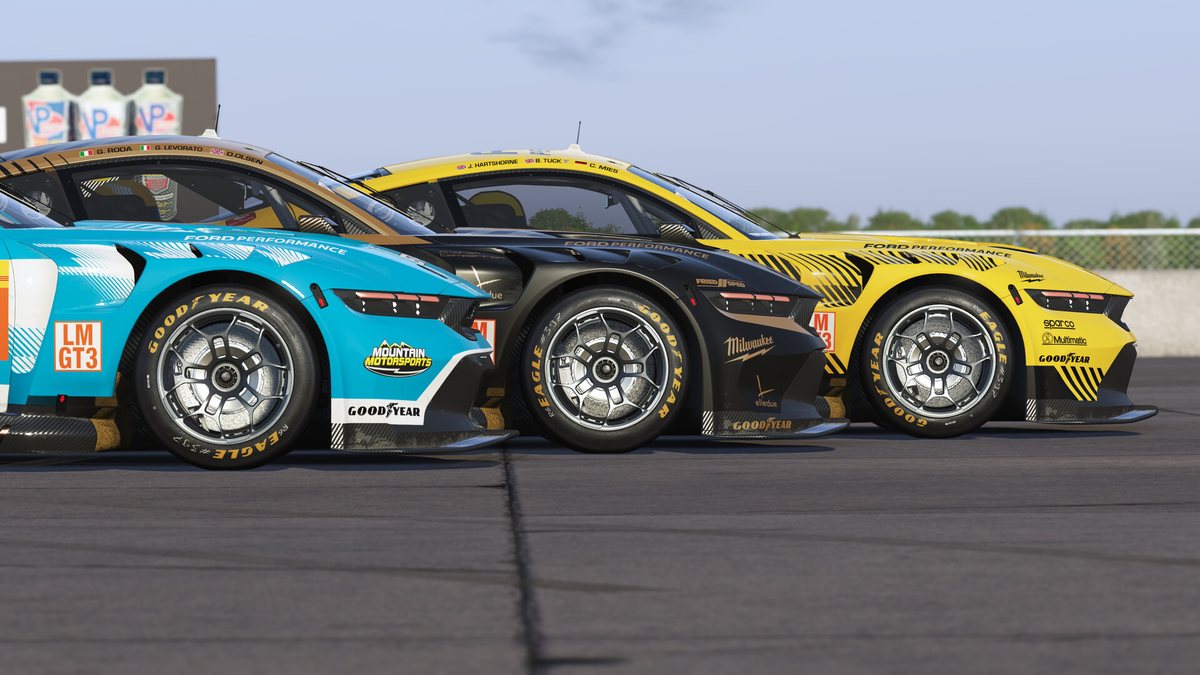
Image: Studio 397, Steam
How the setup screen is organised
The community Le Mans Ultimate wiki lists six areas in the setup menu: Tyres, Electronics, Suspension, Aerodynamics, Drivetrain and Brakes.
Two things work differently from other sims, and both are explained in the official guide.
Traction control is part of the setup
In many games traction control is an assist you switch on in the options. Here it belongs to the car. The official traction control article names three values:
| Setting | What it does, per the official guide |
|---|---|
| Traction Control | How much wheel slip is allowed before the system cuts in |
| Power Cut | How much power the system takes away when it works |
| Slip Angle | The target lateral slip before the system is activated |
In the garage you find them in the setup menu, under advanced setup, in the powertrain menu. You save the result with "Manage Setups".
On track you change them from the MFD, the multi-function display, in the electronics page. You need buttons mapped for MFD previous page, next page, increase and decrease, or you cannot touch them while driving. Map those four before your first race.
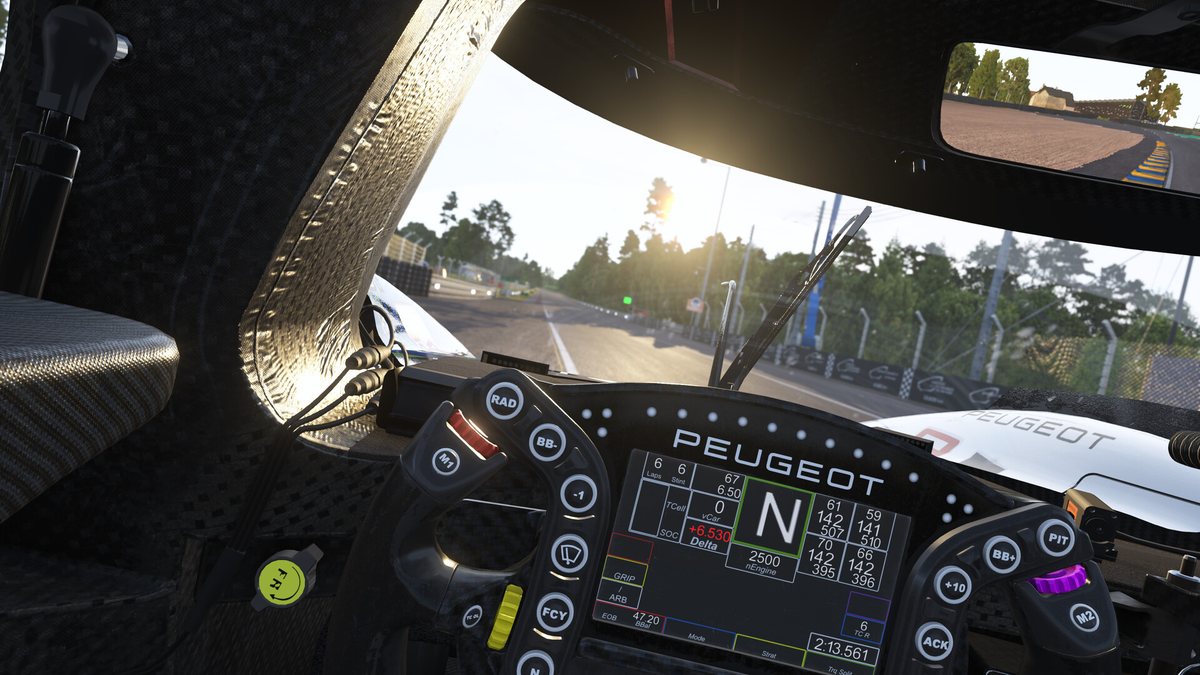
The cockpit of the Peugeot 9X8. Image: Studio 397, Steam
Virtual Energy decides the stint
The second one is Virtual Energy, written NRG in the game. The official article explains it this way:
- It is the maximum energy the car may use in one stint, fuel and battery together.
- The hybrid Hypercars and the LMGT3 cars both use it. In an LMGT3 it is fuel only.
- At each pit stop you choose how much NRG the car takes. More energy means a longer stop.
- If the gauge reaches 0% you get a 100 second stop and go penalty.
On a hybrid, two setup values control the battery: the Electric Motor Map, which is how much power the battery gives, and the Regen Level, which is how much braking energy goes back into it. The guide adds one tip I agree with: do not let the battery reach 100%, because then the car cannot regenerate, the brakes get hotter and the braking gets worse.
So a setup that is perfect in qualifying can be the wrong one for the race. The race setup has to make the energy last. If you race hybrids in iRacing too, my hybrid system explainer shows how different the two models are.
What I change first on a free setup
This part is mine. It is how I would work with any baseline, in a sim or with an engineer at the track.
Load the Coach Dave set, do ten laps without touching anything, and only then change things. One at a time.
- Brake bias. It is the fastest way to fix a car that will not turn in or a rear that moves under braking. Rear locks or the car feels nervous on entry: move the bias forward. Fronts lock and the car goes straight: move it back. Small steps.
- Traction control. If the rear steps out when you go on the throttle, raise Traction Control one step before you touch the suspension. If the car feels slow out of the corner and the system is always working, lower it. Leave Power Cut and Slip Angle for later.
- Energy for the stint. Check that the NRG you carry is enough for the laps you plan. Running out costs you 100 seconds. No setup change gives you that back.
- Tyre pressures. Pressures change with the temperature of the track, so a setup made on a cool evening is not right on a hot afternoon. Look at the tyre data after a run of laps, not after one.
- Wing. Only now. Less wing for a track with long straights, more if the car is unstable in fast corners.
Suspension comes last. Springs, dampers and ride height all affect each other, and a beginner who changes them usually makes the car worse. The wiki guide puts things in a similar order: baseline first, then tyres, aero and ride height, then suspension and electronics, then long runs to check.
If you want the theory behind each change, my ACC setup guide explains what springs, dampers and wings do to a GT3 car. The sim is different. The physics is the same.

Free or paid: do you need a setup shop?
Not at the start.
The paid shops exist and they do save time. Coach Dave Academy sells faster setups through its Delta app, and on 8 October 2026 its site lists the subscription at £11.99 a month or £109 a year. GO Setups has an app called GO Fast: one click install is open to all users, and the automatic install that loads the setup when you start a session is for subscribers.
My view: pay when you are racing open setup events every week and you are within a second of the fast drivers. Before that, the time is in your driving. A paid setup on a driver who is three seconds off is still three seconds off.
I compare the shops across all sims on my best sim racing setup shops page.
Image: Studio 397, Steam
Setups on console
There are none yet, because the game is on PC only. A console port is in production and has no date. I keep the facts on my Le Mans Ultimate on PS5 page and on the Xbox page. Nothing official says how setups will work there.
Setups are saved per track, so it helps to know which tracks you own. My Le Mans Ultimate track list has all 18 and the pack each one is in.
FAQ
Are there free setups for Le Mans Ultimate?
Yes. The game has free Coach Dave Academy setups in the garage, next to the default LMU sets. They were added in November 2024, starting with the Hypercars.
Where do I put setup files in Le Mans Ultimate?
In your Steam folder, under steamapps, common, Le Mans Ultimate, UserData, player, Settings, inside the folder of the track. After that the file shows in the setup list in the game.
Why does my downloaded setup not show in the game?
Most of the time the file is in the wrong folder. Check that it is in the folder of the track you are driving, inside Settings. Then leave the garage and open the setup screen again.
Can I use my own setup in Daily Races?
Not in the Beginner tier. The official guide describes Beginner Daily Races as fixed setup, single class races. Check the event details for the other tiers before you prepare a setup.
How do I save a setup in Le Mans Ultimate?
In the garage, with "Manage Setups" in the setup menu. That is the name the official guide uses.
How do I change traction control in Le Mans Ultimate?
In the garage, go to the setup menu, advanced setup, then the powertrain menu. On track, use the electronics page of the MFD. You need buttons mapped to move through the MFD and to increase and decrease.
What is Virtual Energy in a setup?
It is the energy the car may use in one stint, fuel and battery together. You choose how much to take at each stop. If it reaches 0% you get a 100 second stop and go penalty.
Do I need a paid setup to be fast?
No. Until you are close to the fast drivers, the lap time is in your driving. Start with the free in-game sets and the fixed setup races.
Do old setups still work after a game update?
The file may still load, but an update can change the tyres or the car, and then the setup does not behave the same. That is my experience with sims in general. After a big patch, test the setup again before a race.