
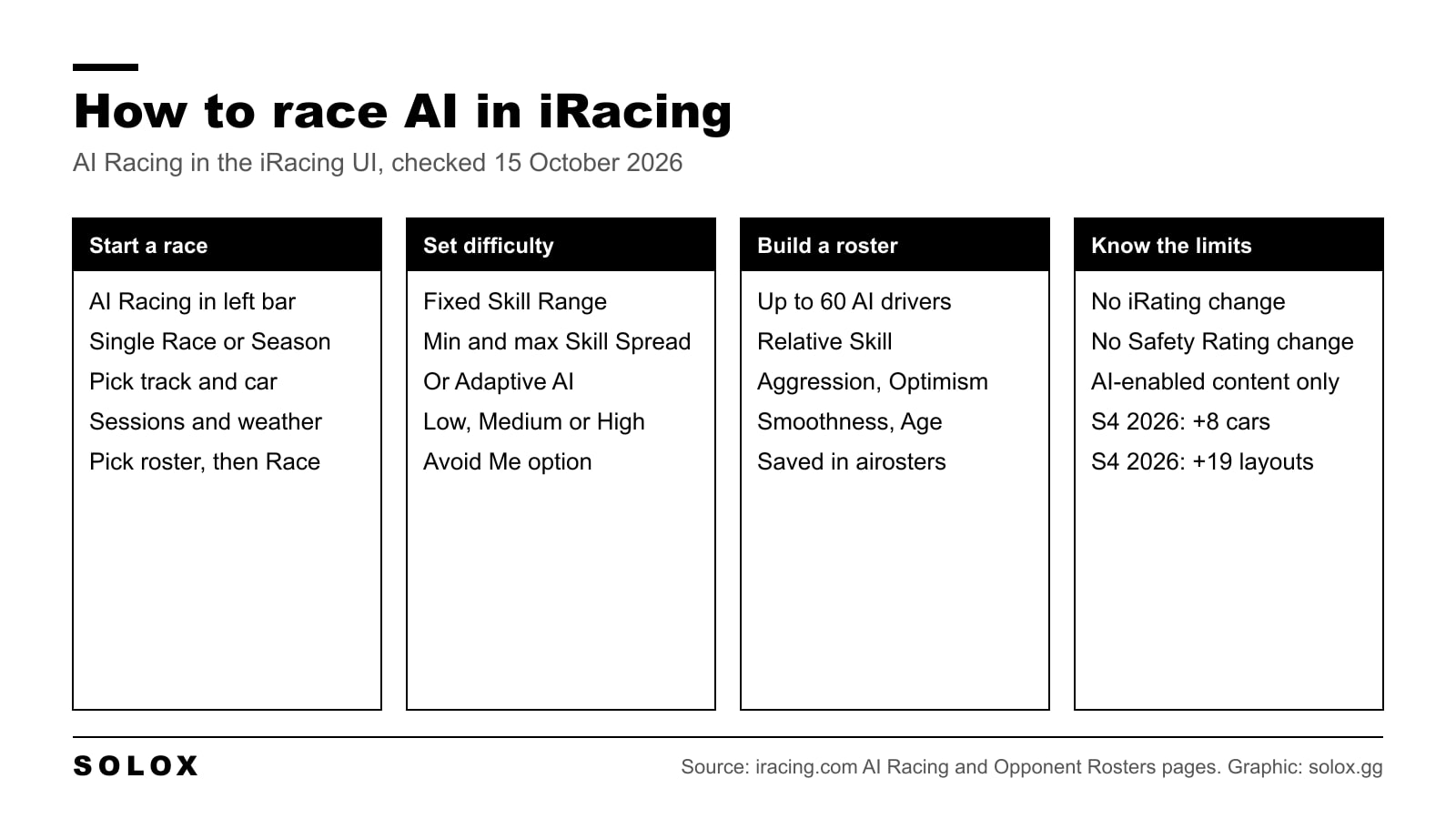
To race AI in iRacing, open the iRacing UI, click AI Racing in the left bar, then click Single Race (one event) or Create a Season (a championship). Pick the track, your car, the sessions, the weather and the AI opponents, save it and click Race. It is single player against computer drivers, and it does not touch your iRating or Safety Rating.
Checked on 15 October 2026 against iRacing's AI Racing page and Opponent Rosters page on iracing.com, the support.iracing.com list of content available for AI on asphalt (last modified 9 September 2026), the 2025 Season 2 Patch 3 release notes that introduced Adaptive AI, and iRacing's 9 September 2026 article on AI cars and tracks for 2026 Season 4. Where iRacing has not published something, I say so instead of filling the gap.
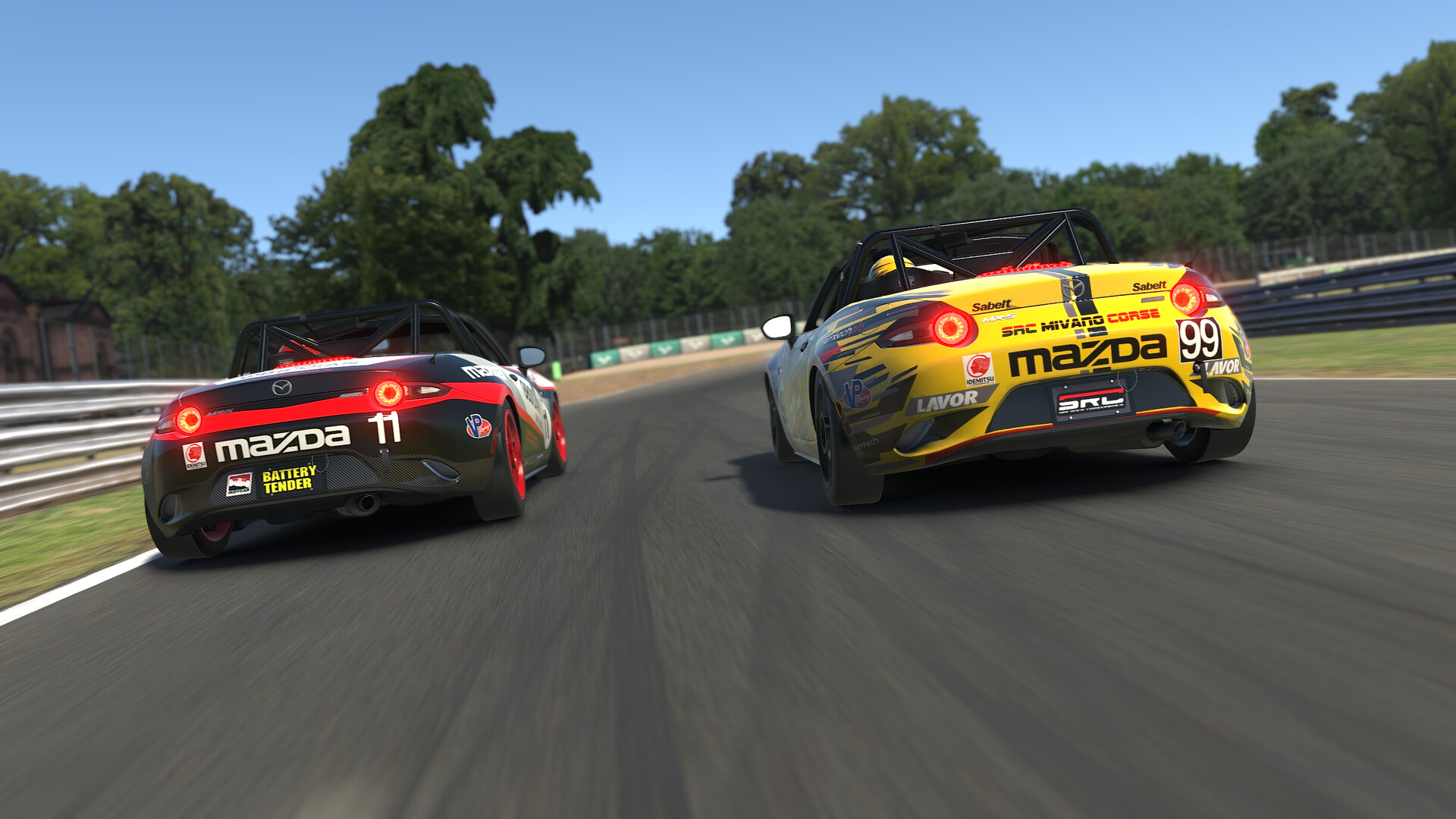
How to set up AI races in iRacing
This is the path iRacing gives on its own AI Racing page. The menu names below are theirs.
- Launch iRacing and stay in the UI. AI racing is only available through the iRacing UI, not from the website.
- Click AI Racing in the left navigation bar.
- Click Single Race in the top right corner.
- Choose the track, then your car.
- Set the race format. You decide if there is a Practice session and if the race runs on laps or on time.
- Set the weather, the track conditions, the track options and the time of day.
- On the AI Opponents step, pick the roster (which cars the AI drives) and the difficulty.
- Save and race.
There is also an Avoid Me option. iRacing says it makes the AI try very hard not to hit your car. I would leave it off once you can hold a line, because real racing does not come with that switch. But for your first races, or on an oval where one touch ends your night, it takes some frustration out.
When a race is done, Re-run Last Race sets the same event up again. Handy when you want five goes at the same start.
How to start an AI Season
An AI Season is your own championship against the AI. It is the closest thing iRacing has to a career until the official Career Mode lands (where that stands is in iRacing Career Mode explained).
- In AI Racing, click Create a Season in the top right corner.
- Go through the same steps as a single race, but add several tracks. Each track becomes one event.
- Every event gets its own sessions, weather, track condition and time of day.
- Pick a championship points system. iRacing offers a list of real-world systems, or you build your own.
- Click the green Save button, then Race.
iRacing also ships an Official AI Season by default. When you run it, the sim makes a copy that holds your results. You can copy and change official content, but you cannot delete it.
AI skill and difficulty settings
On the AI Opponents step you choose one of two systems.
| Option | What you set | What it does |
|---|---|---|
| Fixed Skill Range | A minimum and maximum Skill Spread | Every AI driver is scaled to fall inside that range |
| Adaptive AI | Low, Medium or High challenge | The AI is tuned to you and your level of challenge |
Fixed Skill Range is the one to use when you want control. The width of the range matters as much as the numbers. iRacing explains that a narrow Skill Spread makes the whole field close in pace, whatever their individual Relative Skill. A wide one strings the field out, with the high-rated roster drivers at the top end and the low-rated ones at the bottom.
Adaptive AI arrived in the 2025 Season 2 Patch 3 notes, first for Single Race, with Hosted and AI Seasons planned after. iRacing says it is tuned per driver, so "one racer's Low might be another racer's Medium". It also admits the system has a sweet spot and that the fastest drivers can be quicker than it can go. If you are very quick, Fixed Skill Range is the safer bet.
How I would set it: start low, then move it up until you are fighting for the podium, not winning by half a lap. An easy win teaches you nothing about traffic. Being a second a lap off teaches you nothing either, because you never get near anyone.
Is there an AI aggression slider?
Not on the race setup page. Aggression is set per driver inside the roster, which is the next section.
How to create and edit AI opponent rosters
The roster decides who you race: which cars, how many drivers, their names, paint and behaviour.
To create one, from iRacing's Opponent Rosters page:
- Go to AI Racing and open Opponent Rosters. (Or, during race setup, pick New Opponent Roster in the Select AI Opponent Roster dropdown.)
- Click Create a Roster and give it a name.
- Choose All Cars in Single Class or Use Car Classes for multiclass.
- Click Add a Car, pick the car and click Select. The small arrow next to Select lets you add several drivers at once, as blank or random drivers.
- Save once the roster has a name and at least one driver.
To edit, open the roster from the Opponent Rosters page, or select it during race setup and click Edit Roster. You can change the name, cars, classes, driver order, the number of drivers, and each driver's number and name. Each driver's menu has Driver Attributes, Paint Car, Helmet & Suit and Swap Car.
The seven driver attributes
| Attribute | What iRacing says it changes |
|---|---|
| Relative Skill | Pace against the rest of the roster: cornering speed and racing line |
| Aggression | Space left around other cars and how often they try to pass |
| Optimism | Confidence on throttle and brakes, how often they go for the ideal braking point |
| Smoothness | Steering. Lower leans to oversteer, higher to understeer |
| Age | Reaction time, with a small benefit from experience as age goes up |
| Pit Crew Skill | Speed and consistency of their pit stops |
| Pitting Strategy | How willing they are to gamble on a stop versus pushing to avoid it |
Each one is a slider and there is an Apply to All button. iRacing's own note: higher is not always better. And Relative Skill is scaled by the event's Skill Spread, so the "Actual Skill" on track can differ from the slider, more so with few drivers or a wide spread.
My advice: give the back of the grid more Aggression and less Smoothness. That is what a real midfield looks like. Lots of passing, lots of untidy driving.
How many AI opponents can you race?
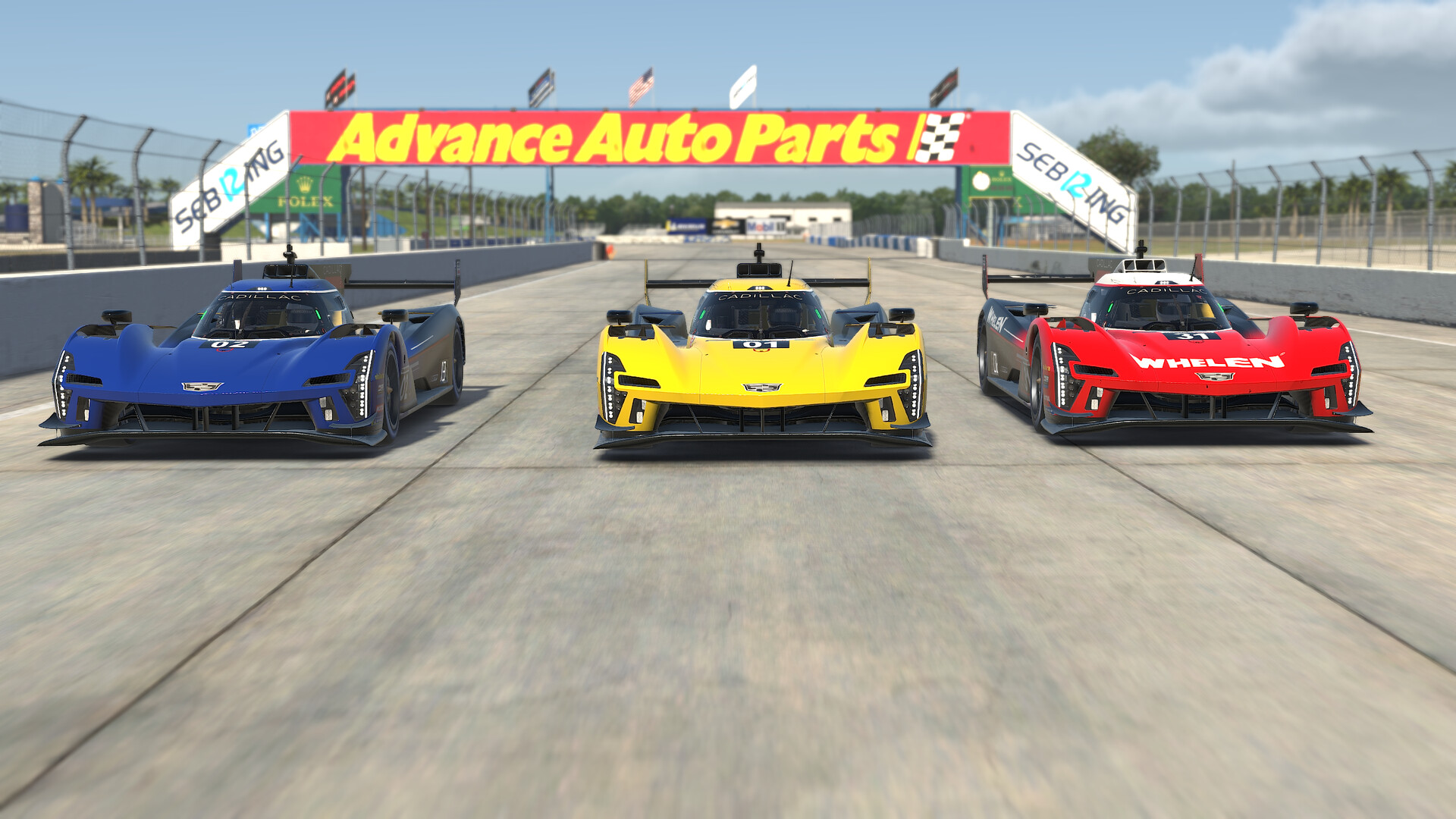
A custom roster can hold up to 60 AI opponents, according to iRacing's AI Racing page. The same page warns that very large fields can lower your frame rate and cause unpredictable AI behaviour.
That is a CPU question. In 2026 Season 4 iRacing shipped Physics Islands, a multi-threaded physics loop, and says it cuts physics CPU cost by 50% or more in large AI grids. I explain what that does and does not mean in iRacing Physics Islands explained. If your PC struggled with a full grid before September 2026, try it again.
The aiseasons and airosters folders
Both live in your Documents folder, so you can back them up and share them.
| What | Where | How to share |
|---|---|---|
| AI Seasons | Documents\iRacing\aiseasons | Send the season's .json file. Your friend drops it in their own aiseasons folder |
| Opponent rosters | Documents\iRacing\airosters | Each roster is a folder with a roster.json. Send that file, your friend puts it in a named folder inside their airosters folder and restarts iRacing |
Two catches from iRacing. A season file carries your results if you have already run events, so press Copy first if you want to share a clean one. And a roster with custom paint needs the matching .tga files sent along too.
Which cars and tracks support AI in 2026
AI only drives in AI-enabled cars, and AI races only run at AI-enabled tracks. iRacing still calls AI racing a soft launch with limited car and track compatibility, and the support list says plainly that not every configuration is available.
The current lists are on support.iracing.com: content available for AI on asphalt and content available for AI on dirt. The asphalt list was last updated on 9 September 2026. It has a Rain column too, because only some cars and tracks are rain enabled for AI.
What 2026 Season 4 added, from iRacing's 9 September 2026 article:
| New for AI in Season 4 | Notes |
|---|---|
| Aston Martin Valkyrie AMR-LMH | New car, also rain enabled |
| Caterham Academy | New car, also rain enabled |
| Caterham 420R | New car, also rain enabled |
| Gen 4 Grand National | New car |
| Chevrolet Corvette C7 | AI debut |
| [Legacy] Riley MkXX | AI debut |
| [Legacy] BMW Z4 GT3 | AI debut |
| Formula Renault 2.0 | First time in AI racing |
On tracks, iRacing counts 19 new layouts across eight circuits: all layouts of the rebuilt Road America, Mid-Ohio and the Milwaukee Mile, three Auto Club Speedway layouts (Competition, Interior and Moto), the Kansas Speedway road course and infield road course, plus three dirt ovals that get AI racing for the first time: USA International Speedway, Oswego Speedway and Federated Auto Parts Raceway at I-55. The full Season 4 rundown is in iRacing 2026 Season 4 changes.
Some checks against the asphalt list that people often ask about. The Mercedes-AMG W13 E Performance, Ferrari 499P, Porsche 963 GTP, Super Formula SF23, Global Mazda MX-5 Cup and Ray FF1600 are on it. Spa, Le Mans, Daytona, Watkins Glen and Suzuka are listed with all configs, Monza with all road configs. The Nordschleife is only listed in the Industriefahrten layout. The McLaren MP4-30 is not on the list.
AI has grown a lot since it launched. For history, my news posts on the AI cars and AI tracks added in 2022 show how small the list used to be. Those posts are dated, use the support lists above for today.
AI in hosted and league sessions
AI is not only single player. Since the 2021 Season 4 build, a hosted or league session can use an AI roster to fill the grid. A slider next to the Join button sets how many AI join, from zero to the full roster. The AI enters and fills grid slots as soon as the host joins.
Two limits from iRacing: only AI-enabled tracks can host AI sessions, and the Pause hotkey does not work in hosted or league sessions. If you want to run your own, start with how to make an iRacing server.
Do AI races count for iRating or licence?
No. iRacing states that AI races do not affect your iRating or Safety Rating. Your licence moves on Safety Rating from official racing, so AI races do nothing for it either.
That is the whole point, in my view. You can try a move, get it wrong, and the only cost is a restart. If you are stuck in Rookie class, the way out is official races, covered in how to get out of Rookie in iRacing. AI is where you practise for them.
How I would use AI races for practice
Hot laps alone on track build pace. They build nothing else. Racing is about the laps where someone is next to you.
- Starts. Set a short race, a few laps, and use Re-run Last Race. Do the start and the first two corners again and again. Most incidents in official races happen there.
- Traffic. Run a multiclass roster with Use Car Classes and practise being lapped, and lapping, without losing time.
- Defending. Put yourself on a grid where the AI is slightly quicker and try to hold position for ten laps.
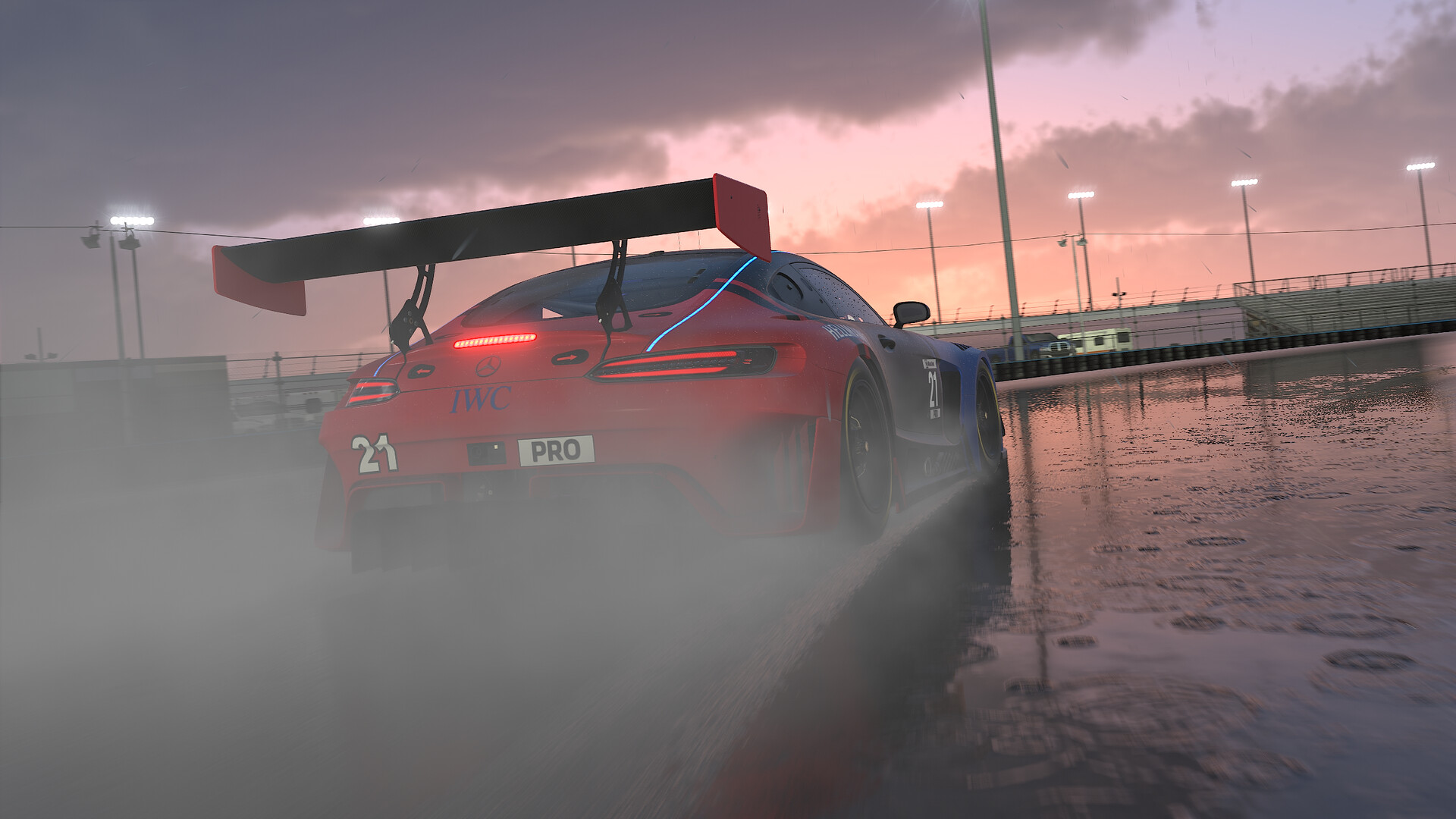
- Rain. Pick a rain-enabled car and track from the support list before you race it online.
- Pit stops. A longer AI race is a cheap way to rehearse your pit entry and stop before an official endurance event.
Then go and race people. AI is a training partner, and it is not a replacement for the real thing.
FAQ
How do I race against AI in iRacing?
Open the iRacing UI, click AI Racing in the left bar, then Single Race. Pick a track, a car, the sessions, the weather and your AI opponents, then save and race.
Is iRacing AI racing single player?
Yes. AI races are single player against computer drivers, launched from the iRacing UI. AI can also fill the grid in hosted and league sessions.
Do AI races affect iRating or Safety Rating?
No. iRacing says AI races do not affect iRating or Safety Rating, so they do not count toward your licence.
How many AI opponents can I race in iRacing?
Up to 60 in a custom opponent roster. iRacing warns that very large fields can reduce frame rate.
Where are iRacing AI rosters and seasons saved?
Rosters are in Documents\iRacing\airosters, one folder per roster with a roster.json file. AI Seasons are .json files in Documents\iRacing\aiseasons.
How do I make the iRacing AI harder?
Raise the minimum and maximum of the Fixed Skill Range, or set Adaptive AI to High. For more side by side racing, narrow the Skill Spread and raise Aggression on the roster drivers.