
You hit the wall, the car is bent, and the clock is running. In iRacing you have two tools to get back out: the tow and the fast repair. They are not the same thing, and most of the time people lose is in the menus, not in the repair.
I checked how both work against the iRacing support pages on 5 October 2026. Here is the short version, then the detail.
The quick answer
| What you want | What to do |
|---|---|
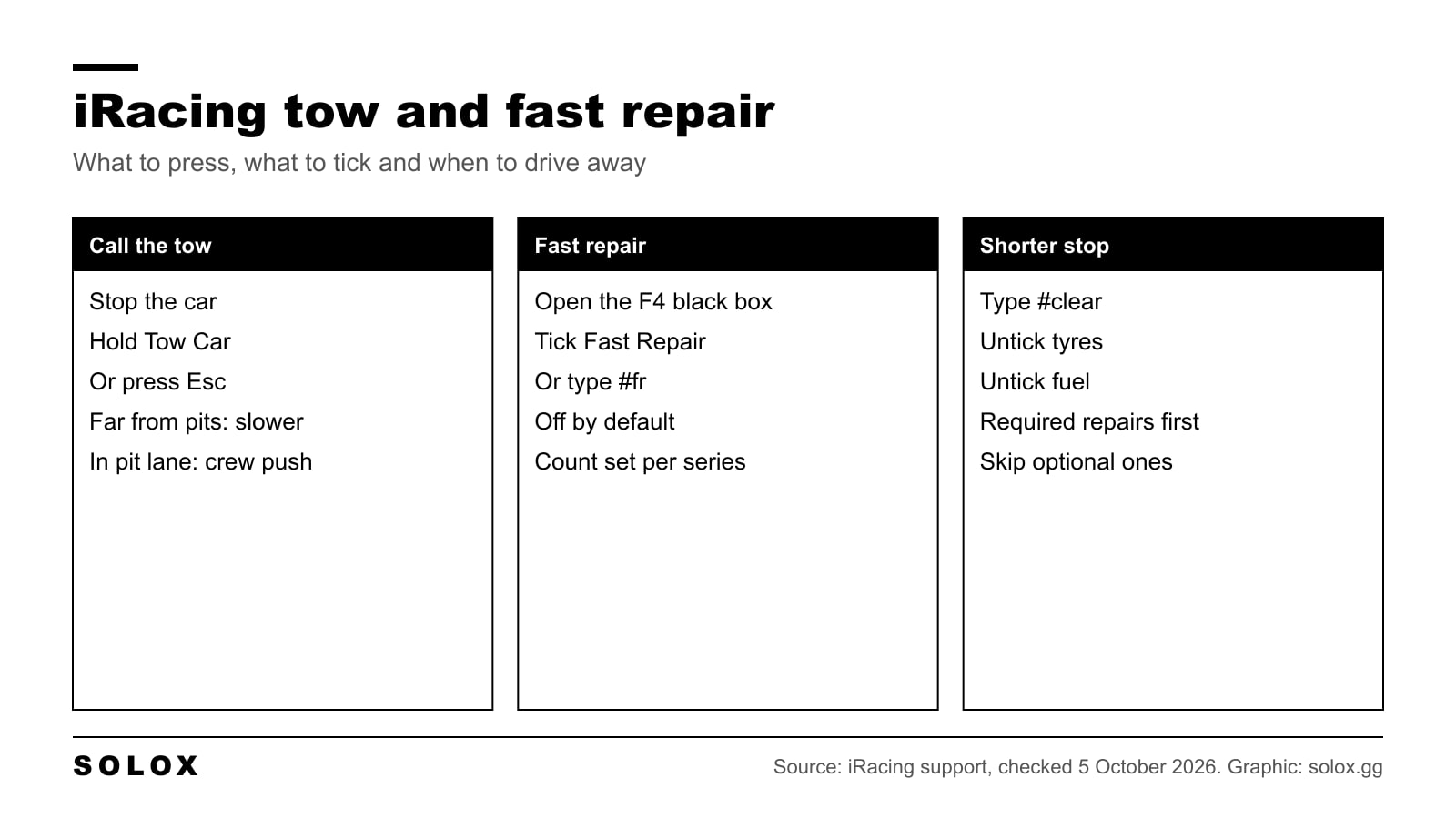
| Call a tow | Stop the car, then hold Enter / Exit / Tow Car (Shift + R on my list) or press Esc |
| Use a fast repair | Tick Fast Repair in the F4 black box before the car reaches the pit box, or type #fr in chat |
| See how many fast repairs you have | The F4 black box shows the number left |
| Skip the optional repairs | Drive out of the box once the required repairs are done |
| Shorten the stop | Untick tyres and fuel, or type #clear in chat |
| Keep fast repair always ticked | Set autoResetFastRepair=1 in app.ini |
Tow and fast repair are two things
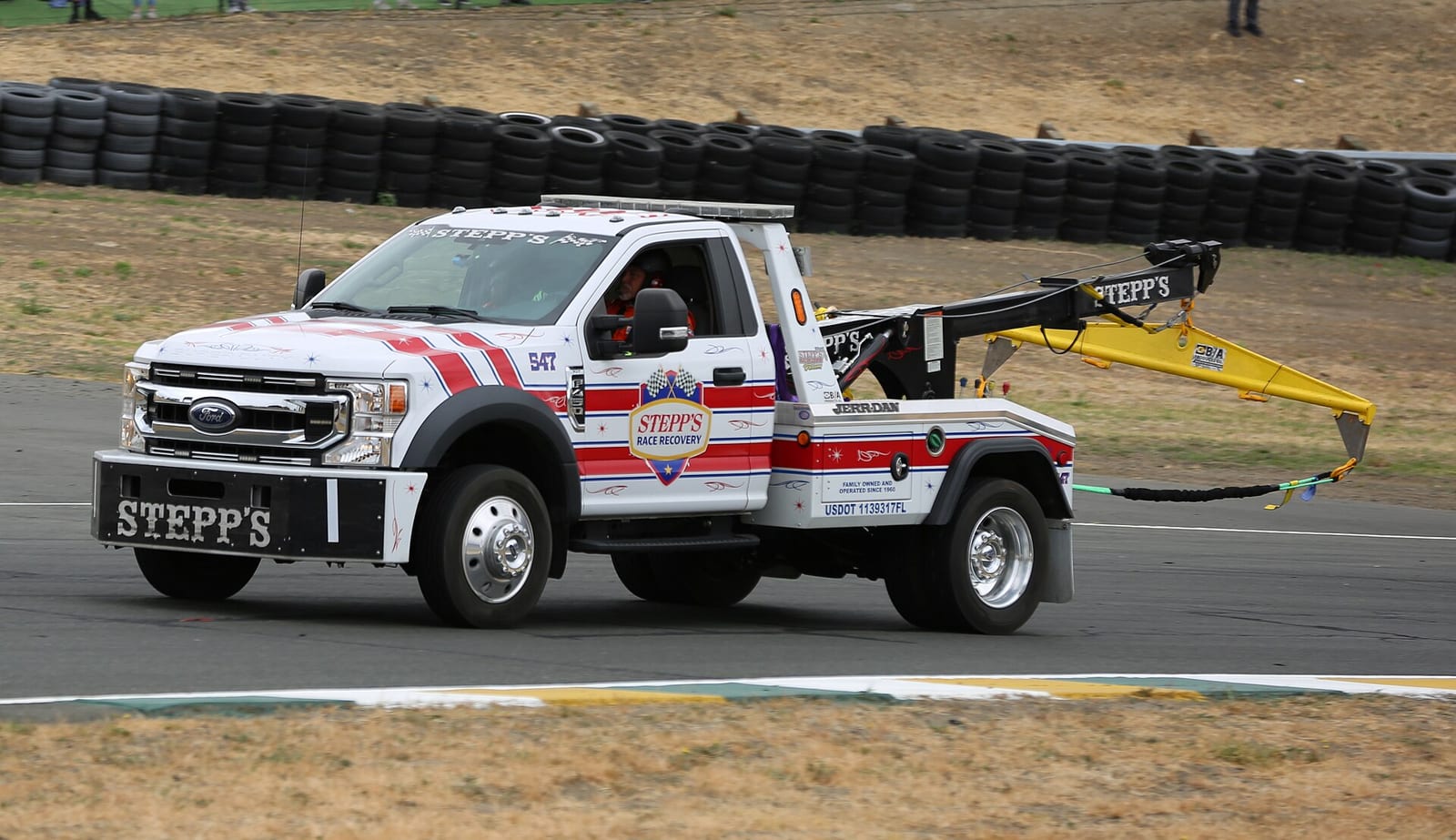
The tow brings the car from where it stopped to your pit box. It costs time, and the time depends on how far you are from the pits.
The fast repair is what happens once the car is in the box. With a fast repair, the crew fixes all the damage at once and you leave with a healthy car. Without it, the crew works through the damage at normal speed, and after a big hit that can take minutes.
So a bad crash is usually both: a tow to get home, then a fast repair if you have one.
How to call a tow
- Stop the car. Get it off the racing line if it still moves.
- Hold the Enter / Exit / Tow Car control. On my iRacing keyboard shortcuts list that is Shift + R. You can also press Esc.
- Keep it held until the tow starts.
- You come back in your pit box and the tow timer counts down.
If the key does nothing, open Options, Controls and check what is assigned to Enter / Exit / Tow Car. I would put it on a wheel button, because after a crash you do not want to look for the keyboard.
In team races your teammates can do it for you. Once the car has been stopped for at least 5 seconds, they get a Tow Car button on their screen. It does the same as the driver pressing Esc.
Tow or drive back?
iRacing does not publish a formula for the tow time, so I will not give you numbers I cannot prove. What is clear is that the tow gets longer the further you are from the pits. On a short oval it is not much. On a long road course it hurts.
| Situation | What I would do |
|---|---|
| The car drives straight and the damage is light | Drive back. It is nearly always quicker than a tow |
| The car drives, but slowly and it pulls | Drive back off the racing line if the pits are close. Tow if you are far away or a danger to others |
| A wheel is gone or the engine is dead | Tow. You have no choice |
| You are stopped in the pit lane, short of your box | Call the tow there. The crew pushes you in |
| Heavy damage and a fast repair left | Tow, tick Fast Repair, untick tyres and fuel if you do not need them |
| Heavy damage and no fast repair | Tow, take the required repairs, then decide on the optional ones |
The line about the pit lane is worth remembering. If the car dies in the pit lane just before your box, a tow from there is very short, because the crew only has to push you in.
One more thing. A slow, broken car on the racing line is how you turn one incident into three. If the car does not go straight, tow it.
Required and optional repairs
When the car is in the box, the repairs are split in two.
- Required repairs are the ones the car needs to be allowed back on track. You cannot leave before they are done.
- Optional repairs are the rest: bodywork, alignment, the things that cost you speed but do not stop the car.
During the tow, the crew chief gives you the time for both, plus an estimate of the damage that will be left once the crew has fixed all it can. Listen to it. That message tells you if the race is still worth it.
When the required timer is at zero, you can drive away and skip the optional work. Is it worth it?
- Short sprint race, small damage. Go. Track position is worth more than a perfect car.
- Long race. Stay. A car that is half a second a lap slower costs you more than the stop.
- Bent suspension. Stay. A car that does not go straight eats its tyres and your safety rating.
How fast repair works
A fast repair fixes all the damage at once, required and optional. You get a limited number per race.
Where it is. Press F4 to open the fuel black box. Next to the fuel amount and the windshield tearoff there is a Fast Repair tick box, with the number you have left.
It is off by default. This is the trap. You tow to the pits, you wait, and the crew starts the slow repairs because you never ticked the box. Tick it during the tow, before the car is in the box.
The chat command. Type #fr in the chat and it is selected. Put that on a button with a macro and you never have to open the black box. I explain how in how to set iRacing keyboard macros.
How many you get. It is set by the series, and in hosted sessions by the host, who can pick a number or no limit at all. Many official series give you one. Do not trust a number from memory, mine included: check the F4 black box on the grid.
Always on. If you want the box ticked every time, open app.ini in Documents, iRacing and set autoResetFastRepair=1. Then any stop with damage uses a fast repair without asking. I would only do that in series where you get one and you know you will use it on the first real hit.
Make the stop shorter
An unplanned stop changes all four tyres and adds fuel by default. If you only came in for damage, that is time you give away.
| Chat command | What it does |
|---|---|
| #fr | Use a fast repair at this stop |
| #clear | Untick every pit service |
| #cleartires | Untick the tyre changes only |
| #t | Change all four tyres |
| #fuel | Add fuel |
| #ws | Windshield tearoff |
Put a dash in front of a command to turn that service off, and an exclamation mark to switch it. The one I would bind first is #clear. Then add back only what you need.
The rest of the pit menu is in how to make pit decisions in iRacing, and if the black boxes sit in the wrong place on your screen, here is how to move them.
When to use the fast repair
In real racing there is no fast repair. You bend the car, you live with it. So think of it as one free mistake, and spend it well.
- Use it when the damage would take minutes to fix, or when the car is not safe to drive.
- Keep it when the damage is cosmetic and the lap time is nearly the same. Do two laps and look at the times before you decide.
- Early in a long race, use it. You have hours to benefit from a healthy car.
- In the last laps, it rarely pays. The stop costs more than the damage.
And if you are out of fast repairs with a wrecked car, take the required repairs and finish the race. A finish is still a result, and you learn more in ten slow laps than in the garage.
Mistakes that cost the most time
| Mistake | Fix |
|---|---|
| Holding the tow button while the car still rolls | The car has to be stopped first. Brake, then hold it |
| Forgetting to tick Fast Repair | It is off by default. Tick it during the tow, before the car is in the box |
| Using the fast repair on light damage | Keep it for the hit that would end your race |
| Leaving tyres and fuel ticked on a damage stop | An unplanned stop changes tyres and adds fuel by default. Untick what you do not need |
| Sitting through every optional repair in a short race | Leave when the required time reaches zero if the car drives straight |
| Driving a broken car on the racing line | You lose safety rating with every contact and off track. Tow it |
Practice without the wait
In test and practice sessions you do not need any of this. You can turn the damage off, or reset the car to a point on track and try the same corner again. See how to turn off damage in iRacing and iRacing active reset.
FAQ
How do I call a tow in iRacing?
Stop the car and hold the Enter / Exit / Tow Car control, or press Esc. The car goes back to your pit box and a tow timer counts down.
What is the tow button in iRacing?
It is the control called Enter / Exit / Tow Car in Options, Controls. Check which key it is on in your own controls, and put it on a wheel button.
How does fast repair work in iRacing?
It repairs all the damage at once when the car is in your pit box. You have to select it in the F4 black box or with the #fr chat command, and you get a limited number per race.
How many fast repairs do I get in iRacing?
It depends on the series, and in hosted sessions on the host. The F4 black box shows how many you have left in the session you are in.
Why did my fast repair not work?
Most often because it was not ticked. Fast repair is off by default. Tick it before the car is in the box, or set autoResetFastRepair=1 in app.ini.
Can I skip optional repairs in iRacing?
Yes. When the required repairs are done you can drive out of the box. The optional damage stays on the car.
Is it faster to tow or to drive back to the pits?
If the car drives straight, driving back is usually faster. The tow time grows with the distance to the pits. Tow when the car is not safe to drive.
Does a tow cost you a fast repair?
No. The tow only brings the car to the pits. The fast repair is a separate choice once you are there.