
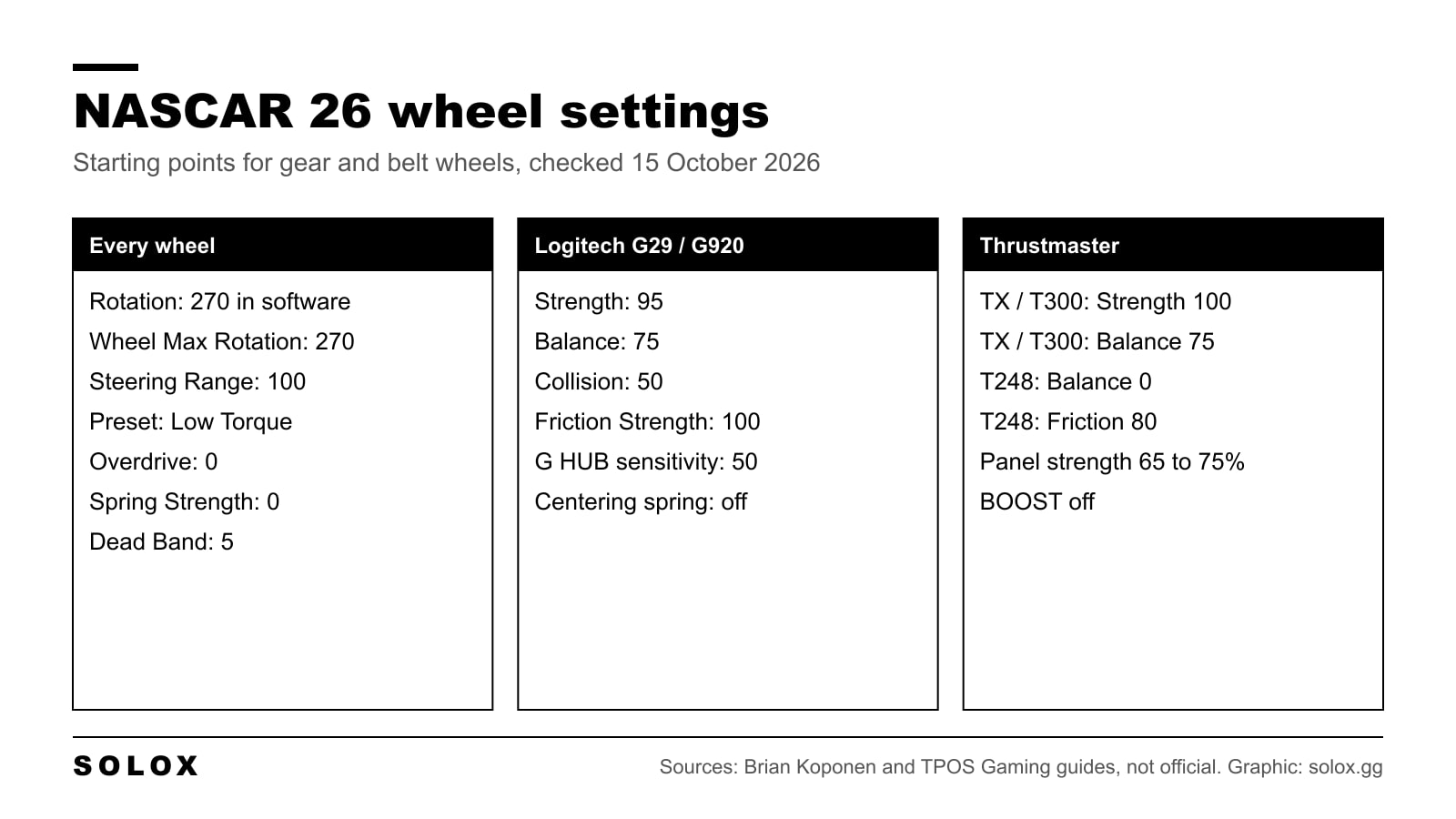
NASCAR 26 came out on 18 September 2026 (editions, platforms and PC specs here), and the first thing most people get wrong is the rotation. Leave your wheel at 900 or 1080 degrees and the steering feels slow and vague, because the game expects much less.
Here are the wheel settings to start from for the Logitech G29 and G920 and the Thrustmaster TX, T300 and T248, what each slider does, and where the numbers come from.
Checked on 15 October 2026. iRacing Studios publishes no recommended wheel settings and no supported wheel list for NASCAR 26. The values below come from Brian Koponen's guides for each wheel (18 September 2026) and the TPOS Gaming guide (updated 24 September 2026), which agree on every value they share. TPOS also tested the G29 itself. Treat them as a start, not official numbers.
Rotation first: 270 degrees
Koponen explains it this way: NASCAR 26 uses 270 degrees of steering. Set your wheel higher and the game stops reading your input at that point while the force feedback carries on past it. You feel the disconnect straight away.
So, before you touch the force feedback:
| Where | Setting | Value |
|---|---|---|
| Wheel software | Rotation | 270 |
| In game | Wheel Max Rotation | 270, the same as the software |
| In game | Steering Range | 100 |
Steering Range 100 is what makes the steering linear, so the in-game wheel matches your real one. A lower Steering Range with more rotation is a different approach that some direct drive users run, but I have not found values for it that two sources agree on.
Where the settings are
| Menu | What is there |
|---|---|
| Settings, Gameplay | Transmission (Manual to use paddles or a shifter), Brake Smoothing (a brake assist) |
| Settings, Driving | Assist presets |
| Settings, Controls, Wheel | Rotation, Steering Range, shifter type and all force feedback |
| Settings, Adv. Controls | Car Handling Config (set Steering Wheel), pedal curves |
In the wheel menu the force feedback is split into groups: the Preset, Driving Forces (Strength, Balance, Collision, Overdrive), Friction (Strength), Spring (Strength) and Dead Band.
| Slider | What it does |
|---|---|
| Force Feedback Preset | Low Torque for gear and belt wheels |
| Strength | Overall driving force |
| Balance | Lifts the light forces so you feel them near the centre |
| Collision | The jolt when you hit something |
| Overdrive | Pushes the forces up; adds clipping in the corners |
| Friction Strength | Weight of the wheel, mostly at low speed |
| Spring Strength | A constant pull to the centre |
| Dead Band | Takes out the dead zone around the centre |
Logitech G29 and G920
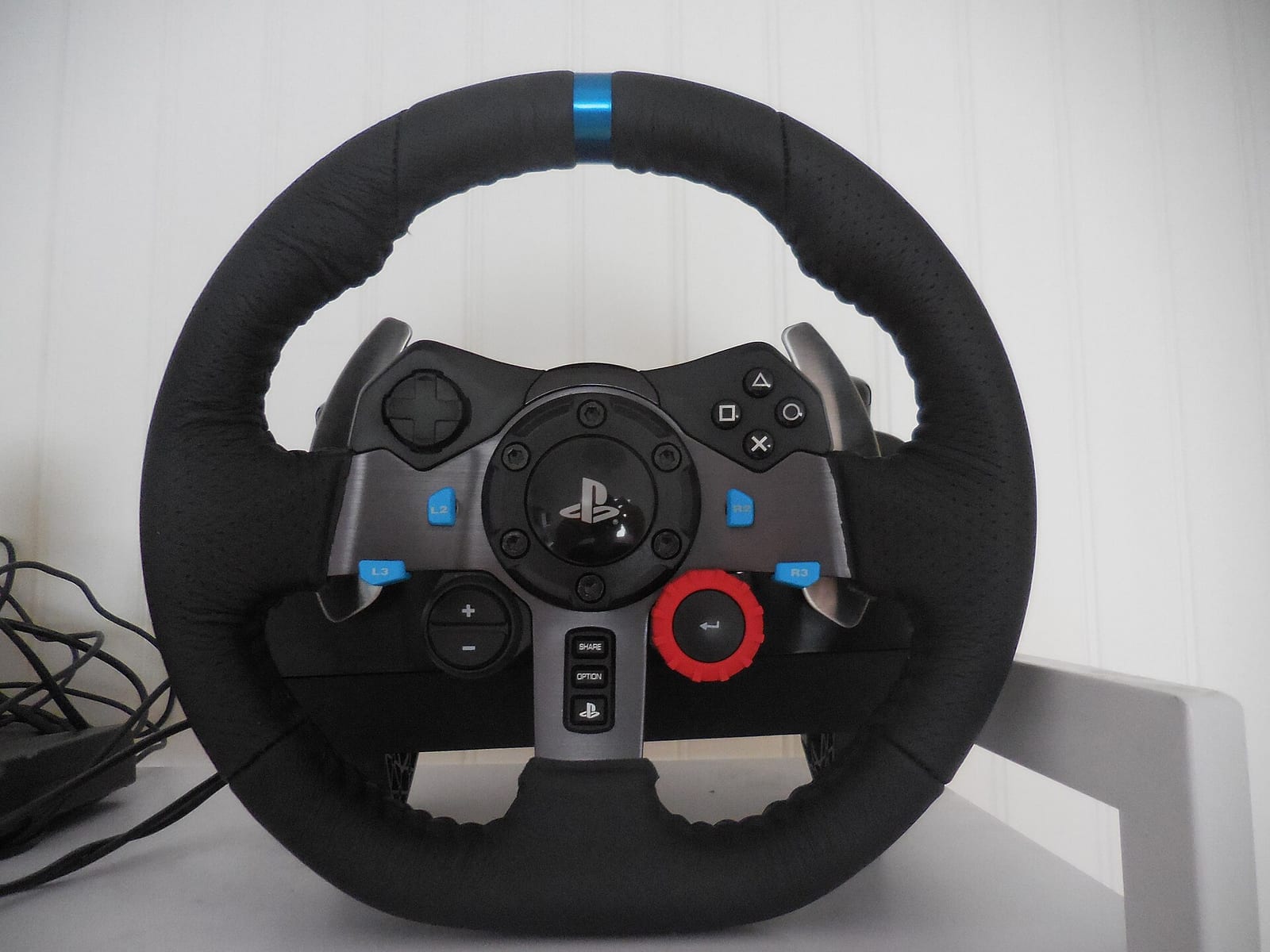
G HUB: Operating Range 270, Sensitivity 50, Centering Spring in Non Force Feedback Games unchecked. If you make a game profile, the file to pick is NASCAR26_Steam-Win64-Shipping.exe in NASCAR 26\Maverick\Binaries\Win64.
| In game | Value |
|---|---|
| Steering Range | 100 |
| Wheel Max Rotation | 270 |
| Force Feedback Preset | Low Torque |
| Strength | 95 |
| Balance | 75 |
| Collision | 50 |
| Overdrive | 0 |
| Friction Strength | 100 |
| Spring Strength | 0 |
| Dead Band | 5 |
Strength sits at 95, not 100, to take the grinding feel out of the gears when the force peaks. Balance at 75 lets you feel the car even with the wheel centred, which these wheels need.
Thrustmaster TX and T300
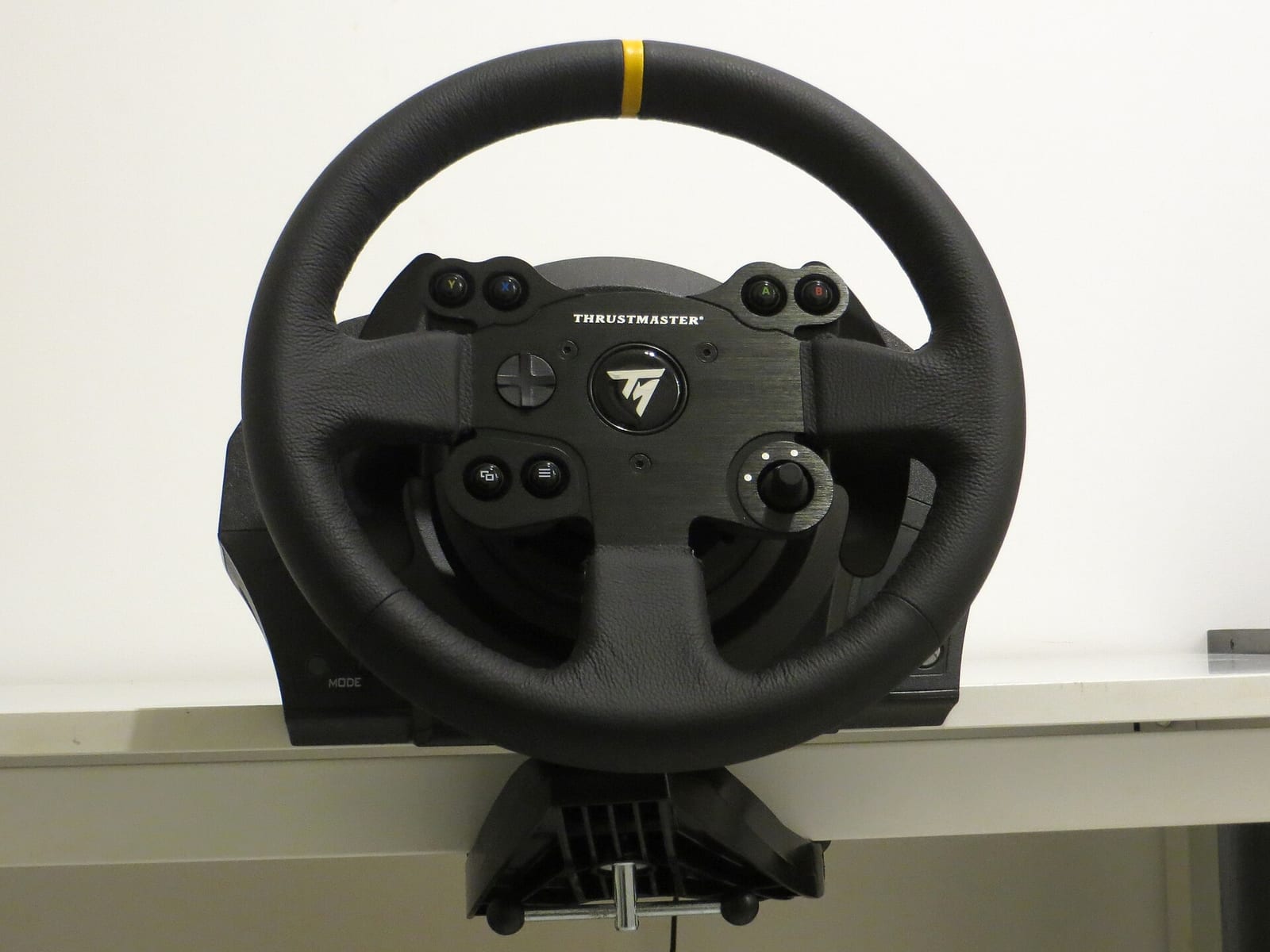
Thrustmaster Control Panel: Rotation 270, Overall Strength 75%, Constant, Periodic, Spring and Damper 100%, BOOST off, Auto-Center by the game. Spring feeds the in-game Spring Strength, Damper feeds Friction Strength.
In game, the same as the G29 except Strength 100. Lower it if you want a lighter wheel.
Thrustmaster T248
The T248 oscillates on the straights if Balance is up, so two values change:
| In game | Value |
|---|---|
| Steering Range | 100 |
| Wheel Max Rotation | 270 |
| Force Feedback Preset | Low Torque |
| Strength | 100 |
| Balance | 0 |
| Collision | 50 |
| Overdrive | 0 |
| Friction Strength | 80 |
| Spring Strength | 0 |
| Dead Band | 5 |
On the wheel: rotation 270 and Force at 65%. With the newer PC driver the old FFB setting is called Boost, and it goes to 0. Rotation and strength on the wheel and in the Control Panel overwrite each other, so set them in one place.
Direct drive bases
No two sources agree on direct drive values yet, so I do not list any. My approach: run the same 270 degrees and Steering Range 100 for one to one steering, start with the base torque well down, and raise Strength until the car feels heavy in the middle of the corner but never clips. Leave Overdrive at 0.
How I would fine tune it
- Rotation and Steering Range first. Drive five laps before you touch the force feedback.
- Strength on the longest corner. On an intermediate oval the load builds through the whole turn. If the wheel goes solid and stops changing, it clips; lower Strength.
- Balance for feel at the centre. Raise it if the wheel goes dead on the straight, lower it if the wheel shakes.
- Friction last. It is weight at low speed. Too much makes slow corners on road courses hard work.
Same rule as in every game: change one thing per run and judge it over a full run, not one lap. My NASCAR Heat 5 tips cover the driving side, and the NASCAR Heat 5 wheel and FFB settings are there if you still play the older game. Older G29 values for that game are on my NASCAR Heat 5 Logitech settings page. Once the wheel is right, my NASCAR 26 career mode guide explains the ladder from ARCA to Cup.
FAQ
What rotation should I use in NASCAR 26?
270 degrees in your wheel software, with Wheel Max Rotation at 270 and Steering Range at 100 in the game.
What are the best NASCAR 26 settings for the G29?
Low Torque preset, Strength 95, Balance 75, Collision 50, Overdrive 0, Friction Strength 100, Spring Strength 0, Dead Band 5, with 270 degrees in G HUB.
Why does my T248 shake on the straights in NASCAR 26?
Balance. Set it to 0 and Friction Strength to 80.
Should I use Overdrive in NASCAR 26?
No. It adds clipping in the corners, so you lose detail when the forces are highest.
Are there official NASCAR 26 wheel settings?
No. iRacing Studios has not published recommended values or a supported wheel list. The values on this page come from community guides that agree with each other.
Does NASCAR 26 support direct drive wheels?
Guides show direct drive bases such as the MOZA R12 in use, but there is no official list. Use the same 270 degrees and Steering Range 100 as a start.