
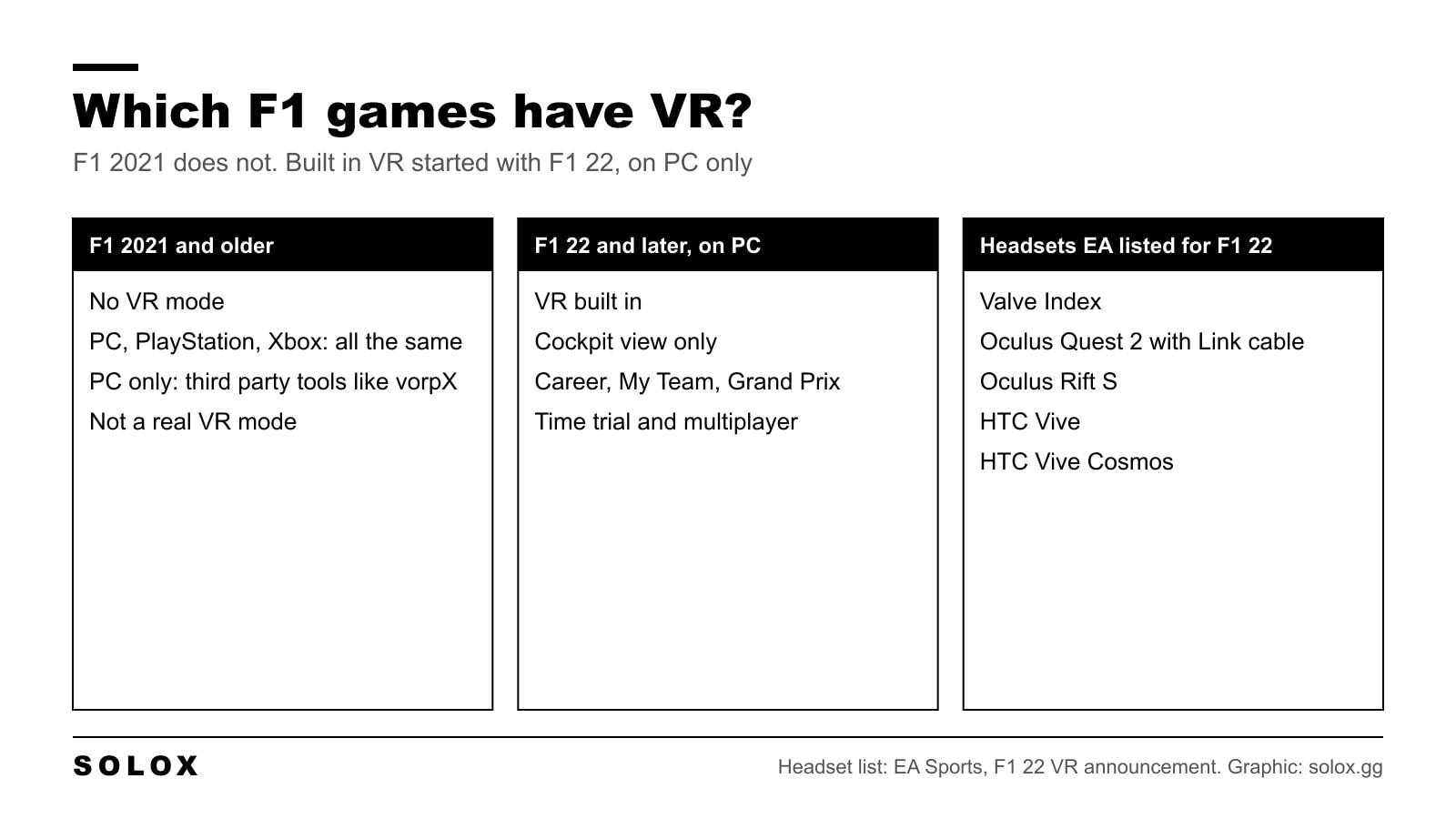
No. F1 2021 does not support VR. There is no VR mode in the menus, no patch added one, and it is the same on PC, PlayStation and Xbox.
VR arrived one game later. F1 22 was the first F1 game with a VR mode, and only on PC. So if you have a headset, you have three options. I will go through them.
Which F1 games have VR
| Game | VR built in | Where |
|---|---|---|
| F1 2020 | No | |
| F1 2021 | No | |
| F1 22 | Yes | PC only |
| F1 23 | Yes | PC only |
| F1 24 | Yes | PC only |
| F1 25 | Yes | PC only |
When EA announced VR for F1 22, they said it works in Career, My Team, Grand Prix, Time Trial and multiplayer, and that you can race against friends who are on a normal screen.
They also listed the headsets:
- Valve Index
- Oculus Quest 2 with a Link cable
- Oculus Rift S
- HTC Vive
- HTC Vive Cosmos
For the newest game, EA keeps a list of supported VR headsets on its help site. Check it before you buy a headset for F1 25.
Option 1: stay on a screen and set it up well
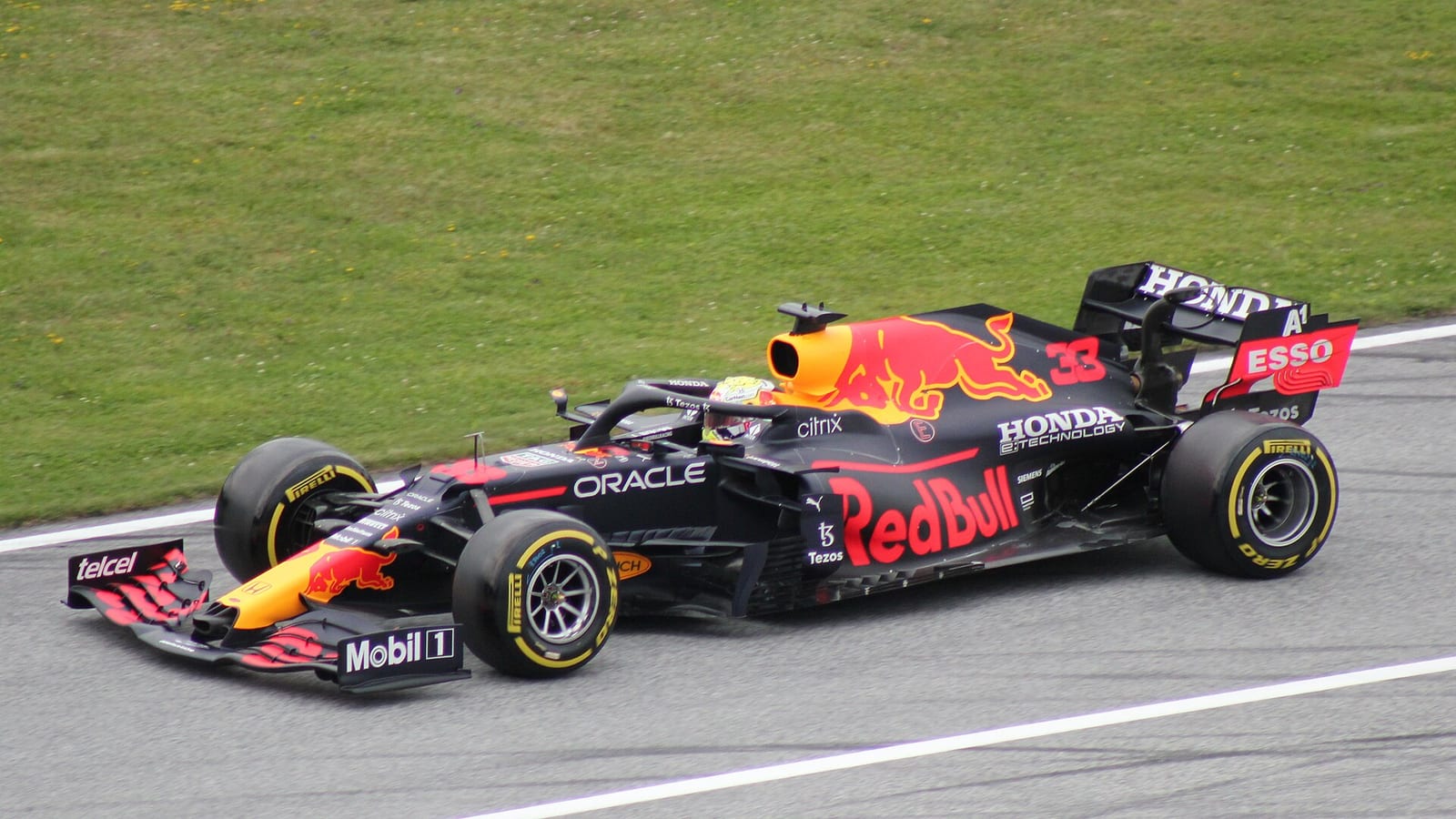
This is what I would do with F1 2021. Most of what VR gives you is a correct sense of distance, and you can get a good part of that on a monitor.
- Move the screen close. Right behind the wheel base if you are on a rig.
- Lower the field of view. The corner then grows on the screen at a rate that makes sense, and you brake at the right place. The values are in my F1 2021 camera settings.
- Use the cockpit camera. It is the closest to what a driver sees.
- Camera shake off. A still picture is easier to read.
It costs nothing, and you will be as fast as you would be in a headset. Probably faster.
Option 2: a third party VR tool on PC
On PC there are programs that push a normal game into a headset. The one most people use is vorpX. It is a paid program that hooks into DirectX games and sends the picture to the headset in 3D with head tracking.
I wrote the whole method for the game before this one: F1 2020 VR settings with vorpX. The camera and video settings on that page are the place to start for F1 2021 too, because the menus are almost the same.
Be honest with yourself about what you get:
- It is not a VR mode. The menus and the HUD are flat pictures made for a monitor.
- It is heavy. The game is drawn twice, by a tool that sits on top of it. You need a strong graphics card and low detail settings.
- It is an experiment. The vorpX developer has said on their forum that the F1 games run fairly well. I have not seen F1 2021 confirmed in the same detail as F1 2020, so I would not buy the program only for this.
On PlayStation and Xbox there is no such tool. On console the answer is just no.
Option 3: play something made for VR
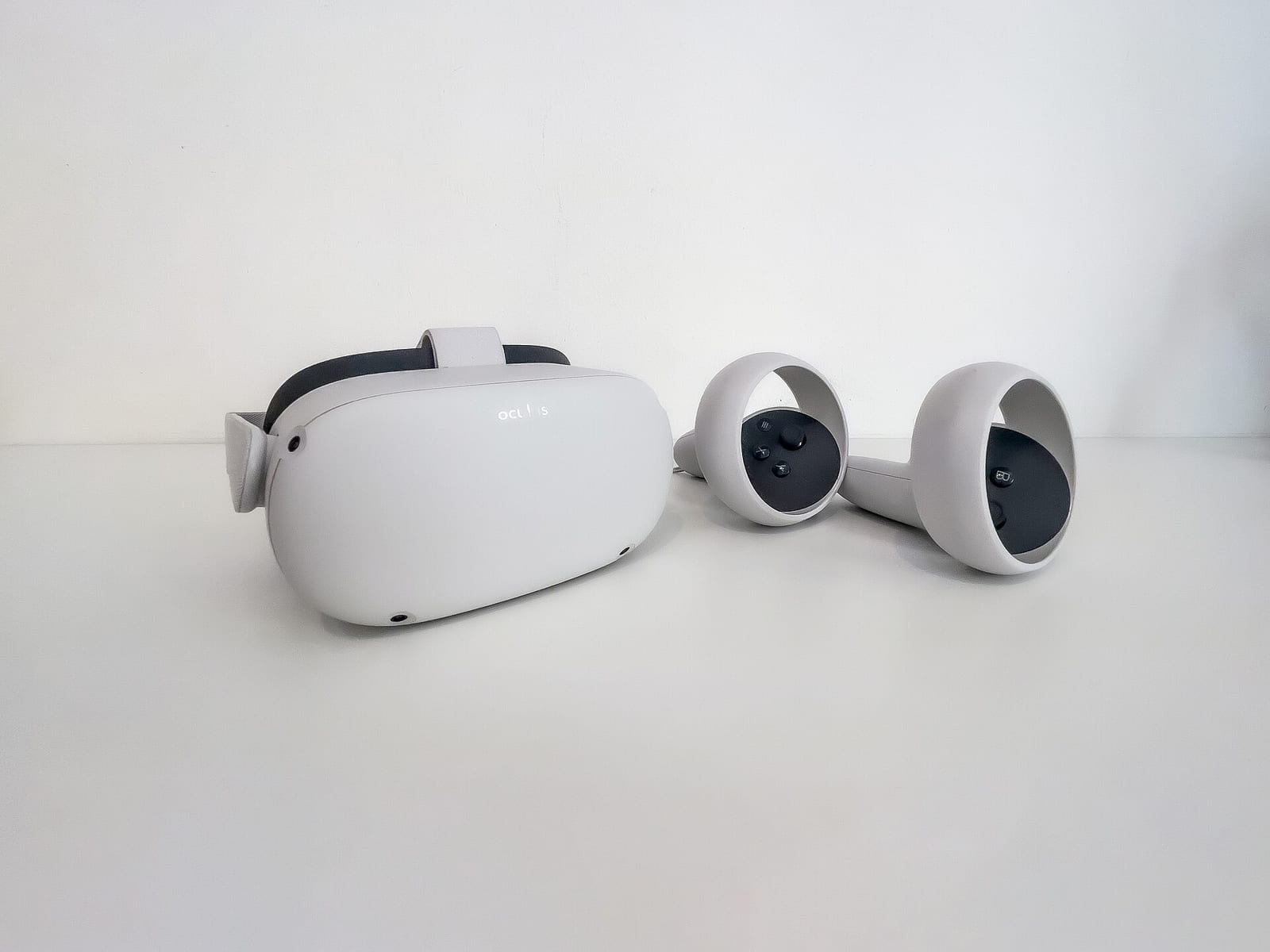
If the headset is the reason you race, do not fight an old game. Pick one where VR is built in.
- A newer F1 game on PC. F1 22 and the ones after it. Same sport, the cars of that season, and the headset works from the menu.
- A sim. Many PC sims have had VR for years, and it is often better there than in the F1 games. My list is in the best PC racing games in VR.
And if you are still choosing the hardware, start with the best VR headsets for sim racing.
Is VR faster?
Not by itself. I say this because people expect a headset to find them half a second.
What VR does well:
- Distance. You see how far the apex and the car in front are, like in a real car.
- Looking into the corner. You turn your head to the apex. In a real single seater you do this all the time.
- Wheel to wheel. A glance at the mirror or to the side tells you where the other car is.
What it costs:
- Sharpness. Braking boards far away are harder to read than on a good monitor.
- Comfort. A headset is hot and heavy over a long race.
- Frame rate. If it drops, you feel sick. On a monitor you just see a stutter.
A headset makes it feel closer to driving. The lap time still comes from the braking and the exits. Those are in my F1 2021 tips.
What I would do
| You have | Do this |
|---|---|
| F1 2021 on console | Play on the screen. There is no VR option |
| F1 2021 on PC, no headset | Set the camera and the screen up well. Do not buy a headset for this game |
| F1 2021 on PC and a headset | Use the headset in a newer F1 game or a sim. Try vorpX only if you already own it |
| A headset and no F1 game yet | Buy F1 22 or later on PC |
Next steps
- Get the view right on a monitor with my F1 2021 camera settings.
- Make the game run smooth with the best F1 2021 graphics settings.
- Then the car: every track is in my F1 2021 setups hub.
- Curious about the third party route? Read F1 2020 VR settings with vorpX.
FAQ
Does F1 2021 have VR?
No. F1 2021 has no VR mode on any platform, and no update added one.
Can you play F1 2021 in VR on PC?
Not with the game alone. A third party program like vorpX can put it in a headset, but it is not a real VR mode and it needs a strong PC.
Does F1 2021 work with PlayStation VR?
No. The PlayStation version has no VR support.
Which F1 game was the first with VR?
F1 22. It was the first game in the series with VR built in, on PC only.
Which headsets work with F1 22?
EA listed the Valve Index, Oculus Quest 2 with a Link cable, Oculus Rift S, HTC Vive and HTC Vive Cosmos.
Is VR worth it for F1 games?
For the feeling, yes. You judge distance better and you can look into the corner. It does not make you faster by itself, and you need a PC that holds a steady frame rate.