
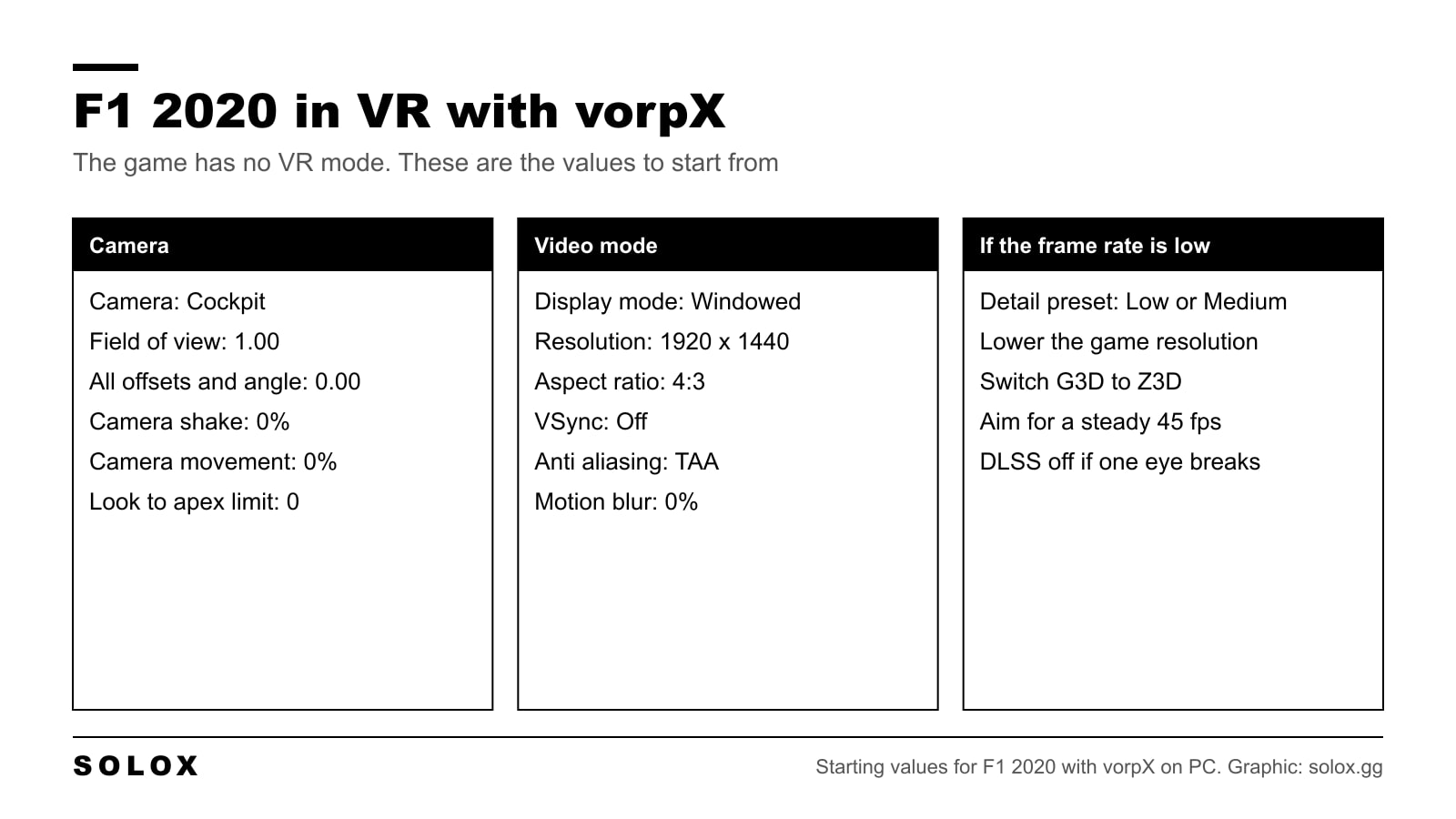
F1 2020 does not have a VR mode. Codemasters only added one on PC with F1 22. So if you want to sit in the 2020 cars with a headset on, you need another program between the game and the headset. That program is vorpX.
It works. It is not the same as a game made for VR, and I will be honest about where it falls short.
F1 2020 VR settings with vorpX
| Camera setting | Value |
|---|---|
| Edit camera | Cockpit |
| Field of view | 1.00 |
| Offset: lateral | 0.00 |
| Offset: horizontal | 0.00 |
| Offset: vertical | 0.00 |
| Angle | 0.00 |
| Near clip plane | 0.00 |
| Camera shake | 0% |
| Camera movement | 0% |
| Look to apex limit | 0° |
| Halo column | On |
| Video mode setting | Value |
|---|---|
| Display mode | Windowed |
| Resolution | 1920 x 1440 |
| Aspect ratio | 4:3 |
| VSync | Off |
| Frame rate limit | Off |
| Anti aliasing | TAA |
| Anisotropic filtering | 2x |
| HDR | Off |
| Motion blur strength | 0% |
| Gamma adjustment | 1.00 |
The camera values go in Settings, Camera Customisation. The video values go in Settings, Graphics Settings, Video Mode. The menus are explained in my F1 2020 FOV settings and F1 2020 graphics settings guides.
What vorpX is
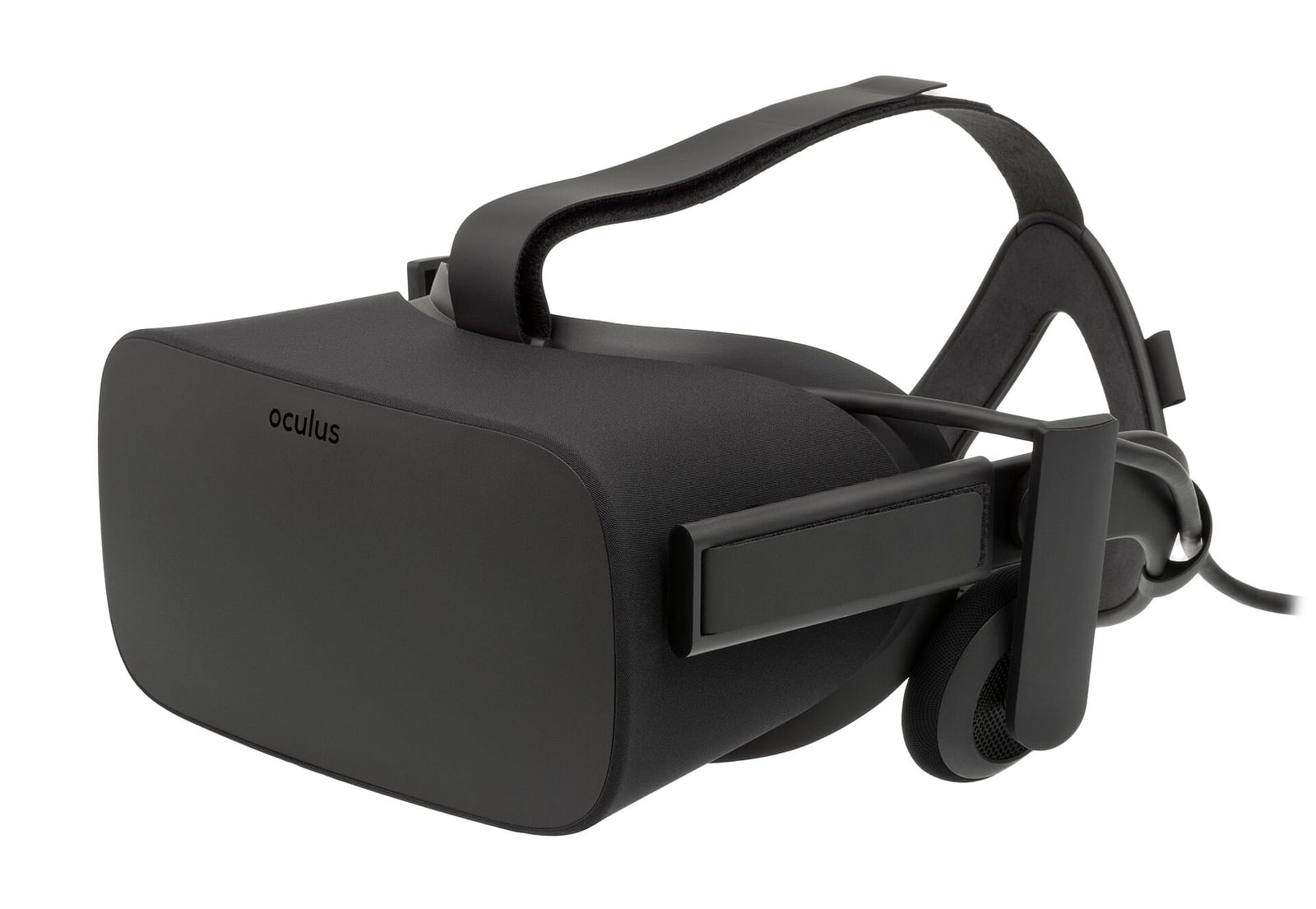
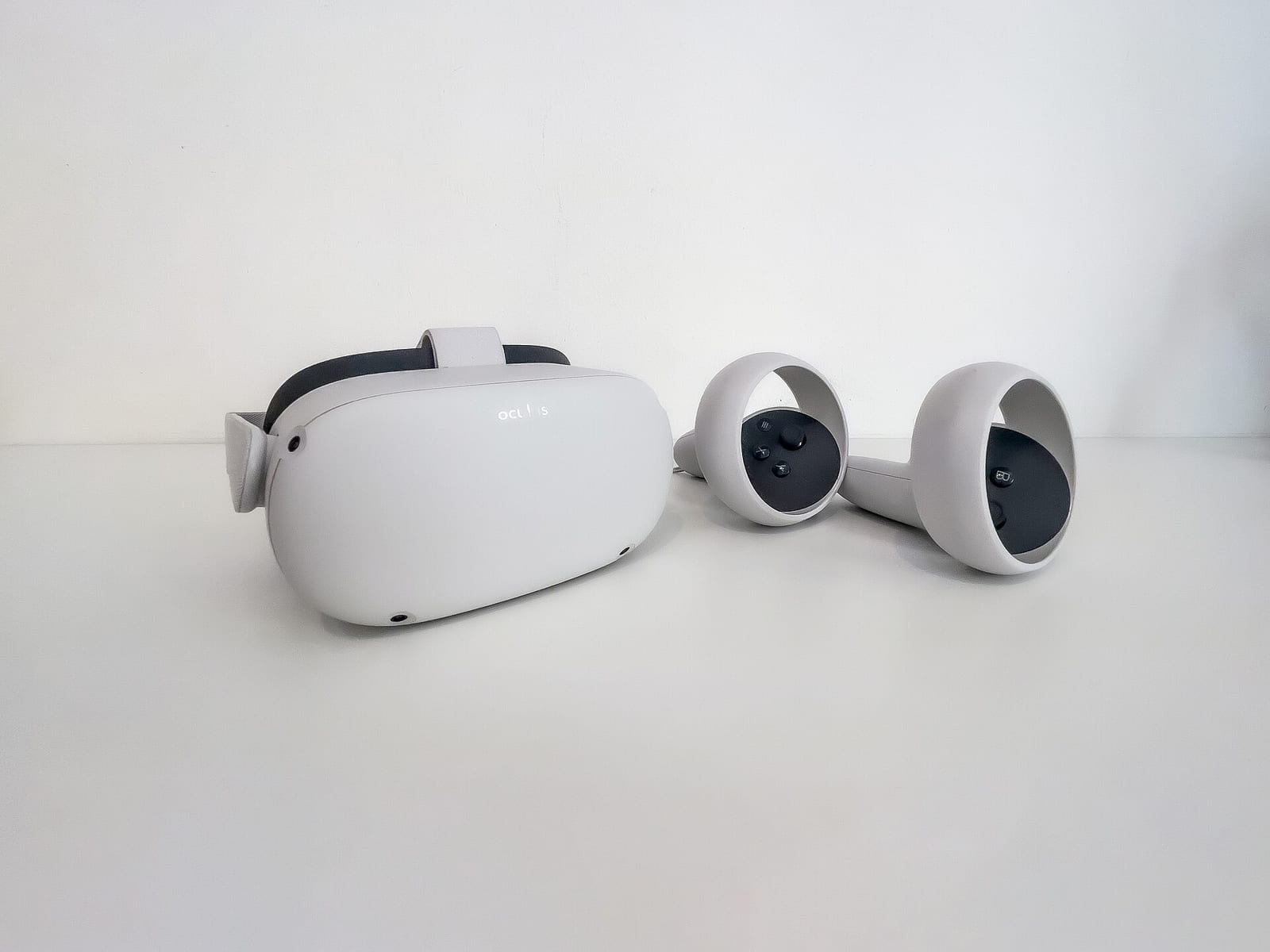
vorpX is a paid program for Windows. It hooks into normal DirectX games and sends the picture to a VR headset, in stereo 3D and with head tracking. The developer lists Meta Quest, Valve Index and any headset that runs on SteamVR or OpenXR.
You buy a licence on their site. I am not going to quote a price here, because it changes. Check it before you buy.
What you get in F1 2020:
- You sit in the cockpit. The car has depth. The halo, the wheel and the mirrors are where they should be.
- You can look around. Turn your head to the apex or check the mirror with a glance.
What you do not get:
- Menus made for VR. The menus and the HUD are flat pictures made for a monitor. vorpX has a mode called EdgePeek for this. Press the mouse wheel and the game becomes a screen in front of you, so you can read the corners.
- The performance of a native VR game. The picture is produced by a tool on top of the game. It costs frames.
How to set it up
- Install your headset software and check that the headset works on the PC.
- Install vorpX and select your headset type in its configuration program.
- Start vorpX. It sits in the background and waits for a game.
- Start F1 2020. vorpX hooks into it and the picture goes to the headset.
- In the game, set the video mode and camera values from the tables above.
- Open the vorpX menu in the game and set the head tracking sensitivity. vorpX says to do this once for every new game.
- Go to time trial and do a few slow laps before you change anything else.
If vorpX does not hook into the game, their support page points to other programs that hook into games too: virus scanners, capture and streaming tools, overlays, GPU utilities. Close them and try again.
Why these camera settings
Cockpit camera. VR only makes sense from where the driver sits. In TV Pod you would be a head floating above the airbox.
Field of view 1.00. On a monitor I tell you to lower the field of view. In a headset it is the opposite. The lenses cover a big part of your vision, so the game has to draw a wide picture or everything looks zoomed in. vorpX says the same in its own FAQ. That is why the slider goes to the top.
Offsets and angle at 0.00. Your head does the moving now. Start from the default seat position. If the top of the wheel covers the track, raise Offset: vertical a little.
Camera shake and camera movement at 0%. This is the important one. In VR, any movement of the picture that your head did not make is what makes people sick. Kill both.
Look to apex limit 0°. Same reason. You look at the apex with your own neck.
Why these video settings
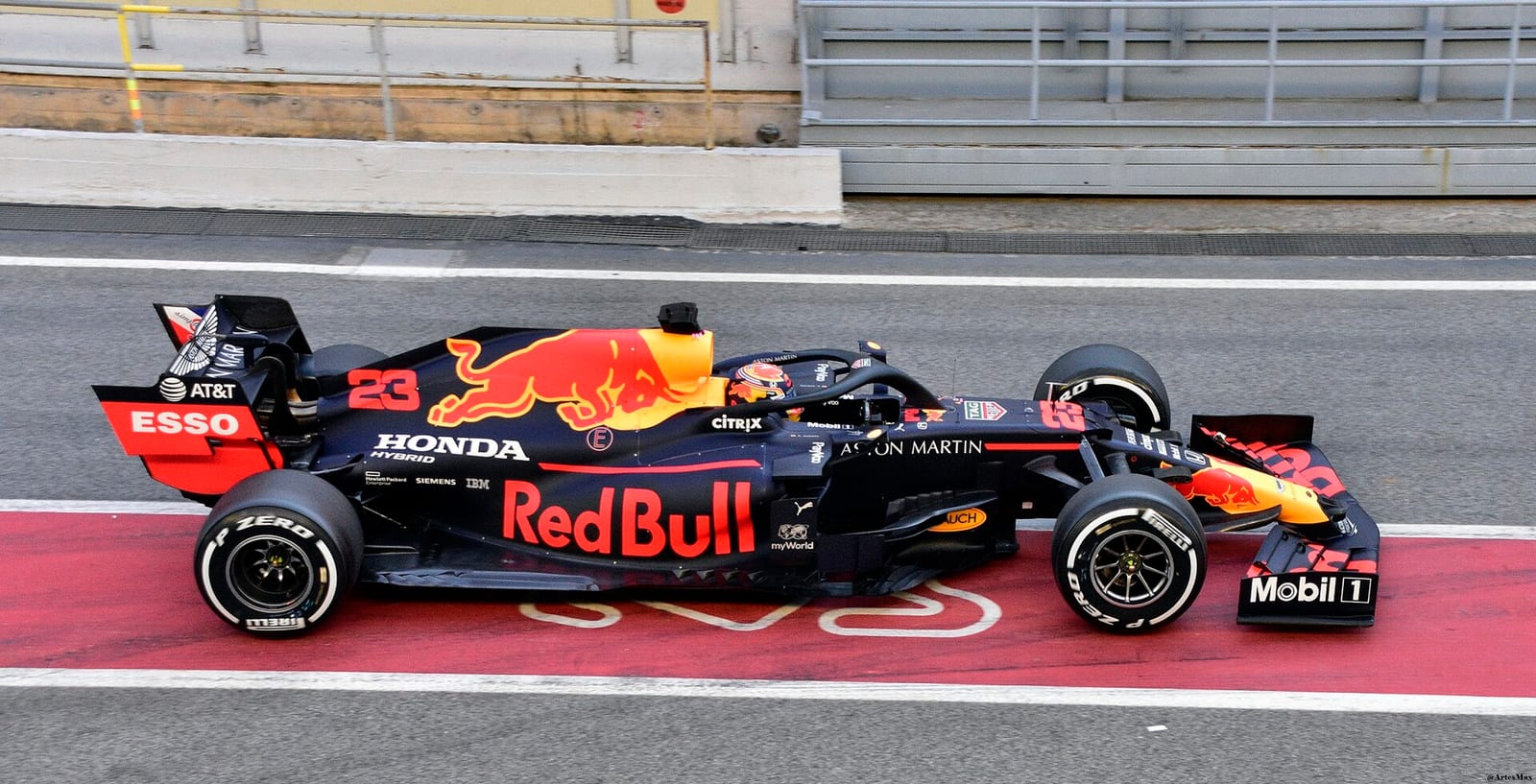
Windowed, 4:3. A headset is closer to square than a 16:9 monitor. A 4:3 window wastes fewer pixels at the sides.
1920 x 1440. The vorpX developer answered this on their forum for F1 2020: the resolution set in the game is the one that matters, and something around 1440p is a good balance between sharpness and frame rate. The supersampling value in SteamVR does not count, because vorpX handles that part.
If you have a strong graphics card, go higher. On Nvidia cards you can add a custom resolution above what your monitor shows. The vorpX help has a guide for it.
VSync off, no frame limit. The headset and vorpX control the timing. A second limit only adds delay.
Motion blur 0%. Blur and VR do not go together.
Detail preset Low or Medium. That is the developer's advice for the F1 games, and I would follow it. A smooth picture is worth more than nice shadows when it is strapped to your face.
G3D and Z3D
vorpX has two ways to make the 3D picture, and you can switch in its menu.
| Mode | How it works | Use it when |
|---|---|---|
| G3D, geometry 3D | Draws the whole scene twice, once for each eye | You have the frame rate. Real depth |
| Z3D, depth buffer 3D | Draws once and builds the second eye from depth data | The frame rate is too low. Faster, less exact |
Start with G3D. The cockpit looks solid and the distance to the car ahead is easier to read. If you cannot hold the frame rate, Z3D is a lot lighter.
What frame rate you need
You do not need 90 fps from the game. On the vorpX forum the developer says 45 fps is fine: every other frame is filled in by vorpX or by SteamVR, and the headset still shows 90.
What matters is that it is steady. 45 that never moves is good. 60 that drops to 40 in the first corner of a race is not.
In the same thread the developer says they get close to a stable 90 fps in G3D at 1440p on medium detail with an RTX 3080, and that an older GTX 1080 runs the F1 games fairly well too. Take that as a rough idea of the hardware you need.
One more thing from that thread: a user reported that DLSS broke the picture in one eye. If you see that, turn DLSS off and use TAA.
What to change when it does not work
| Problem | Change | Why |
|---|---|---|
| Picture stutters when you turn your head | Detail preset to Low, then lower the resolution | The frame rate is not steady |
| Still too slow | G3D to Z3D in the vorpX menu | The scene is drawn once, not twice |
| Everything looks zoomed in | Field of view up to 1.00 | VR needs a wide picture |
| You cannot read the menus or the HUD | EdgePeek, mouse wheel | Shows the game as a flat screen |
| One eye looks wrong | DLSS off, use TAA | Reported with DLSS on the vorpX forum |
| The world moves too fast or slow when you turn | Head tracking sensitivity in the vorpX menu | Has to be set once for each game |
| You feel sick | Camera shake and movement to 0%, shorter sessions | No movement that your head did not make |
| vorpX does not start with the game | Close overlays, capture tools, virus scanner | Other programs hook into the game too |
Is it worth it?
If you already own vorpX, yes, try it. Sitting in the 2020 cars in 3D is a nice way to drive an old game again.
Would I buy vorpX only for F1 2020? No. The menus are awkward, the frame rate is hard work, and you will not be faster than on a monitor. For proper VR racing, there are better options:
- F1 22 and later have VR built in on PC.
- Sims made with VR in mind. Here are the best PC racing games in VR.
And if you do not have a headset yet, read my guide to the best VR headsets for sim racing first.
Next steps
- No headset? Set the monitor up well with my F1 2020 FOV settings.
- Get the frame rate up with the F1 2020 graphics settings.
- The wheel matters more in VR, because you cannot see your hands. Here are the F1 2020 wheel settings.
- Then the car: all 22 tracks are in my F1 2020 setups hub.
FAQ
Does F1 2020 support VR?
No. F1 2020 has no VR mode. On PC you can use vorpX, a paid third party program, to play it in a headset.
Which F1 game has VR?
F1 22 was the first one with VR built in, on PC only. The games after it kept it.
Does vorpX work with F1 2020?
Yes. The vorpX developer has said on their forum that F1 2020 runs well in geometry 3D on a fast PC.
What resolution should I use for F1 2020 with vorpX?
Start at 1920 x 1440 in a 4:3 window. The resolution set in the game is the one that changes sharpness and frame rate. Go higher only if the frame rate stays steady.
What FOV should I use in VR?
1.00, the top of the slider, on the cockpit camera. A headset needs a much wider picture than a monitor.
Can I play F1 2020 in VR on PlayStation or Xbox?
No. vorpX is a Windows program, so this only works with the PC version of the game.
Is 45 fps enough for VR?
With vorpX, yes, if it is steady. The missing frames are filled in, and the headset shows 90.