
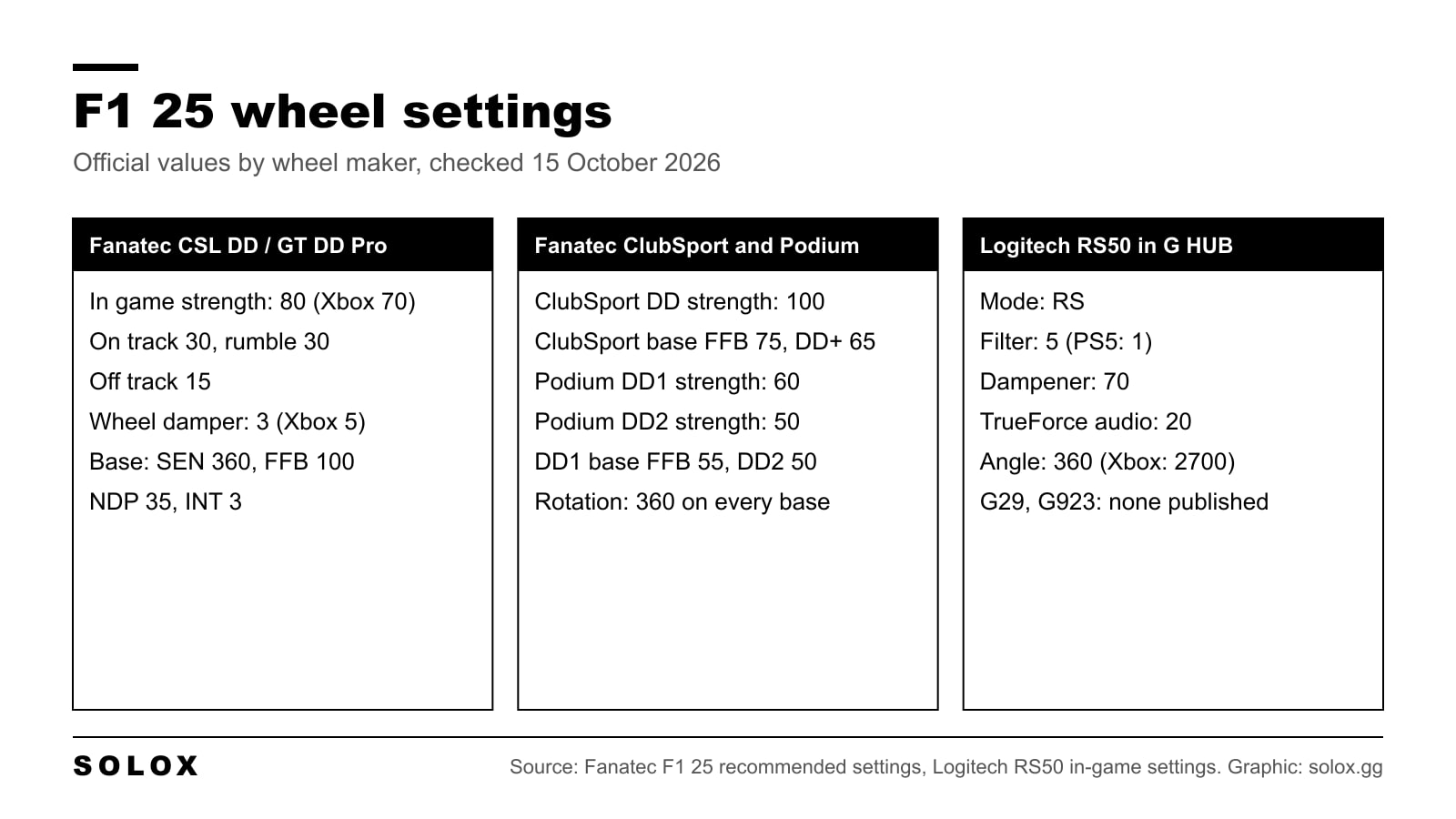
The best F1 25 wheel settings start with Wheel Rotation at 360 degrees and an in-game force feedback strength that matches the torque of your base. The only official F1 25 numbers come from the wheel makers: Fanatec publishes a full table for its direct drive bases, and Logitech publishes a profile for the RS50. For everything else I give you the method.
Below is every slider in the menu, the official values brand by brand, what the driver software should be set to, and the wheel fixes in EA's patch notes.
Checked on 15 October 2026 against Fanatec's F1 25 recommended settings page, Logitech's RS50 in-game settings article, MOZA's F1 24 wheelbase setup blog, and EA's F1 25 patch notes up to v1.24. Where a value is not published, I say so instead of filling the gap.
Where the wheel settings are
Go to Settings, Controls, Vibration & Force Feedback and pick your wheel. It has two pages that matter: Calibration (steering and pedal response) and Vibration & Feedback (the force feedback). That is the path in Brian Koponen's F1 25 guides, and the setting names below match Fanatec's own table.
The 2026 Season Pack is an update to F1 25, not a new game, so these menus and values still apply after it.
| Setting | What it does |
|---|---|
| Vibration & Force Feedback | Turns force feedback on or off |
| Vibration & Force Feedback Strength | Overall weight of the wheel. It goes above 100, and too high clips in fast corners |
| On Track Effects | Surface detail: bumps and track texture |
| Rumble Strip Effects | The hit you feel on kerbs |
| Off Track Effects | Grass and gravel |
| Pit Stop Effects | Vibration during the stop |
| Wheel Damper | Adds resistance. Stops the wheel feeling empty when stopped or in slow corners |
| Maximum Wheel Rotation | Lock to lock steering range. Fanatec's table calls it Wheel Rotation |
On the Calibration page you get steering deadzone, linearity and saturation, plus the same three for throttle and brake. On a wheel, deadzone and saturation at 0 is the honest starting point: you want the car to follow your hands one to one. Linearity bends the response around the centre. EA does not publish defaults or ranges for these sliders, so I do not list them.
Wheel rotation for an F1 car
Use 360 degrees. Fanatec's page says 360 matches the real F1 wheel range, and Logitech's RS50 article says the same thing about F1 cars. Every Fanatec base on the official page runs 360 both in the base and in the game.
A single seater has very little steering lock. Your hands stay at a quarter to three, you never cross your arms, and small inputs do a lot. If your wheel is at 900 degrees and the game is not capping it, you are turning three times further than the car needs. That makes you late on every direction change.
Set it in one of two ways and do not mix them:
- Match the base to the game. 360 in the driver software, 360 in game. This is what Fanatec's table does, and what Logitech asks for on PC with the RS50.
- Leave the base at maximum and let the game cap it. This is what Logitech's RS50 table does on Xbox (2700 at the base), and what some guides do on PC.
If the rotation in game does not match what you set, check the patch notes section below. Several Xbox rotation bugs were fixed in 2026.
Fanatec official settings
Fanatec has an official F1 25 recommended settings page with values for every current direct drive base. It shows no publish date. Fanatec calls them a starting reference and says to change one setting at a time. Its note on strength is clear: leave the base FFB and FOR where they are for full detail, and change the overall weight in game.
| In game | CSL DD / GT DD Pro (PC, PS5) | CSL DD / GT DD Pro (Xbox) | ClubSport DD and DD+ | Podium DD1 | Podium DD2 |
|---|---|---|---|---|---|
| Vibration & FFB | On | On | On | On | On |
| Strength | 80 | 70 | 100 | 60 | 50 |
| On Track Effects | 30 | 30 | 20 | 25 | 20 |
| Rumble Strip Effects | 30 | 30 | 10 | 30 | 30 |
| Off Track Effects | 15 | 15 | 5 | 10 | 5 |
| Wheel Damper | 3 | 5 | 2 | 3 | 2 |
| Wheel Rotation | 360° | 360° | 360° | 360° | 360° |
And the base tuning menu (or the Fanatec App), on the same page:
| Tuning menu | CSL DD / GT DD Pro | ClubSport DD | ClubSport DD+ | Podium DD1 | Podium DD2 |
|---|---|---|---|---|---|
| SEN | 360° | 360° | 360° | 360° | 360° |
| FFB | 100 | 75 | 65 | 55 | 50 |
| FFS | PEAK | 50% | 50% | PEAK | PEAK |
| NDP | 35 (Xbox 45) | 55 | 45 | 15 | 15 |
| NFR / NIN | Off | Off | Off | Off | Off |
| INT | 3 | 10 | 10 | 3 | 2 |
| FEI | 100 | 100 | 100 | 100 | 100 |
| FOR, SPR, DPR | 100 (not listed on Xbox) | 100 | 100 | 100 | 100 |
Fanatec prints "PEK" for the DD2's FFS. I read that as PEAK, the same as the DD1. If the wheel clips, Fanatec says to lower FFB in the tuning menu.
Logitech settings: RS50, G29 and G923
Logitech publishes F1 25 values for the RS50 only, in its RS50 in-game settings article. These go in G HUB.
| G HUB (RS50) | PC | PlayStation | Xbox |
|---|---|---|---|
| Mode | RS | RS | RS |
| FFB Filter | 5 | 1 | 5 |
| Dampener | 70 | 70 | 70 |
| TrueForce Audio | 20 | 20 | 20 |
| Angle | 360 | 360 | 2700 |
The PC row is labelled for F1 22 to F1 25. Logitech's note is that F1 games on PC need the angle set to 360, while on console the game handles it. I covered the full list in my Logitech RS50 settings by game.
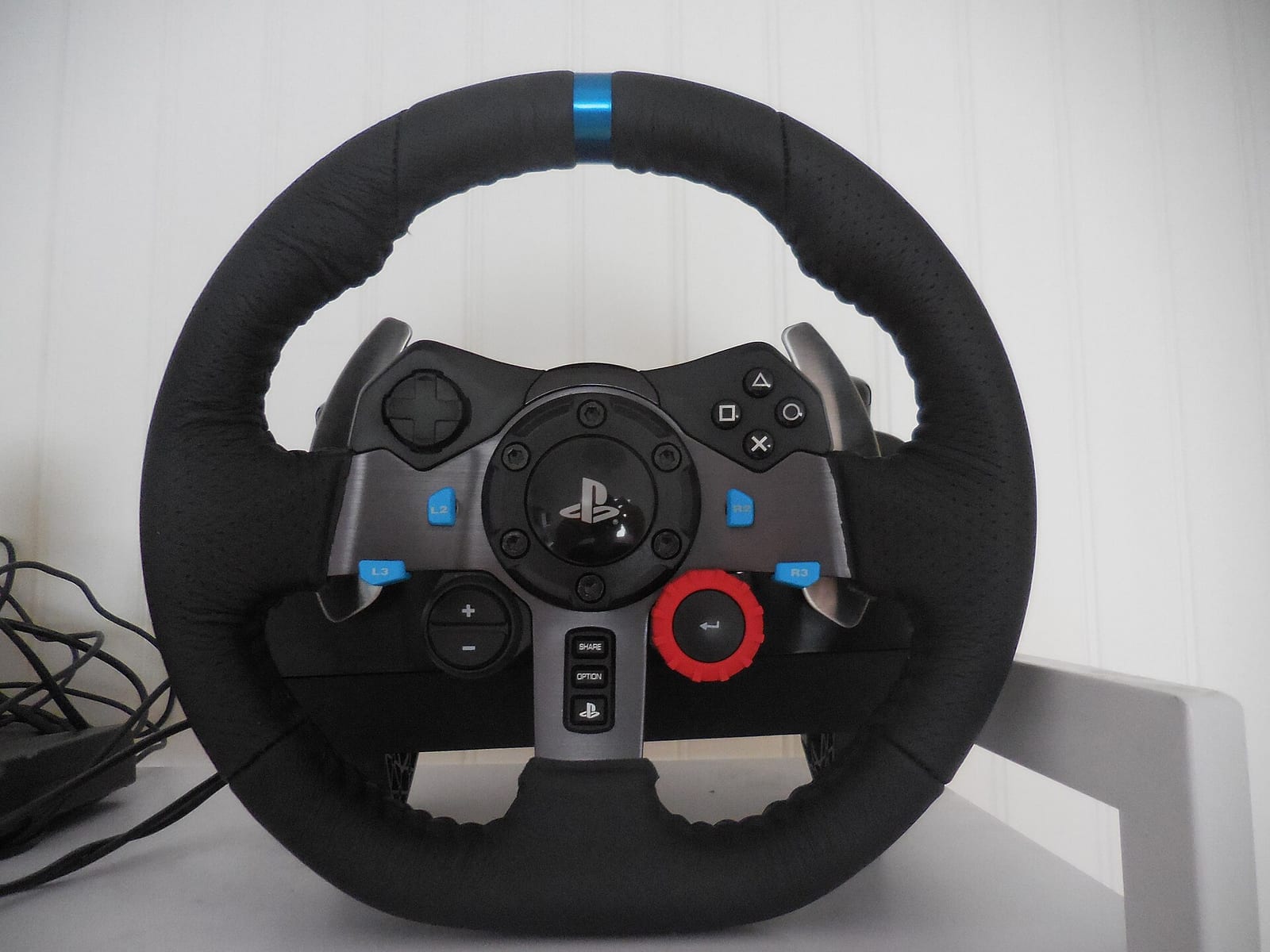
For the G29, G920 and G923 I found no official F1 25 values from Logitech or EA. The published guides disagree a lot: one runs the G923 at strength 120, another runs the G29 at 80. So here is the method.
- In G HUB, make an F1 25 profile. Either set the operating range to 360, or leave it at 900 and set 360 in game. Not both different.
- In game, start strength at 100 and drive a fast corner with big load, like Copse at Silverstone. If the wheel goes solid and stops changing, you are clipping. Come down 5 at a time.
- Raise Wheel Damper only until the wheel stops feeling empty on the grid.
- Set the effects last. A gear wheel rattles on kerbs, so keep Rumble Strip lower than On Track.
MOZA settings
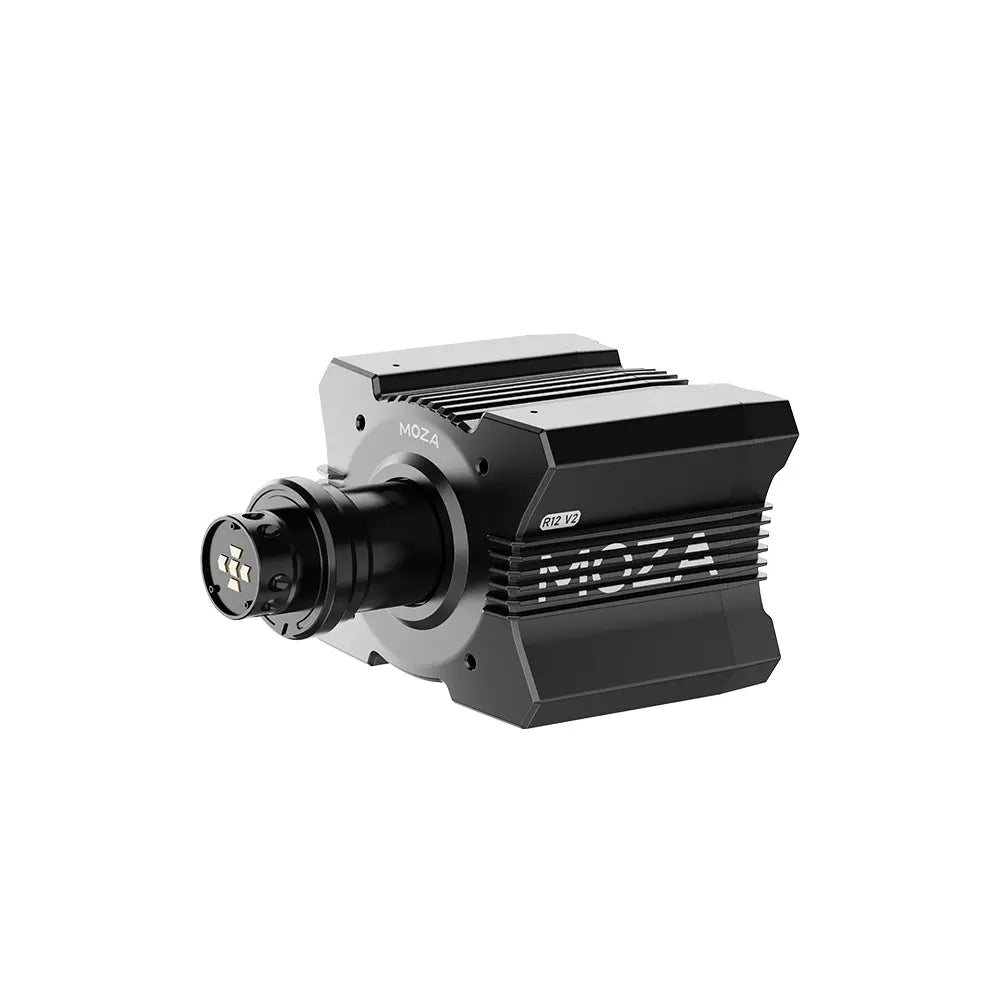
MOZA has not published F1 25 values that I could find. What MOZA did publish, on 27 February 2025, is an official F1 24 wheelbase setup page. I show it because it is MOZA's own work for the previous game, not because it is verified for F1 25.
| MOZA's F1 24 page | R3 | R5 | R9 | R12 | R16 | R21 |
|---|---|---|---|---|---|---|
| In game strength | 100% | 95% | 85% | 80% | 70% | 60% |
| On Track Effects | 45% | 45% | 35% | 30% | 25% | 20% |
| Rumble Strip Effects | 40% | 35% | 35% | 35% | 30% | 25% |
| Off Track Effects | 30% | 30% | 25% | 25% | 20% | 20% |
| Wheel rotation | 380° | 380° | 380° | 380° | 380° | 380° |
In Pit House the same page sets Maximum Steering Angle to 380°, Maximum Wheel Speed 50%, and Natural Damping at 45% on the R3 and R5, 40% on the R9 and R12, 35% on the R16 and R21. Game FFB intensity in Pit House is 100% on the R3 and R5, 90 to 95% on the R9 and R12, 70 to 80% on the R16 and R21.
Note that MOZA uses 380°, not 360°. If you play F1 25 on a MOZA, use the F1 24 page as a starting point, then run the same clipping test as above. My MOZA Pit House settings guide explains each Pit House slider.
Thrustmaster settings
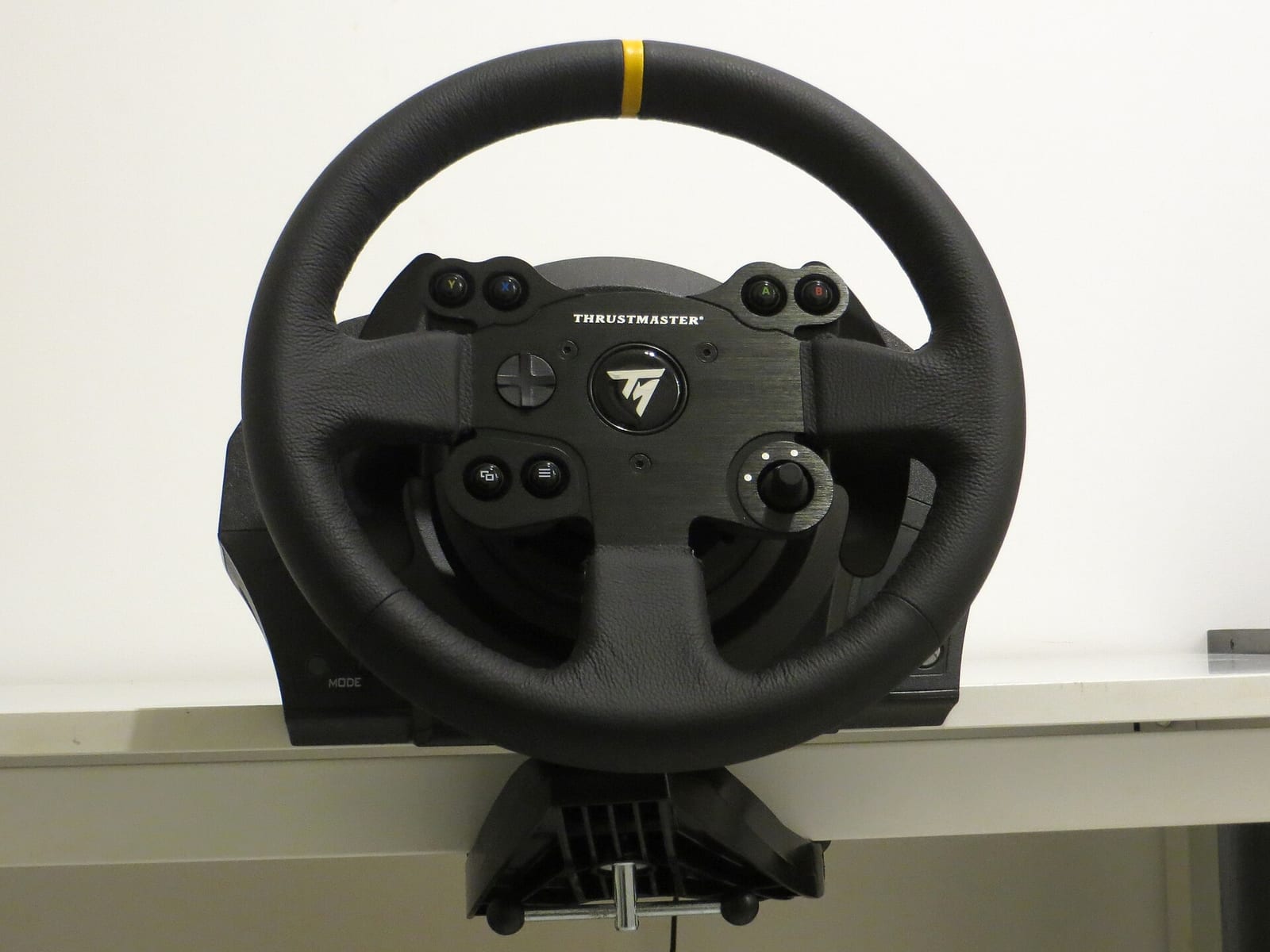
Thrustmaster does not publish F1 25 values that I could find, and the guides do not agree on strength. So no table here.
What is solid:
- The game has presets for Thrustmaster wheels. EA added the SF25 rim control scheme to the wheelbases in v1.22 and to the T598 on Xbox in v1.23.
- In the Thrustmaster Control Panel, Brian Koponen's testing shows the Damper channel feeds the in-game Wheel Damper, and Spring is not used by F1 25. So do not set Damper to 0 in the panel and then wonder why the in-game damper does nothing.
- On Xbox, leave rotation on the base at Auto. EA's v1.21 and v1.23 notes say the in-game rotation is only applied that way on the TMX, TX, T128, T248 and T598.
Then use the same method as the Logitech section: 360 degrees, strength until it clips and back off, damper, effects last.
Wheel fixes in EA's patch notes
These are the wheel lines from EA's own F1 25 patch notes.
| Patch | Date | Wheel change |
|---|---|---|
| v1.03 | June 2025 | Logitech force feedback refinements to wheel dampening and aligning torque, with TrueForce wheels reviewed too |
| v1.13 | October 2025 | Support for the Logitech RS50 and Thrustmaster T98 |
| v1.20 | 3 June 2026 | Wheel rotation restrictions removed on Xbox for Fanatec, MOZA, Turtle Beach and Logitech Pro/RS50 |
| v1.21 | 8 June 2026 | Logitech G920 on Xbox: rotation forces now match the in-game setting |
| v1.22 | 12 June 2026 | Thrustmaster SF25 rim control scheme added |
| v1.23 | 26 June 2026 | Thrustmaster on Xbox: in-game rotation applied when the base is set to Auto |
| v1.24 | 13 July 2026 | Xbox spring wheels (T90, Ferrari 458 Spider, Hori Overdrive) can reach full rotation |
v1.25 rolled out on 7 September 2026. I could not open EA's English notes for it, so I am not listing its wheel lines. After that patch some players on EA's forums reported lighter force feedback on Fanatec and Logitech wheels. EA has not confirmed it. If your wheel feels different after an update, reselect your wheel preset and recheck the strength before you change anything else.
What an F1 car should feel like
This part is my own view, not a published value.
A single seater is heavy and quick. With downforce, the steering gets heavier the faster you go, so a fast corner should feel loaded and a hairpin should feel light. If the wheel feels the same at 300 km/h and at 80, either the strength is clipping or the damper is too high.
The thing you want to feel is the front going light when it starts to slide. That is your warning before understeer. Strong but numb is slower than lighter with detail. And kerbs should be felt, not fought: if Rumble Strip Effects shake the rim out of your hands, it is too high.
Once the wheel is right, sort the car with my F1 25 setups for every track and the view with my F1 25 camera settings. If you are on a pad, the F1 25 controller settings are a different page.
FAQ
What are the best F1 25 wheel settings?
Wheel Rotation 360 degrees, deadzones 0, and the in-game strength from your wheel maker if it publishes one. Fanatec does: 80 on a CSL DD on PC and PS5, 100 on a ClubSport DD, 50 on a Podium DD2.
What are the best F1 25 FFB settings for a G29 or G923?
Logitech has not published any. Set 360 degrees, raise strength until it clips in a fast corner, then back off. Add a little Wheel Damper and set the effects last.
What are the best F1 25 Fanatec settings?
The official ones from Fanatec's F1 25 page. CSL DD and GT DD Pro on PC and PS5: strength 80, On Track 30, Rumble Strip 30, Off Track 15, Damper 3, rotation 360. On the base: SEN 360, FFB 100, NDP 35, INT 3.
What are the best F1 25 MOZA settings?
MOZA has not published F1 25 values. Its official F1 24 page is the closest: 380 degrees, and in-game strength from 100% on an R3 down to 60% on an R21.
What wheel rotation should I use in F1 25?
360 degrees. Fanatec and Logitech both say that matches the steering range of a real F1 car.
Why does my wheel rotation not change on Xbox?
On Thrustmaster wheels, set the base rotation to Auto. EA's v1.23 patch notes say the in-game setting is only applied that way. Fanatec, MOZA and Logitech Pro/RS50 rotation restrictions on Xbox were removed in v1.20.
Does F1 25 support Logitech TrueForce?
Logitech's RS50 profile sets TrueForce audio to 20 for F1 25, and EA's v1.03 notes mention a review of TrueForce wheels. I have not tested how much TrueForce adds in this game.