
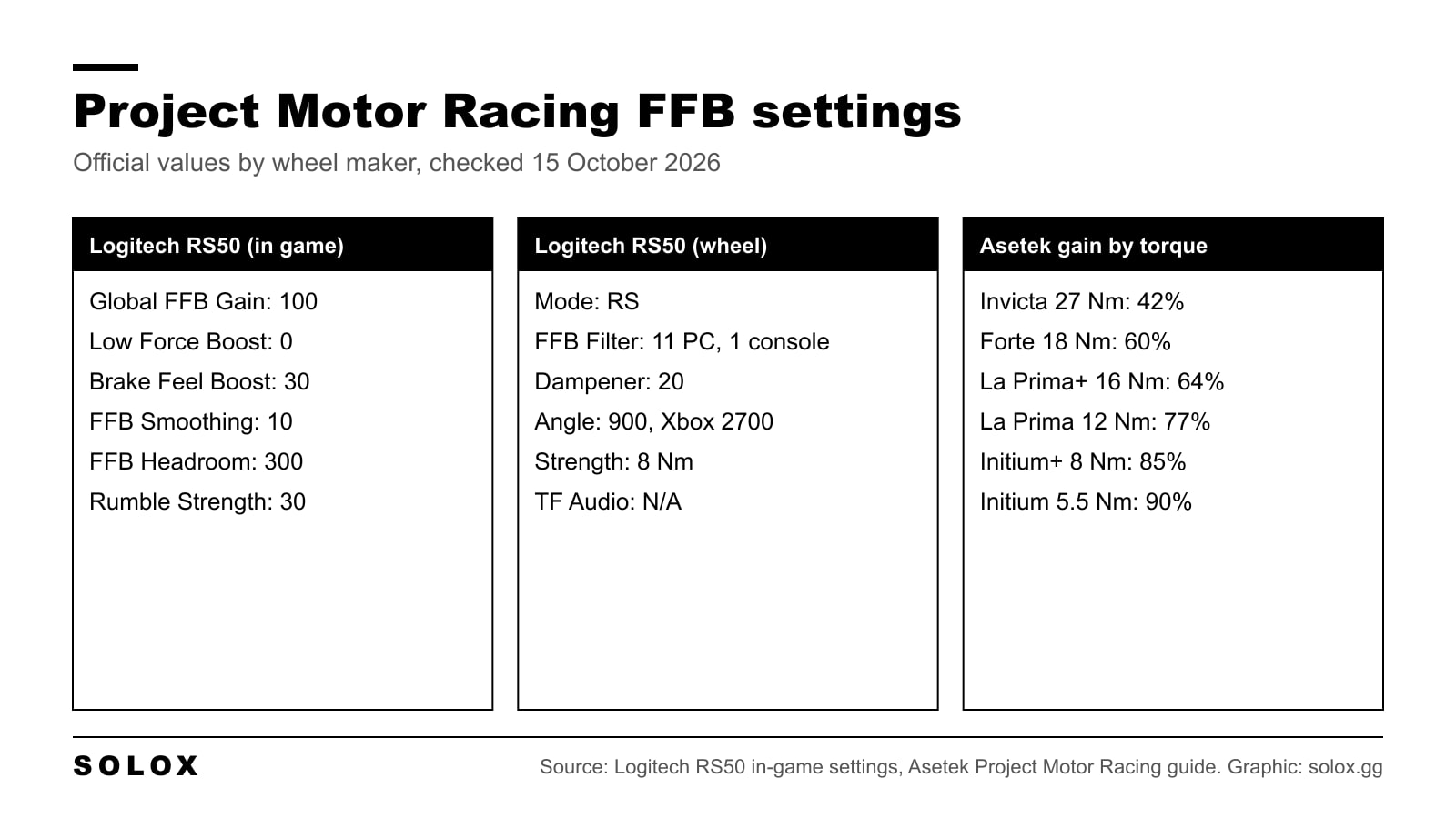
Project Motor Racing wheel settings live in two places: the global force feedback page under Settings, Controls, your wheel, Input Device Settings, and a force feedback page inside every car's setup. Only two wheel makers publish official numbers for this game: Logitech for the RS50, and Asetek for its whole range. Everything else on this page is the menu, the patch notes, and the method I would use where nobody publishes a value.
Checked on 15 October 2026 against Logitech's RS50 in-game settings page, Asetek's Project Motor Racing guide (updated 31 August 2026), Fanatec's Project Motor Racing pages, and the Project Motor Racing update notes on Steam up to version 2.3.0.1. Where something is not published, I say so instead of filling the gap.
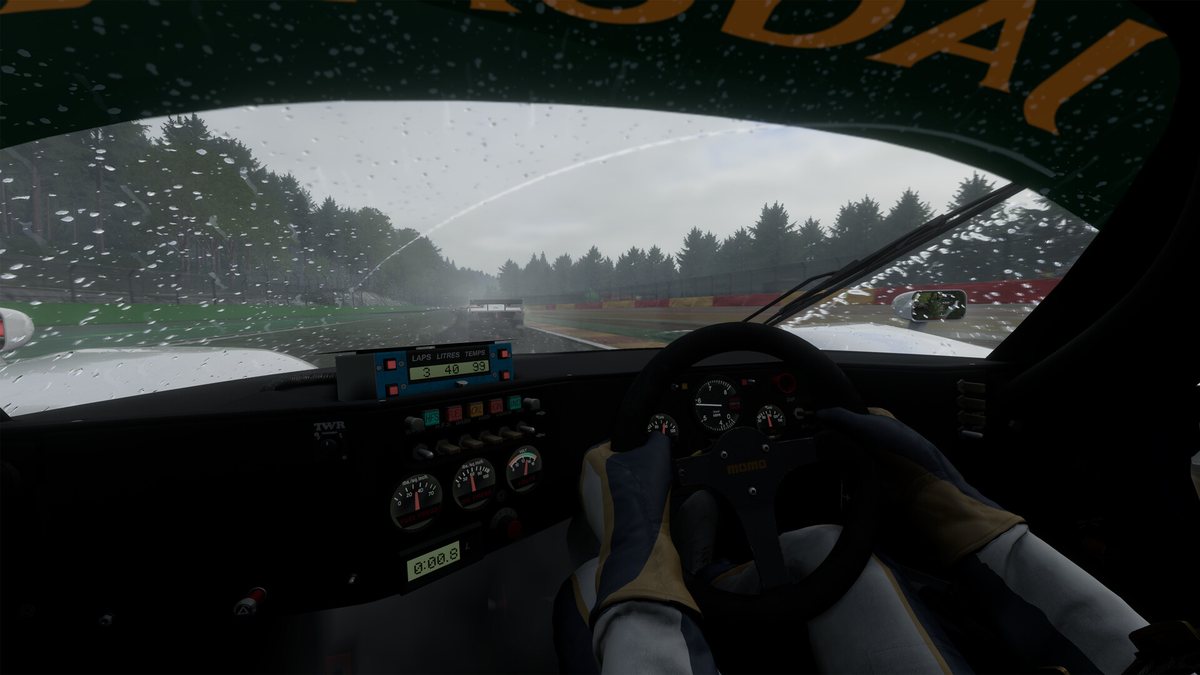
Image: Straight4 Studios and GIANTS Software, Steam
New to the game? Start with my Project Motor Racing overview.
Where the settings are
From the main menu go to Settings, Controls, pick your wheel, then open Input Device Settings. That is the path in Asetek's guide. Button mapping is on the Control Bindings page next to it.
Straight4 Studios says its force feedback is "both global and per car". So there are two layers, and you need both.
The global page
These are the names on Logitech's in-game screenshots, which are the most recent official ones I found.
| Setting | What it does |
|---|---|
| Global Force Feedback Gain | Overall strength sent to the wheel, 0 to 100 |
| Low Force Boost | Lifts the lightest forces so a weak wheel does not feel dead around the centre |
| Brake Feel Boost | Adds weight to the steering under braking |
| Force Feedback Smoothing | Filters the signal. Higher is softer and less detailed |
| Force Feedback Headroom | Room for forces above the gain, like kerb strikes and impacts. The slider goes to 300 |
| Rumble Strength | Vibration effects such as kerbs and small bumps |
Two naming notes. Asetek's table lists a Force Feedback Detail slider where Logitech's screenshot shows Brake Feel Boost, and calls the last slider Haptic Strength. The 1.5.0.2 notes in December 2025 say one FFB option was renamed for clarity, without saying which, so the label on your screen may differ from an older guide. Since update 2.0 every one of these has a tooltip in the game. Read it.
The per car page
Open a car's setup and you get a force feedback page and a steering page. Traxion's launch week guide lists them as Strength, Rack Feel, Alignment Boost, Load Boost, Friction and EQ Low, Mid and High, plus Steering Rack Rate, Steering Stiffness and Steering Damping. It describes Rack Feel as a big lever on oscillation, Alignment Boost as the self aligning pull from the front tyres, and the EQ bands as the tone, with Low adding weight and High adding kerb buzz.
These are saved with the car setup, so a change on one car does not carry to the next. Save the setup or you lose it.
There is also an FFB Widget, added in update 2.0. Turn it on in the HUD settings. It shows a histogram of the force while you steer, the live output level and a smoothed average, which is the closest thing to a clipping meter in the game.
Logitech
Logitech publishes Project Motor Racing values for the RS50, on its RS50 in-game settings page (updated 11 October 2026). Logitech says the whole table assumes the wheel is set to 8 Nm.
| In game | PC, PlayStation and Xbox |
|---|---|
| Global Force Feedback Gain | 100 |
| Low Force Boost | 0 |
| Brake Feel Boost | 30 |
| Force Feedback Smoothing | 10 |
| Force Feedback Headroom | 300 |
| Rumble Strength | 30 |
| G HUB / wheel | PC | PlayStation | Xbox |
|---|---|---|---|
| Compatibility mode | RS | RS | RS |
| FFB Filter | 11 | 1 | 1 |
| Dampener | 20 | 20 | 20 |
| TF Audio | N/A | N/A | N/A |
| Angle | 900 | 900 | 2700 |
The filter jump between PC and console is real, not a typo. I cover it in my Logitech RS50 settings by game page. The screenshots also show a Steering Wheel slider at 50 at the top of the list. Logitech does not explain it.
TrueForce is the odd one. Logitech lists TF Audio as N/A, but the game's own patch notes talk about TrueForce: 1.6.0.1 in February 2026 turned Logitech TrueForce off by default on PC, and 2.3.0.1 on 5 October 2026 recalibrated it to stop "unnaturally harsh, violent jolts" on kerbs. So the game supports it, and Logitech's table has not caught up.
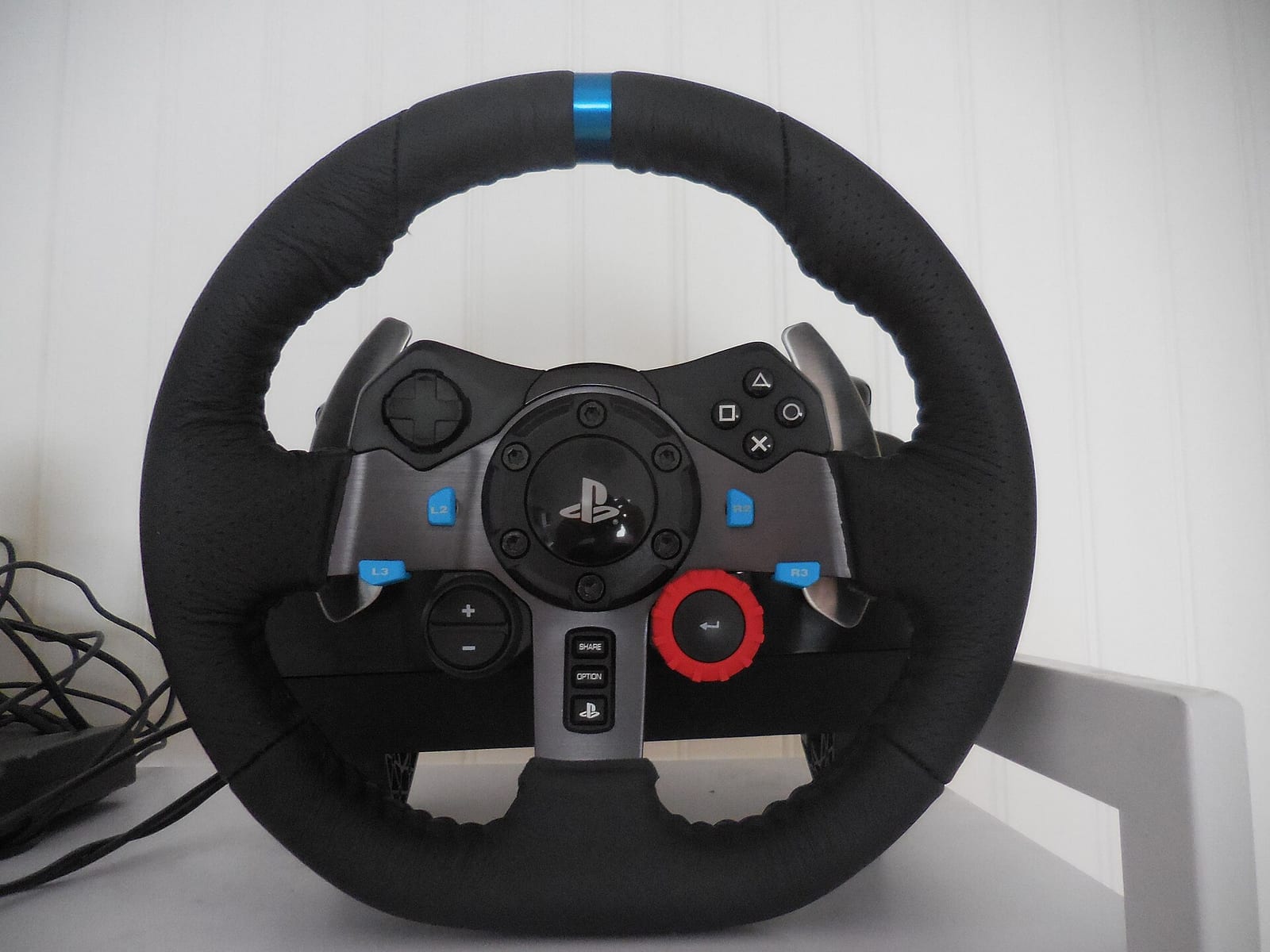
For the G29 and G923 there is nothing official from Logitech or Straight4. Here is the method. Gear wheels have friction around the centre, and Low Force Boost is the slider that exists for that. Start at 100 gain like the RS50, then add Low Force Boost in small steps until the dead spot in the middle goes away, and stop there. If you are choosing between the two wheels, read G29 vs G923.
Asetek
Asetek is the one maker with a full official Project Motor Racing page, with a RaceHub preset to download for each base and these in-game values.
| In game | Invicta 27 Nm | Forte 18 Nm | La Prima+ 16 Nm | La Prima 12 Nm | Initium+ 8 Nm | Initium 5.5 Nm |
|---|---|---|---|---|---|---|
| Force Feedback Gain | 42% | 60% | 64% | 77% | 85% | 90% |
| Low Force Boost | 0% | 0% | 0% | 0% | 0% | 0% |
| Force Feedback Detail | 50% | 50% | 50% | 50% | 50% | 50% |
| Force Feedback Smoothing | 10% | 10% | 10% | 10% | 15% | 15% |
| Force Feedback Headroom | 200% | 200% | 200% | 200% | 200% | 200% |
| Haptic Strength | 40% | 40% | 40% | 40% | 40% | 40% |
Import the preset in RaceHub under Wheelbase, Force Feedback Settings, then the three dots next to Preset, Import as new, and Save to wheelbase. For LEDs and the wheel display, Asetek has you set UDP Enabled to On in the game's Settings, Preferences, with port 7576 and host 224.0.0.150.
This table is the most useful thing on the page even if you do not own an Asetek. It is the only official ladder of gain against torque for this game. The stronger the base, the lower the gain.
Fanatec
Fanatec lists Project Motor Racing as a FullForce title, together with iRacing, Gran Turismo 7 and Assetto Corsa EVO. FullForce needs a Fanatec direct drive base. Its Project Motor Racing page covers compatibility on PC, PS5 and Xbox, but it has no force feedback values. I found none anywhere else from Fanatec either.
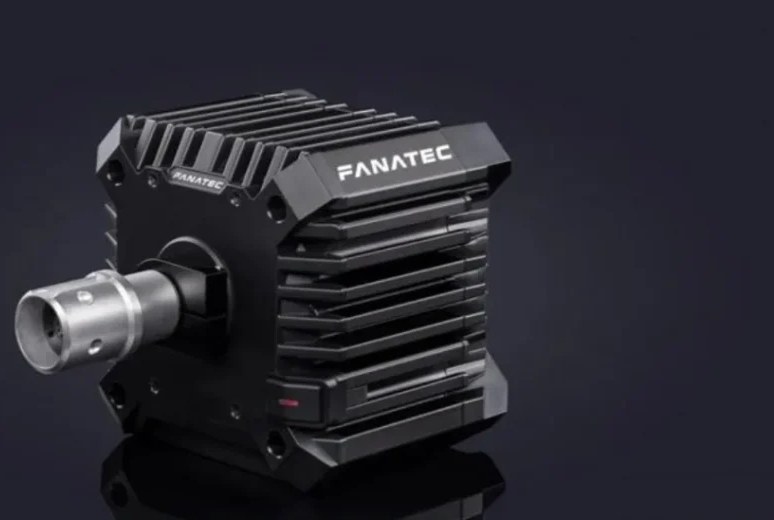
So this is a method, not a published value. Run the base at full output in the Fanatec App, then use Asetek's ladder to find the gain for a base of similar torque and start there. A CSL DD with the 8 Nm Boost Kit sits next to the Initium+ on torque. A ClubSport DD+ in its 15 Nm mode is closer to the La Prima+. My Fanatec FullForce settings guide explains FUL and what the effects do.
MOZA, Thrustmaster and Simagic
I found no official Project Motor Racing values from MOZA in Pit House, from Thrustmaster, or from Simagic. The game's patch notes do mention them: 1.5.0.2 improved behaviour for Fanatec, Logitech and Thrustmaster wheels, and 1.6.0.0 improved Thrustmaster and Logitech support again.
Same method as Fanatec. Full output in the wheel software, gain from Asetek's ladder by torque, smoothing low. On a MOZA, my Pit House settings guide walks through every tab. On a belt wheel like a Thrustmaster T300, treat it like the G29: add Low Force Boost slowly until the centre comes alive.
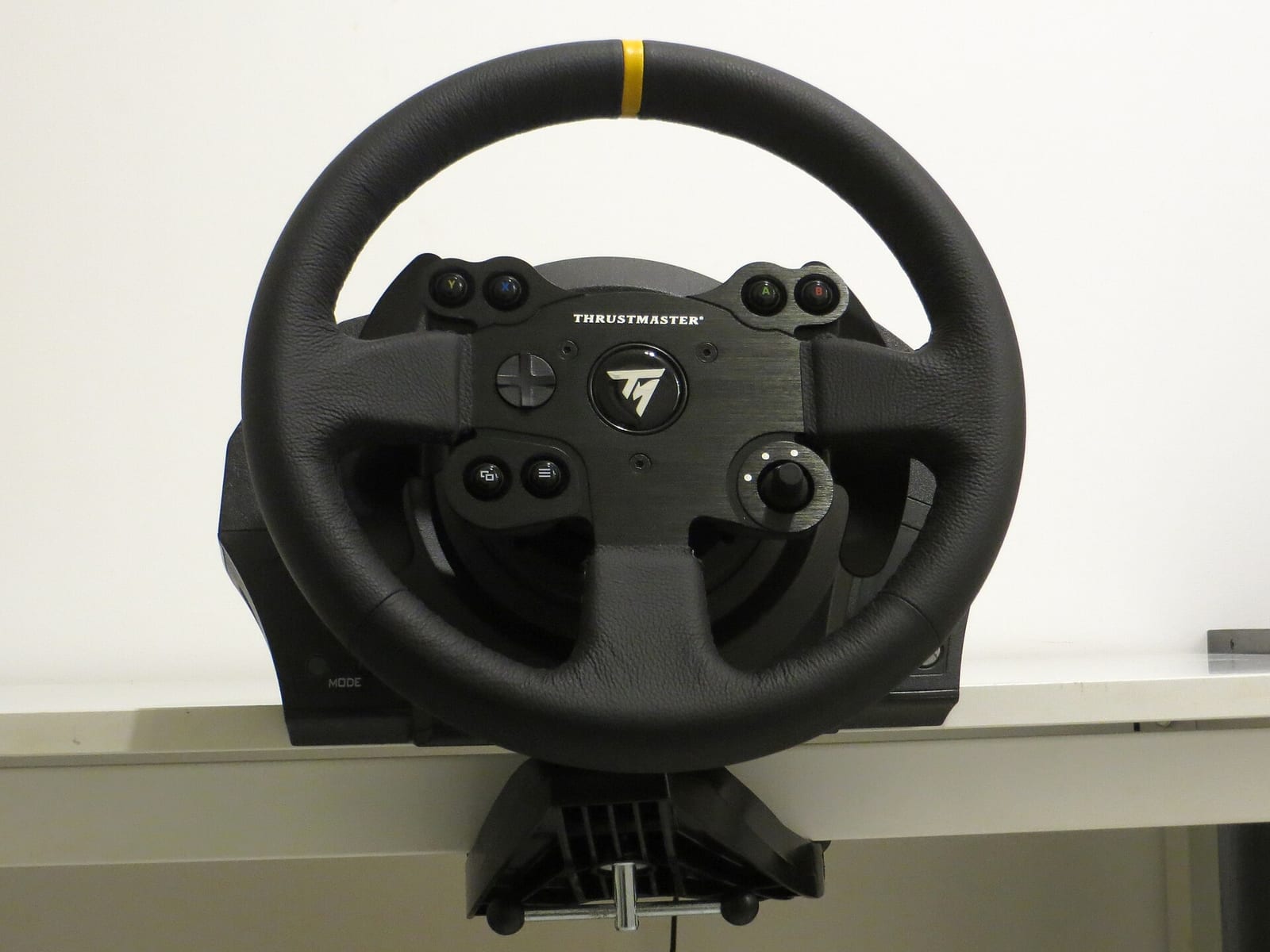
Unofficial guides disagree on the basics, so I do not copy their numbers here.
Pad settings
Project Motor Racing works on a pad on PC, PS5 and Xbox. Straight4 has worked on it a lot: 1.5.0.3 added sliders for brake and throttle sensitivity and dead zones, 1.6.0.0 fixed controller calibration and dead zone issues, update 2.0 reworked the DualSense haptics, and 2.0.0.4 improved steering response on a controller.
Nobody publishes recommended pad values for this game. Not Straight4, not Sony, not Microsoft. Here is how I would set it:
- Steering dead zone as small as you can without the car drifting with your thumb off the stick.
- If the car feels nervous on the straights, lower the steering sensitivity before anything else. Too much of it is what spins you.
- Throttle and brake dead zones at a few percent, enough that a resting finger does nothing.
- Rumble strength up until you can feel the kerbs, not so high that everything buzzes.
Known issues and fixes from the patch notes
| Version | Date | Change |
|---|---|---|
| 1.5.0.2 | 12 Dec 2025 | Better Fanatec, Logitech and Thrustmaster behaviour, one FFB option renamed |
| 1.5.0.3 | 18 Dec 2025 | Pad sliders for sensitivity and dead zones, fixes for some Logitech wheels |
| 1.6.0.1 | 19 Feb 2026 | GT3 force balanced, better FFB in the wet, Logitech TrueForce off by default on PC |
| 1.7.0.0 | 4 Mar 2026 | FFB rebalanced for N-GT, Sportscar 70, Group 5, LMDh and GT4 |
| 2.0 | 25 Mar 2026 | FFB Widget, tooltips, better GT class FFB, DualSense haptics reworked |
| 2.0.0.2 | 9 Apr 2026 | Default FFB gain cut from 0.8 to 0.7 to stop clipping, fix for loading files overwriting the detail/boost value |
| 2.0.0.6 | 22 Jun 2026 | Lower default force feedback for LMDh |
| 2.1 | 29 Jul 2026 | On-screen notification when FFB values change, wheel rotation display fixed in calibration |
| 2.2 | 19 Aug 2026 | Fixed controller button mapping conflicts |
| 2.3.0.1 | 5 Oct 2026 | TrueForce recalibrated against harsh jolts on kerbs |
The class balance moved in February, March and June 2026. If your numbers come from a launch guide, check them again.
How I would set it up
This is my method, not a published value.
- Load the official values for your wheel, or the Asetek row closest to your torque.
- Turn on the FFB Widget. Take a GT3 car to a corner with a big load, a fast compression or a long high speed right hander. If the output bar sits at the top and the wheel goes solid, you are clipping. Lower the gain until it stops.
- Then use the per car page for the feel, not the global page. Global is for strength. Per car is for character.
- Drive five laps before touching anything else. Your hands are still calibrated to the last game.
What should you be feeling? In a GT3 car, the weight builds as you load the front, and it goes lighter just before the front tyres give up. That light moment is your warning for understeer. In a prototype the steering gets heavier with speed because of the downforce, so fast corners feel heavy and slow corners feel light. If your settings make every corner feel the same weight, something is filtering the information away.
A wheel that is strong and tells you nothing is slower than a lighter one that tells you everything. The car list shows which classes to try first, and the track list has the layouts. If you also run Le Mans Ultimate, my Le Mans Ultimate FFB settings follow the same approach.
FAQ
What are the best Project Motor Racing FFB settings?
Start from your wheel maker's official values if they exist. On a Logitech RS50 that is Gain 100, Low Force Boost 0, Brake Feel Boost 30, Smoothing 10, Headroom 300, Rumble 30. On an Asetek base use its gain ladder, from 42% on the Invicta to 90% on the Initium. Then lower the gain until the FFB Widget stops showing clipping.
Where are the force feedback settings in Project Motor Racing?
Settings, Controls, choose your wheel, then Input Device Settings for the global values. The per car force feedback is in each car's setup.
What are the best Project Motor Racing settings for a Logitech G29?
There are no official G29 values. Start at 100 gain, keep smoothing low, and add Low Force Boost in small steps until the dead spot in the centre goes away.
Does Project Motor Racing support Logitech TrueForce?
Yes, according to the game's patch notes. It is off by default on PC since 1.6.0.1, and 2.3.0.1 recalibrated it. Logitech's own RS50 table still lists TF Audio as N/A.
Does Project Motor Racing support Fanatec FullForce?
Yes. Fanatec lists it as a FullForce title. It needs a Fanatec direct drive base.
Are there official MOZA settings for Project Motor Racing?
Not that I could find, from MOZA or from Straight4. Use Pit House at full output and pick the in-game gain by torque from Asetek's published ladder.
Why does my wheel feel different on every car?
Because force feedback is also set per car, in the setup. Change it there and save the setup, or it is lost when you switch cars.