
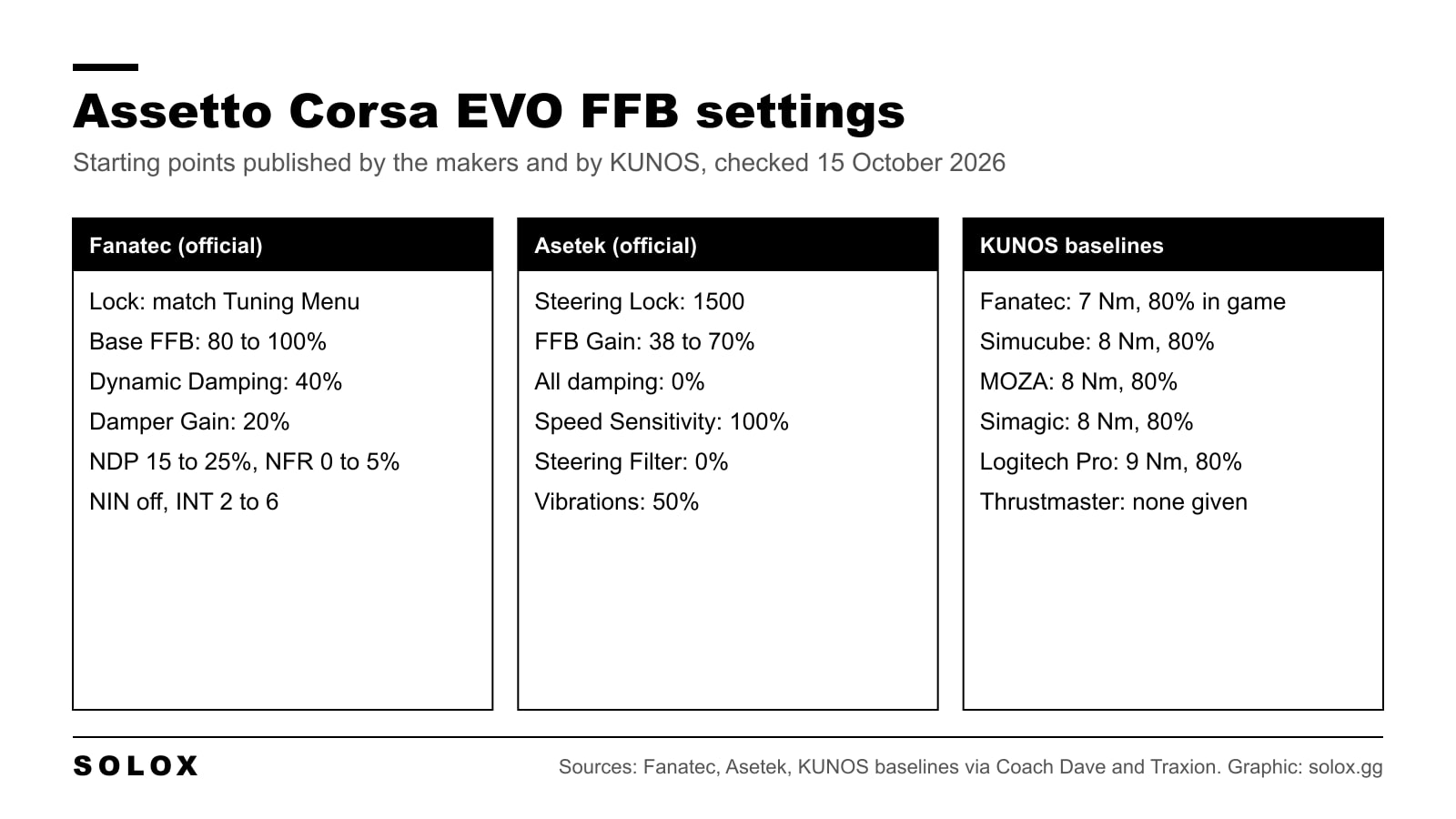
Assetto Corsa EVO force feedback is good out of the box, but the defaults do not fit every base. A 5 Nm wheel and a 25 Nm wheel need different numbers, and the two wheel makers that publish official EVO values disagree on damping.
Here is the menu, the values each maker publishes, the KUNOS baselines by brand, and how I would get from those to a wheel that feels right.
Checked on 15 October 2026 against Fanatec's and Asetek's own EVO guides, the KUNOS update notes on Steam up to 0.9.1, and the KUNOS baselines as quoted by Coach Dave (all brands) and Traxion (Fanatec). Where only one source gives a value, I say so.
Where the settings are
From the main menu go to Settings, Controls, Wheel. The force feedback sliders sit in two windows: the controls window and FFB Enhancements.
| Slider | What it does |
|---|---|
| Steering Lock | Wheel rotation. Match it to your wheel software |
| FFB Gain | Overall strength from the game |
| Dynamic Damping | Damping that changes with speed and what the car is doing |
| Minimum Damping | The floor of that damping |
| Damper Gain | Constant resistance to the wheel turning |
| TrueForce Gain | Logitech TrueForce effects only |
| Speed Sensitivity | How the steering feel changes with speed |
| Steering Filter | Smooths small, fast movements of the wheel |
| Steering Assist Weight | Only matters if you use steering assists |
| Vibrations | Kerbs, impacts and the optional effects |
KUNOS has not published the ranges and defaults of these sliders, so I do not list them. Since update 0.3 you can also set the gain per car, turn on optional effects (G-force, kerbs, slip and ABS) and show a force feedback strength widget on the HUD. Use that widget: it tells you when the signal clips.
Fanatec: the official values
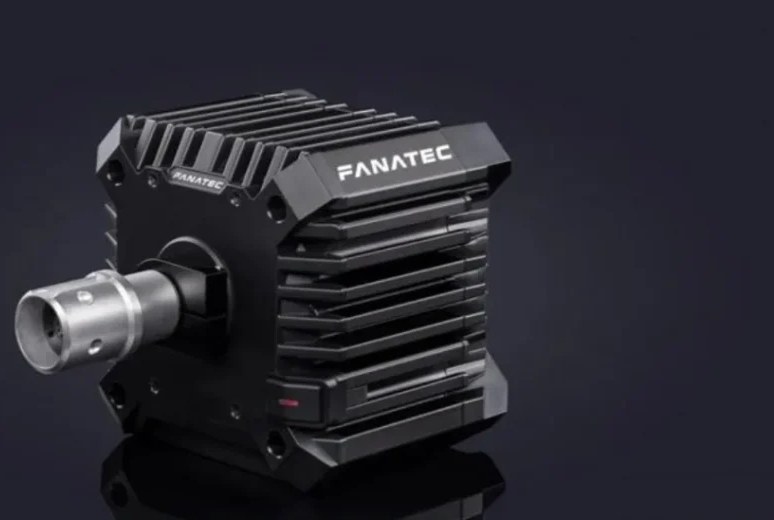
Fanatec publishes its own EVO guide. Set the base high and control strength in the game.
| Where | Setting | Value |
|---|---|---|
| In game | Steering Lock | Same as the Tuning Menu |
| In game | FFB Gain | To taste |
| In game | Dynamic Damping | 40% |
| In game | Damper Gain | 20% |
| Control Panel | FFB strength | 80 to 100% |
| Tuning Menu | NDP (Natural Damper) | 15 to 25% |
| Tuning Menu | NFR (Natural Friction) | 0 to 5% |
| Tuning Menu | NIN (Natural Inertia) | OFF |
| Tuning Menu | INT (Interpolation Filter) | 2 to 6 |
| Tuning Menu | FEI, FOR, SPR, DPR | 100% |
Fanatec adds that a CSL DD (5 to 8 Nm) runs at 100% strength, while a ClubSport DD or Podium DD (12 to 25 Nm) is usually more comfortable at 40 to 70%.
Asetek: the official values
Asetek's guide comes with a RaceHub preset to import, plus these in-game values.
| Setting | Invicta 27 Nm | Forte 18 Nm | La Prima+ 16 Nm | La Prima, Initium+, Initium |
|---|---|---|---|---|
| Steering Lock | 1500 | 1500 | 1500 | 1500 |
| FFB Gain | 38% | 47% | 55% | 70% |
| Dynamic Damping | 0% | 0% | 0% | 0% |
| Minimum Damping | 0% | 0% | 0% | 0% |
| Damper Gain | 0% | 0% | 0% | 0% |
| TrueForce Gain | 0% | 0% | 0% | 0% |
| Speed Sensitivity | 100% | 100% | 100% | 100% |
| Steering Filter | 0% | 0% | 0% | 0% |
| Steering Assist Weight | 0% | 0% | 0% | 0% |
| Vibrations | 50% | 50% | 50% | 50% |
Note the damping. Fanatec adds damping in the game, Asetek takes all of it out and lets the base do the work. Asetek pairs its zeros with its own RaceHub preset for the base, so copy both or neither. My rule: if your base software adds damping, keep the in-game damping low. If it does not, the Fanatec numbers are the better start.
The KUNOS baselines for every brand
KUNOS gave a torque baseline for each brand when Early Access started. Coach Dave quotes all of them. Traxion quotes the Fanatec one and gives the same 7 Nm and 80%. The others rest on one source, so take them as a start.
| Brand | Base torque | In-game strength |
|---|---|---|
| Fanatec | 7 Nm | 80% |
| Simucube | 8 Nm | 80% |
| Simagic | 8 Nm | 80% |
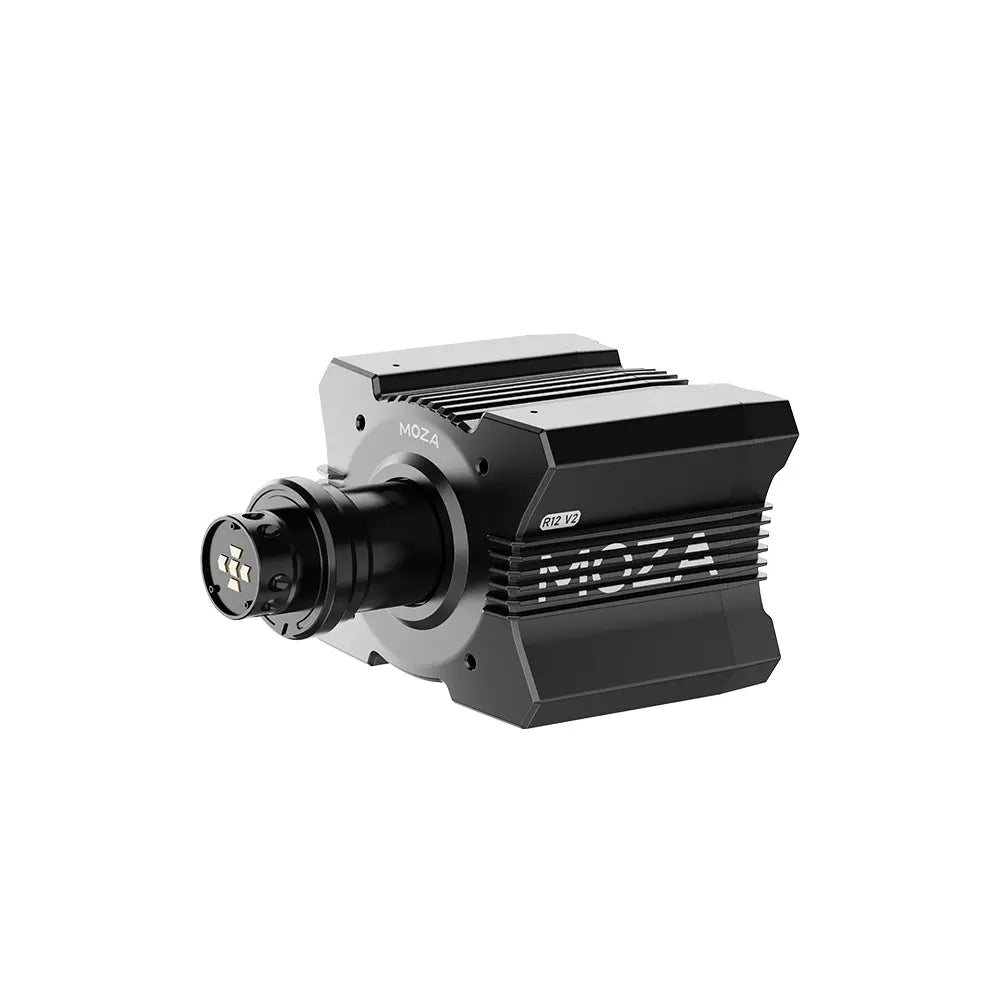
| MOZA | 8 Nm | 80% |
| Logitech Pro | 9 Nm | 80% |
| Thrustmaster | No KUNOS value |
The point is the torque, not the brand. EVO gives a strong signal, and a 20 Nm base at full power is more than you need. Limit the base to around 8 Nm, then raise it slowly if the car feels light.
MOZA, Simucube, Simagic, Thrustmaster and Logitech have not published official EVO settings on their own sites. For MOZA, the general guide on my MOZA FFB curve page helps more than a copied profile.
What changed in the updates
Most guides with values were written in January 2025, on version 0.1. Force feedback has moved since then:
- 0.3 (September 2025): gain per car, the optional G-force, kerb, slip and ABS effects, the strength widget, and a fix for tyre damping that limited what you could feel.
- 0.4 (December 2025): a soft lock for steering wheels.
- 0.9 (August 2026): force feedback comes back within about a second after a disconnect or alt-tab, a filter on TrueForce, fixes to force feedback shaping, and a linearization table the game reads from an
ffb.lutfile in the SavedGame folder. - Tyre model, 28 September 2026: KUNOS described a small change to self-aligning torque that makes oversteer easier to feel and raises forces in general.
That last one matters. If you set your gain before late September, check for clipping again.
How I would set it up
- Wheel software first. Set the rotation, then limit the torque to the KUNOS baseline for your brand.
- Pick one damping approach. Fanatec's 40% and 20%, or Asetek's zeros with damping in the base. Not both.
- Gain on the worst corner. Take a car you know to the heaviest corner on the track, a fast compression, and raise FFB Gain until the strength widget just stops clipping there. That is your gain for that car.
- Then the small sliders. Steering Filter only if the wheel buzzes on the straight. Vibrations to taste. Speed Sensitivity last.
- Save per car. The gain per car is there for a reason. A GT3 car and a road car do not want the same number.
Change one thing per run, and drive five laps before you decide. Force feedback that feels great for one lap and tires your arms over twenty is not right.
For the older game, see my Assetto Corsa wheel and FFB settings. The ACC FFB settings page follows the same logic. For the game itself, start with my Assetto Corsa EVO page and the car list.
FAQ
What are the best Assetto Corsa EVO FFB settings?
There is no single best set. Start from your wheel maker's values or the KUNOS baseline (7 to 9 Nm on the base, 80% in game), then set FFB Gain so the strength widget does not clip in the heaviest corner.
Where are the force feedback settings in Assetto Corsa EVO?
Settings, Controls, Wheel. The sliders are split between the controls window and FFB Enhancements.
What steering lock should I use in Assetto Corsa EVO?
The same rotation as in your wheel software. Fanatec says to match the Tuning Menu. Asetek sets 1500 in game with its own preset.
Why is my FFB clipping in Assetto Corsa EVO?
Usually the base torque or the in-game gain is too high. Turn on the force feedback strength widget, lower FFB Gain until it stops clipping in the heaviest corner, and set the gain per car.
Does Assetto Corsa EVO support Thrustmaster wheels?
Yes, the update notes mention Thrustmaster support and fixes. KUNOS gave no baseline values for Thrustmaster, so start at 80% in game and lower it if it clips.
Does Assetto Corsa EVO support Logitech TrueForce?
Yes. TrueForce Gain is in the wheel menu, and update 0.9 added a filter and a fix so it survives a reconnect.