
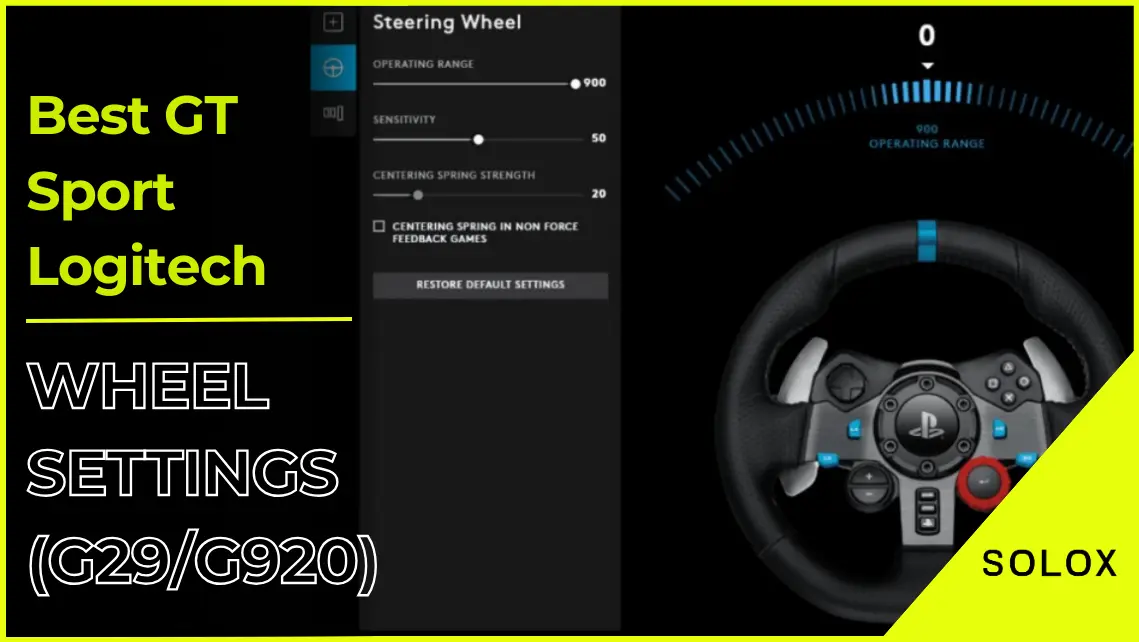
Are you searching for the latest and most proficient options for Logitech FFB adjusting in GT Sport racing? I know that adjusting your G29 or G920 racing wheel settings properly will improve your lap time and crash consistency quite a lot. You will be more accurate and commit fewer errors enabling you to go that bit faster. The difference is actually pretty big!
Does Logitech G29 work with Gran Turismo Sport?
The G29 as well as the G920 supports the game GT Sports rather too well. Despite not having advanced capabilities that Fanatec ones have those still give some nice driving feedback and FFB precisely, letting you clock fast lap times. 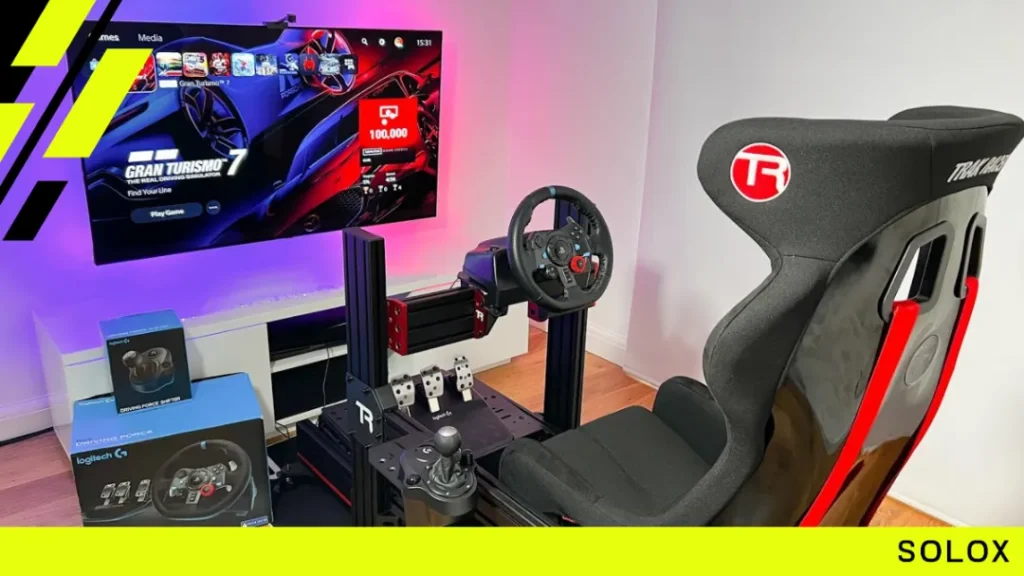
Are there any official Logitech G29 or G920 Settings?
Logitech does not provide any official settings for their wheels, enabling the community to discover the most effective ones. That being said, in the past week we have been looking for and trying several sets of some possible configurations and we would like to show you the sets which we consider to be the best for Gran Turismo Sport.
Logitech GT Sport FFB settings
Logitech G29/G920 wheel settings for racing on GT sport are as follows. 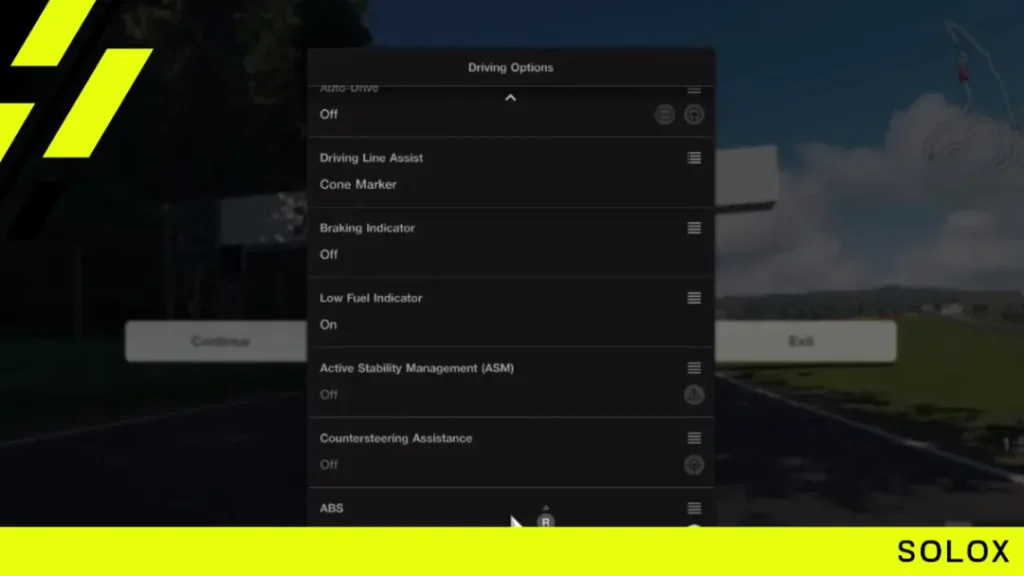 If you wish to adjust your Logitech wheel values, you will need to access the Logitech software and navigate to these configurations:
- Operating range = 900
- Sensitivity = 50
- Centering spring strength = 20
Pedals sensitivity
- Clutch = 50
- Brake = 50
- Acceleration = 50
- Combined pedals = No
Now that we've done that, we'll be able to change the in-game settings of our G29/G920 once and for all.
How do you change your Logitech FFB settings in GT Sport?
To alter the configuration prefer driving options and scroll down to advanced options, select controller, and you are now ready to adjust the wheel FFB settings.
Logitech GT Sport FFB settings (G29/G920)
- Controller Steering Sensitivity: It’s at value 2.
- Force Feedback Max Torque: It’s at value 3.
- Force Feedback Sensitivity: It’s at value 2.
A lot of people make the mistake in thinking, the “controller steering sensitivity” for example does not affect steering wheels, and this is where they make the mistake since it is often wise to place this value in the range of 2 to 5. 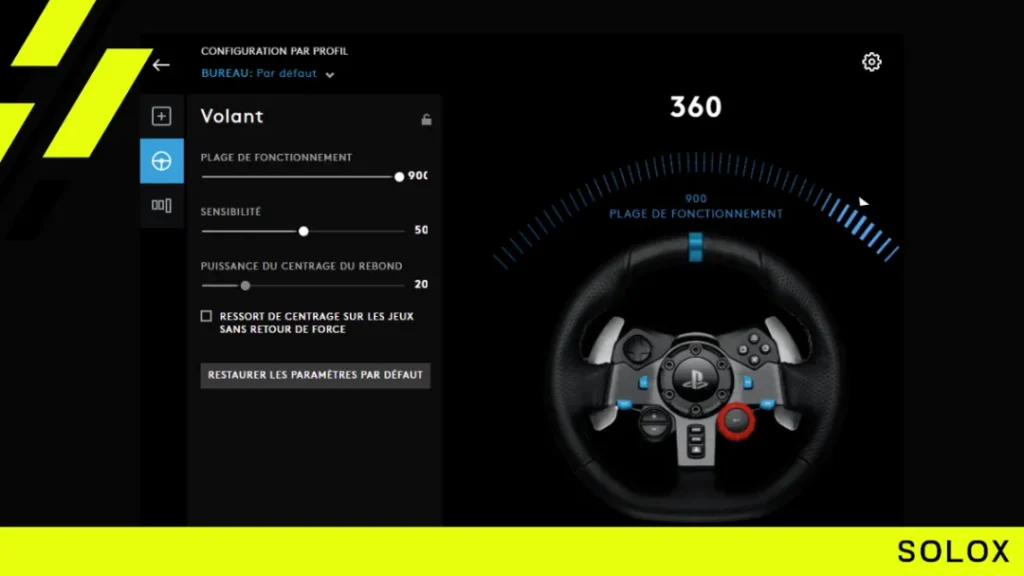 When it comes to force feedback sensitivity though, there is, however, little to no need to run anything higher than 2 making the steering too reactive and "over sensitized" on the inputs dulling out any smoothness on the steering in general, because of the precision you will attain in steering. As for the Max Torque instead, you will have to try this out yourself, it actually depends on how hard or soft do you want the steering.
Conclusion
These were the Logitech wheel best settings we recommended for the game Gran Turismo Sport.Soon you could stop struggling with the setup and maybe even get in a few tenths. All the best and see you on track!
Logitech G29/G920 FFB settings - Related Articles
- iRacing Logitech FFB settings
- Best ACC Logitech FFB settings
- Assetto Corsa Logitech FFB settings
- F1 2021 Logitech FFB settings
- F1 2020 Logitech FFB settings
- rFactor 2 Logitech FFB settings
- RaceRoom Logitech FFB settings
- Automobilista 2 Logitech FFB settings
- Gran Turismo 7 Logitech FFB settings
- Project Cars 3 Logitech FFB settings
- Project Cars 2 Logitech FFB settings
- WRC 10 Logitech FFB settings
- Forza Motorsport 6 Logitech FFB settings
- Forza Motorsport 7 Logitech FFB settings
- Forza Horizon 4 Logitech FFB settings
- Forza Horizon 5 Logitech FFB settings
- Nascar Heat 5 Logitech FFB settings